
GPT Image 2موجّه AI
3D Perspective Text Integrated into Scenes — Sora 2 Prompt
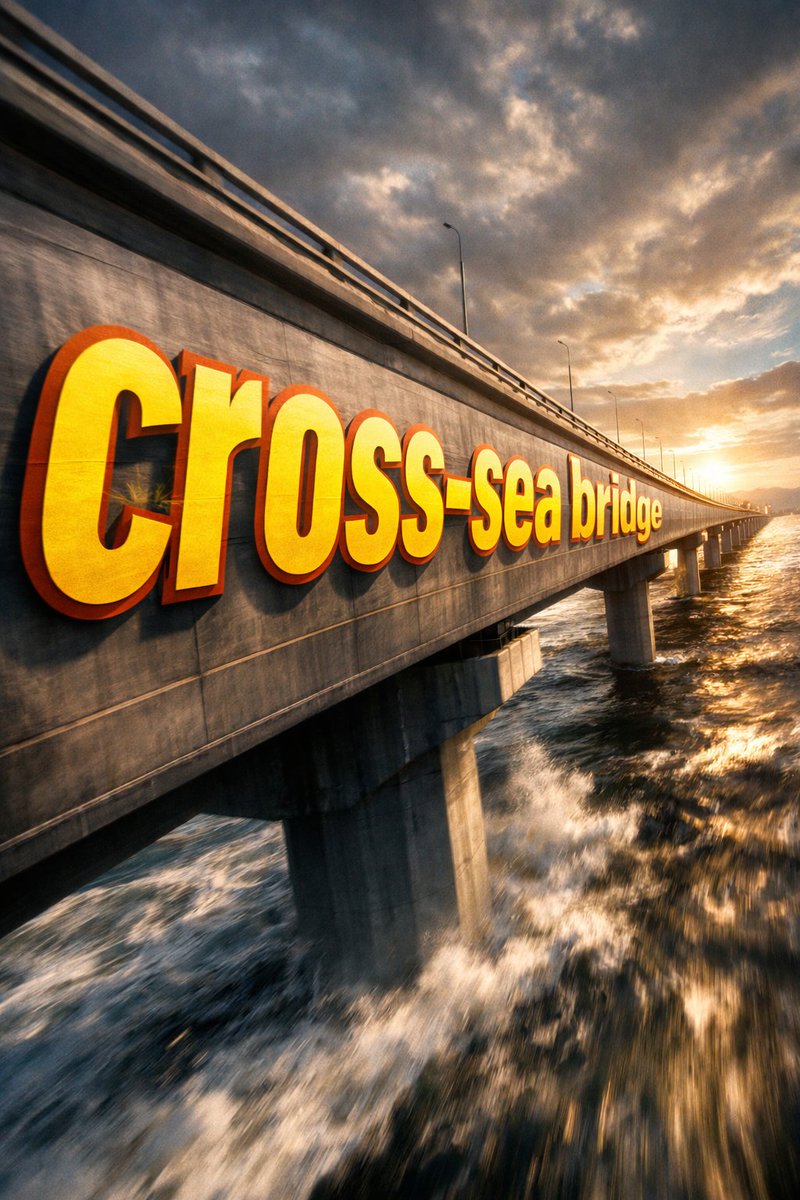
Generate stunning 3D perspective text that seamlessly integrates into any scene, like a cross-sea bridge, with dramatic cinematic lighting and extreme perspective distortion.
الموجّه · EN
① 场景 argscene description: 跨海大桥侧面,戏剧性的电影级视角。巨大的粗体无衬线文字 "___② 文字内容 argtext content: 跨海大桥" 绘制在 ___③ 主体:无,从镜头前的近处向远端逐渐透视缩减。字形贴合表面曲率,与表面融为一体而非悬浮。部分文字区域被 ___④ 前景物体:无,遮挡,在缝隙中露出以营造深度层次感。argtext color and style: 超大号亮黄色 + 锐利橙色轮廓,极端的透视畸变与消失点对齐。电影级光影,运动模糊,海报级动态融合排版。
حول هذا الموجّه
Generate stunning 3D perspective text that seamlessly integrates into any scene, like a cross-sea bridge, with dramatic cinematic lighting and extreme perspective distortion. Use it as a الفن المفاهيمي starting point for GPT Image 2: keep the visual structure and style constraints intact, then swap in your own subject, brand, or scene.
Start by replacing scene description, text content, and text color and style, then keep the camera, composition, and material cues in the same order. This makes the output easier to compare across variations.
كيفية استخدام هذا الموجّه
- Copy the prompt template from sora2hub.com.
- Replace the bracketed variables (scene description, text content, foreground objects, etc.) with your own details or use the defaults.
- Adjust text color and style (e.g., bright yellow with orange outline) as desired.
- Paste the customized prompt into your AI video generation model (such as Sora 2).
- Generate and download your cinematic 3D perspective text video.


