
GPT Image 2موجّه AI
Ethereal Anime Portrait with Sakura & Soft Overlay — Sora 2 Prompt
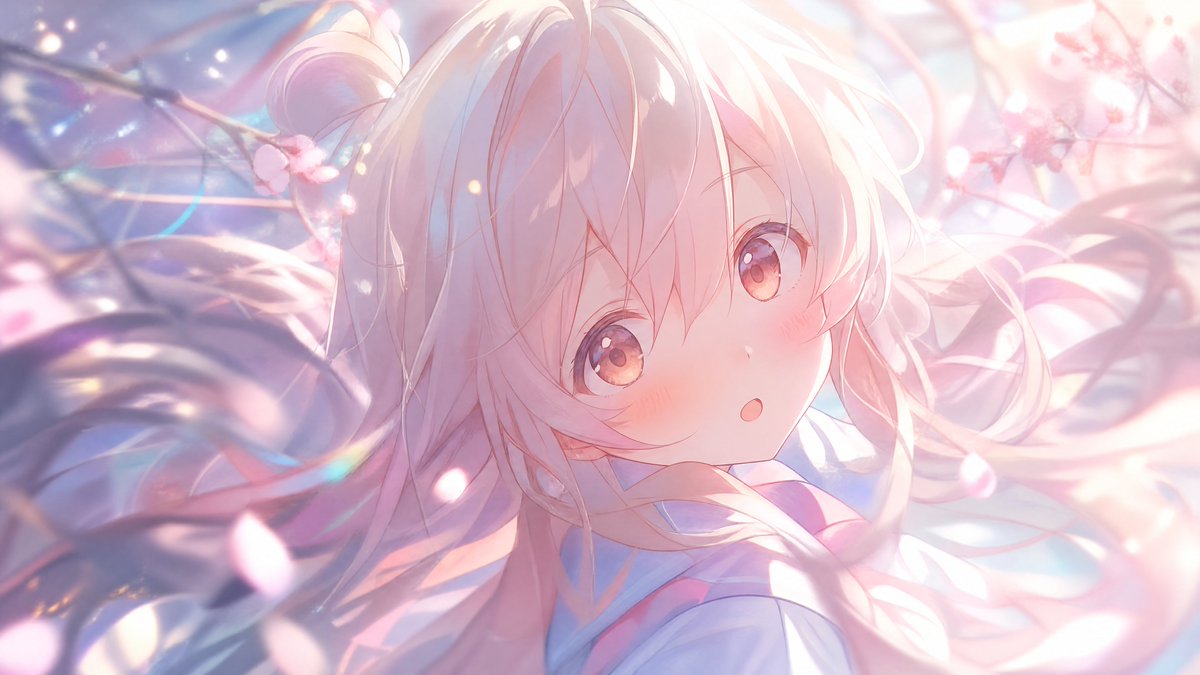
Create a dreamy widescreen anime close-up with flowing hair, glowing cherry blossoms, and a stylized square overlay for a unique, romantic portrait.
الموجّه · EN
创作一张梦幻般的宽屏动漫插画,采用柔和的粉彩色调,展示一位年轻女孩的肖像特写,她拥有 arghair color: 带有淡粉色和薰衣草色高光的银白色 长发,发丝飘逸,呈现出松散的双马尾状,细腻的发丝在画面中随风摆动。场景中充满了 argflower type: 樱花:画面左上角和右上角各有 2 枝可见的樱花枝,前景和背景中飘散着许多发光的花瓣。运用来自右上方的强烈逆光、珍珠般的光晕、镜头光斑、散景闪光、半透明的光带以及浅景深,营造出空灵的春日氛围。构图为亲密的过肩或四分之三特写,女孩的面部大部分被图像中心的一个大型不透明正方形覆盖层遮挡,颜色为 argoverlay color: 柔和的粉色,覆盖了从额头到下巴的面部特征。在下方中心附近添加淡蓝白色的校服风格领口和柔和的粉色点缀。以高细节的现代动漫关键视觉风格渲染,呈现明亮的绘画感阴影、细腻的线条、电影级光影,营造浪漫宁静的氛围,比例为 16:9。
حول هذا الموجّه
Create a dreamy widescreen anime close-up with flowing hair, glowing cherry blossoms, and a stylized square overlay for a unique, romantic portrait. Use it as a الفن المفاهيمي starting point for GPT Image 2: keep the visual structure and style constraints intact, then swap in your own subject, brand, or scene.
Start by replacing hair color, flower type, and overlay color, then keep the camera, composition, and material cues in the same order. This makes the output easier to compare across variations.
كيفية استخدام هذا الموجّه
- Copy the entire prompt text into your chosen AI image generator (like Sora 2).
- For best results, select a model known for high-detail anime or key visual styles.
- Customize the variables by changing the default values inside the curly braces (e.g.,
{hair color}or{flower type}). - Generate the image and experiment with slight variations in the prompt's descriptive words for different moods.


