
GPT Image 2موجّه AI
Tropical Beach Beverage Can Product Photography — Sora 2 Prompt
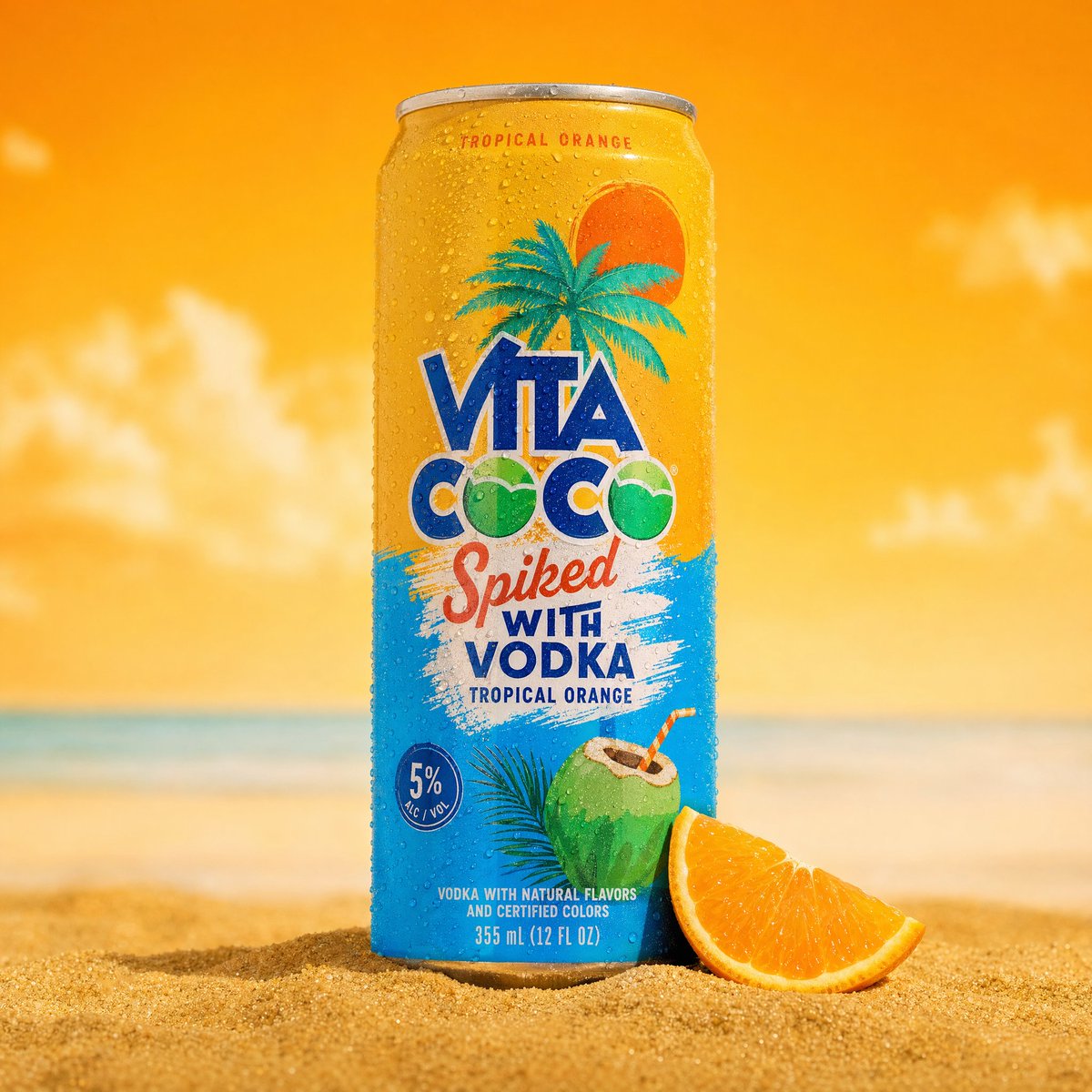
Generate professional, ultra-detailed 8K commercial product photos of a beverage can on a tropical beach, complete with condensation, split-color backgrounds, and studio lighting.
الموجّه · EN
一张专业的商业产品摄影照片,主体为 argproduct: 冰镇气泡水罐,垂直放置在 argsetting: 金色沙滩 上。罐身为 argbranding colors: 银色与青色,表面覆盖着逼真的冷凝水珠,印有菠萝插画和热带风格的品牌标识。罐身略微倾斜,插在细软的金色沙堆中,底座周围散落着细小的白色鹅卵石和绿色热带叶片/草丛。背景采用大胆的分割构图——左侧为明亮的天蓝色,右侧为鲜艳的黄色,右后方放置着一个模糊处理的真实菠萝。左上角垂下一片模糊的热带棕榈叶,增加了画面的深度与框架感。罐体表面可见微距级别的冷凝水珠。光线采用明亮、鲜艳的商业摄影棚布光,阴影干净利落。浅景深效果——罐身焦点清晰,背景柔和虚化。氛围:夏季、热带、清新、提神。商业产品摄影,超高细节,8K 分辨率。
حول هذا الموجّه
Generate professional, ultra-detailed 8K commercial product photos of a beverage can on a tropical beach, complete with condensation, split-color backgrounds, and studio lighting. Use it as a الفن المفاهيمي starting point for GPT Image 2: keep the visual structure and style constraints intact, then swap in your own subject, brand, or scene.
Start by replacing product, setting, and branding colors, then keep the camera, composition, and material cues in the same order. This makes the output easier to compare across variations.
كيفية استخدام هذا الموجّه
- Copy the entire prompt from the provided text box.
- Select your preferred AI model (e.g., Sora, DALL-E, Midjourney).
- Customize the variables within the curly braces
{}—such asproduct,setting, orbranding colors—to match your specific product and vision. - Generate the image and review the result.
- Iterate by adjusting variables or adding stylistic keywords for fine-tuning.


