
Bilingual AI Portrait Prompt Comparison — Sora 2 Prompt
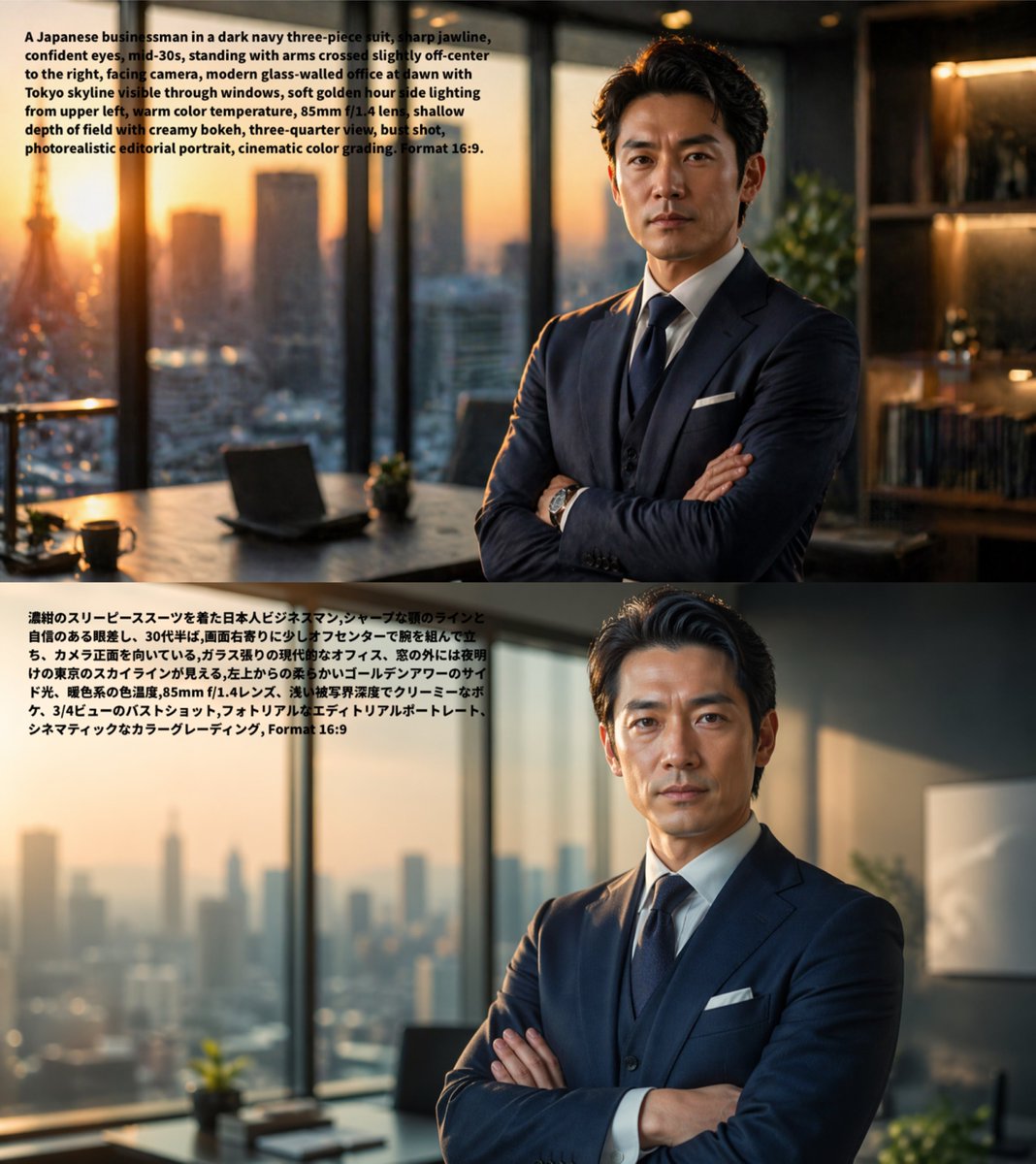
Generate a split-image comparison: two nearly identical photorealistic editorial portraits of a businessman, proving AI consistency across languages with overlaid prompts.
حول هذا الموجّه
Generate a split-image comparison: two nearly identical photorealistic editorial portraits of a businessman, proving AI consistency across languages with overlaid prompts. Use it as a الفن المفاهيمي starting point for GPT Image 2: keep the visual structure and style constraints intact, then swap in your own subject, brand, or scene.
This prompt is organized as structured JSON with fields such as type, subject, layout, style, and intent. Keeping that hierarchy helps the model separate the subject, layout, interface elements, and detail constraints.
Start with small changes to subject, scene, camera, and color, then generate a few variations to compare composition and detail without turning the page copy into keyword stuffing.
كيفية استخدام هذا الموجّه
- Copy the full prompt code including the layout structure and image generation arguments.
- Paste it into a capable AI image model like Sora 2 that supports parameterized prompts and overlaid text.
- Customize variables such as the subject, suit color, or camera angle by editing the
{argument}fields. - Run the prompt to produce a vertically stacked output with the English prompt on top and Japanese on the bottom.
- Tweak and regenerate until the portraits match closely and the text renders clearly.


