
GPT Image 2موجّه AI
Crayon Drawing Style Image Transformation — Sora 2 Prompt
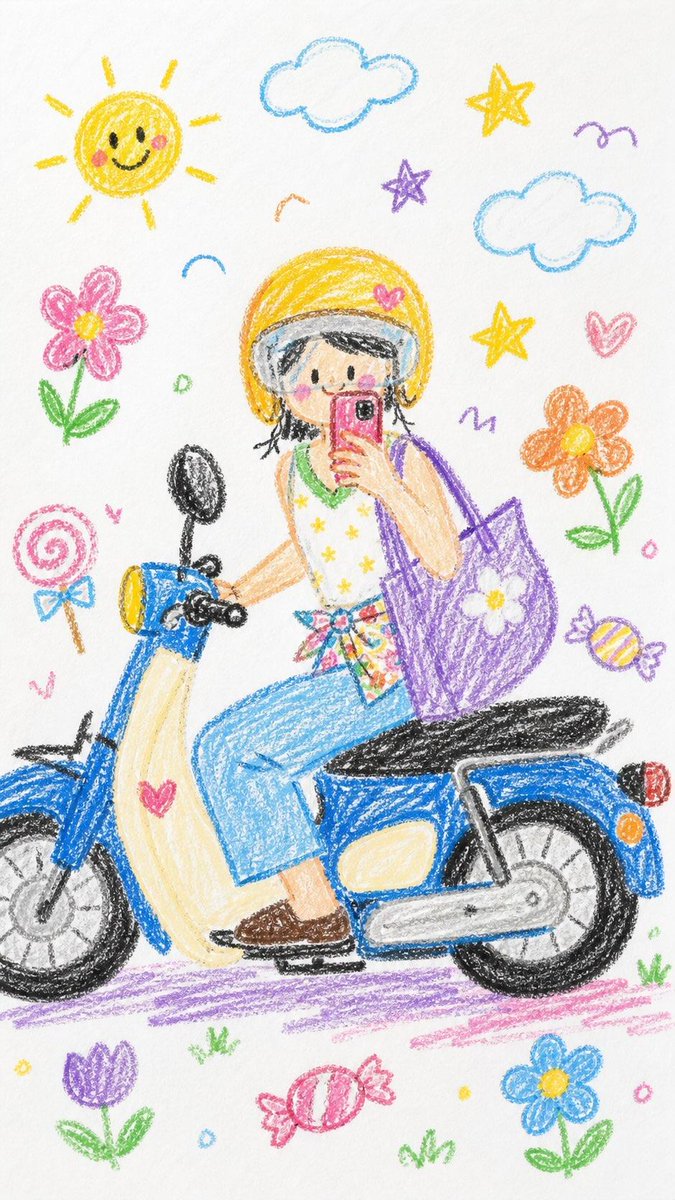
Transform any photo into a playful, hand-drawn crayon artwork on white paper, filled with cute elements like flowers and stars.
الموجّه · EN
请将整张图像转换为 argstyle: 蜡笔画风格。简化细节,使其看起来像是 argage: 10 岁儿童 画的作品。不要使用照片中的原始颜色。使其看起来像是画在白纸上的,具有非常可爱和俏皮的感觉。你可以添加一些可爱的元素,例如 argelements: 花朵、糖果、星星、云朵 等,使其看起来更具童真和天真感。
حول هذا الموجّه
Transform any photo into a playful, hand-drawn crayon artwork on white paper, filled with cute elements like flowers and stars. Use it as a الفن المفاهيمي starting point for GPT Image 2: keep the visual structure and style constraints intact, then swap in your own subject, brand, or scene.
Start by replacing style, age, and elements, then keep the camera, composition, and material cues in the same order. This makes the output easier to compare across variations.
كيفية استخدام هذا الموجّه
- Copy the prompt into your AI image generation tool (e.g., Sora 2).
- Select or confirm the model is set to handle image transformation or style transfer.
- Replace the placeholder variables: choose a drawing style (e.g., watercolor, marker), specify an age for the artwork's style, and add desired cute elements.
- Upload your source image to the tool as the base for transformation.
- Generate the image, review the output, and tweak the variables if needed to refine the result.


