
100 Tech Topics Grid — Sora 2 Editorial Illustration Prompt
Generate a stunning 10×10 grid showcasing 100 cutting-edge technology topics in polished, realistic editorial illustration style with clear labels.
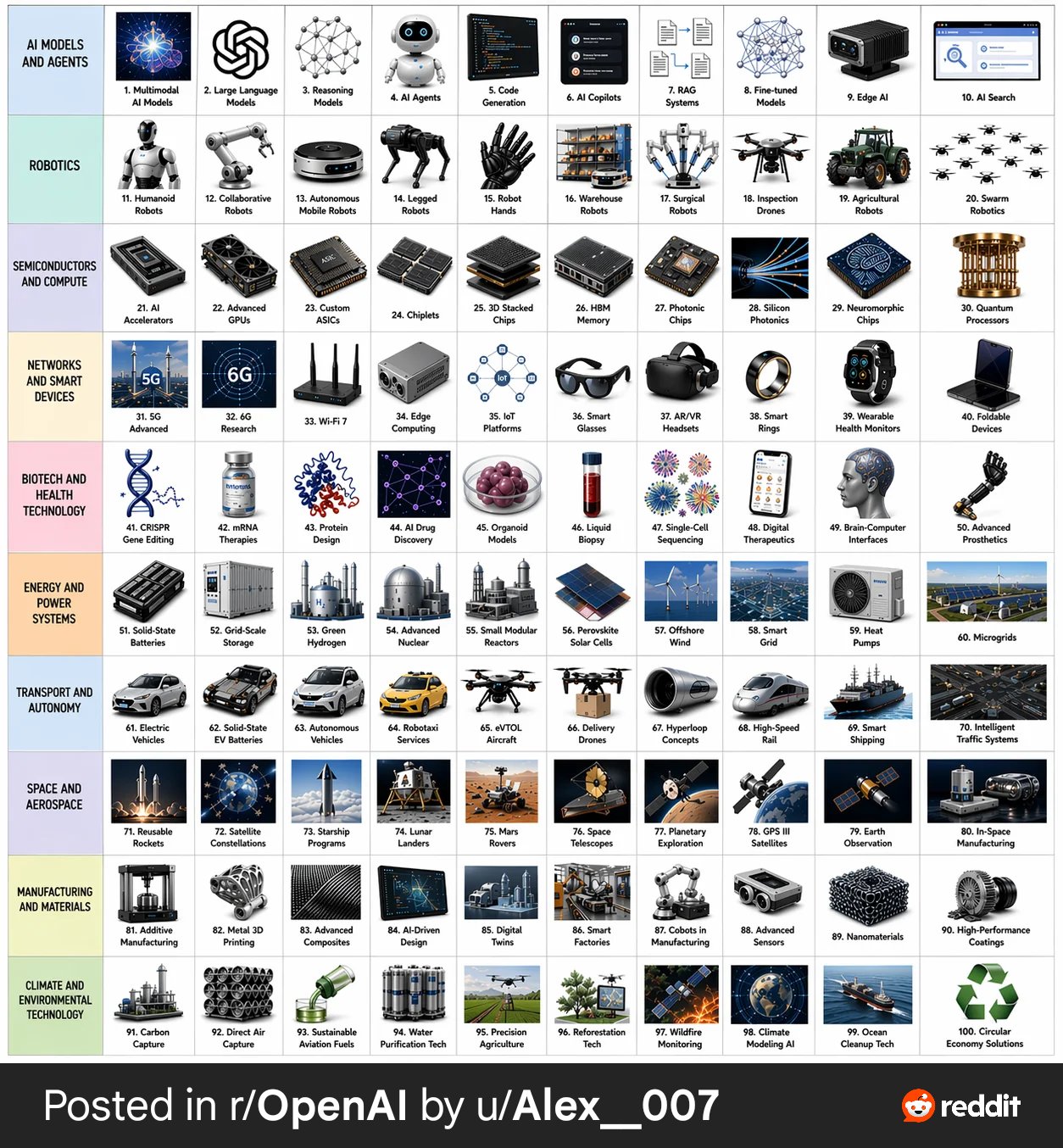
Create a 10 × 10 grid of 100 different topics representing recent technological progress. Use a realistic, polished editorial illustration style. Each topic should appear in its own square with a short clear label underneath. Keep the grid neat on a white background. Make every topic visually different and every label correctly spelled. Use these row themes: Row 1: AI models and agents Row 2: robotics Row 3: semiconductors and compute Row 4: networks and smart devices Row 5: biotech and health technology Row 6: energy and power systems Row 7: transport and autonomy Row 8: space and aerospace Row 9: manufacturing and materials Row 10: climate and environmental technology. Show each tile as a realistic mini-scene, product-class object, lab instrument, robot, chip, vehicle, or device that clearly conveys the topic. Keep the overall style consistent, modern, realistic, and visually impressive.
Informazioni su questo prompt
Generate a stunning 10×10 grid showcasing 100 cutting-edge technology topics in polished, realistic editorial illustration style with clear labels. Use it as a Concept Art starting point for GPT Image 2: keep the visual structure and style constraints intact, then swap in your own subject, brand, or scene.
Common directions include infographics, education & documents. Treat these tags as creative cues; the prompt structure and preview image are the more useful guide.
Start with small changes to subject, scene, camera, and color, then generate a few variations to compare composition and detail without turning the page copy into keyword stuffing.
Come usare questo prompt
- Copy the entire prompt text above.
- Open your preferred AI image generator (Sora 2, Midjourney, DALL·E, etc.).
- Paste the prompt into the input field and adjust any style or resolution settings to your liking.
- Generate the image and review the grid for label accuracy and visual consistency.
- If needed, tweak individual row themes or request a regeneration for improved results.


