
GPT Image 2Prompt AI
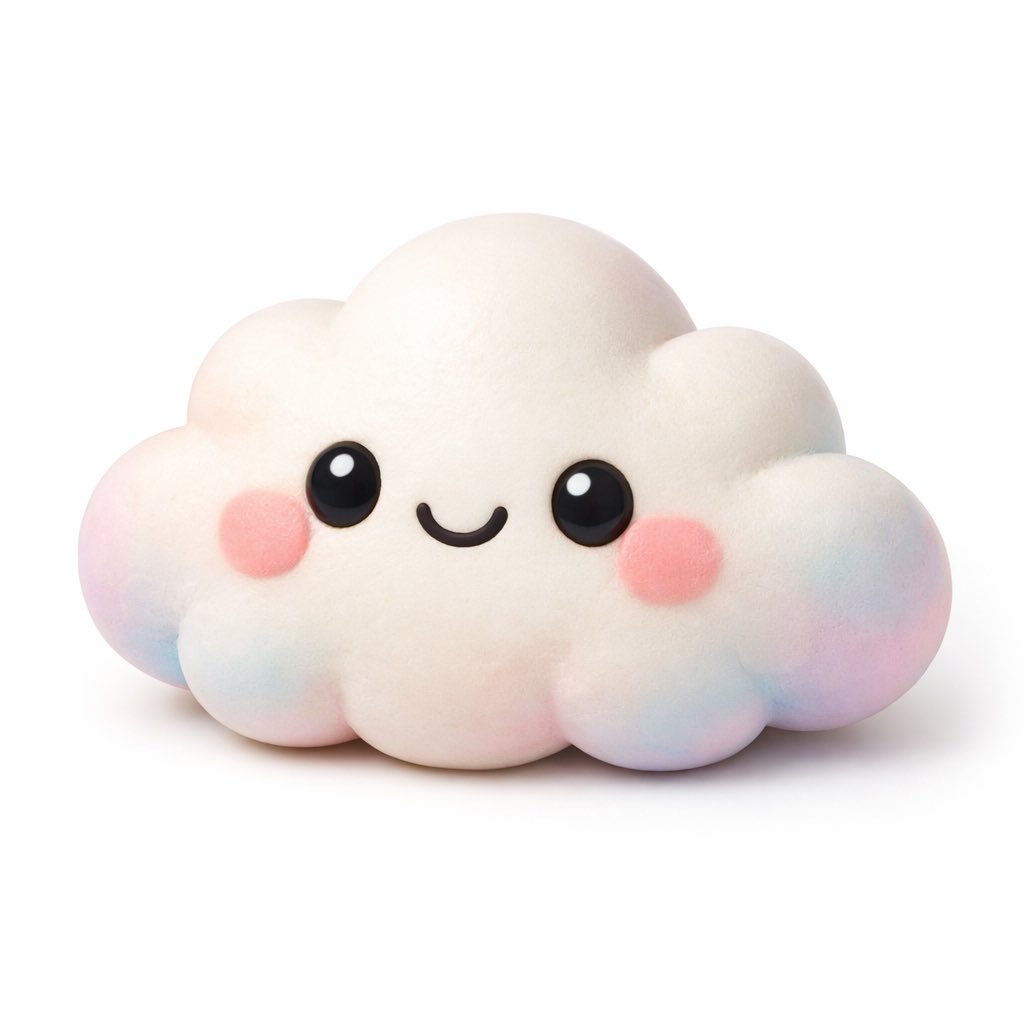
Kawaii 3D Character Icon Generator — Sora 2 Prompt
Create adorable, clay-textured 3D character renders with customizable subjects and soft gradient accents, perfect for app icons or avatars.
PROMPT · EN
一个可爱的 kawaii 风格 argsubject: 云朵 角色的 3D 渲染图,背景为纯白色。该角色具有柔软、哑光且富有弹性的质感,类似于粘土或解压玩具。它拥有明亮的大黑眼睛,带有白色高光、简单的弧形微笑以及圆润的粉色腮红。角色的边缘和底部带有 argaccent colors: 粉色、蓝色和紫色 的柔和渐变色。柔和的摄影棚灯光,极简图标风格,投射出淡淡的阴影。
Informazioni su questo prompt
Create adorable, clay-textured 3D character renders with customizable subjects and soft gradient accents, perfect for app icons or avatars. Use it as a Concept Art starting point for GPT Image 2: keep the visual structure and style constraints intact, then swap in your own subject, brand, or scene.
Start by replacing subject and accent colors, then keep the camera, composition, and material cues in the same order. This makes the output easier to compare across variations.
Come usare questo prompt
- Copy the prompt and its arguments into your AI model's text field.
- Select a capable image generation model like Sora 2 or DALL-E 3.
- Customize the
[subject](e.g., 'star', 'cat') and[accent colors]to match your vision. - Generate the image. The output will be a clean, studio-lit render on a white background.
- Download and use as a unique app icon, social media avatar, or digital sticker.


