
GPT Image 2Prompt AI
4K Photo Restoration & Upscale Prompt — Sora 2
Restore old or damaged photos to stunning 4K detail, preserving original facial features and textures with cinematic lighting and HDR.
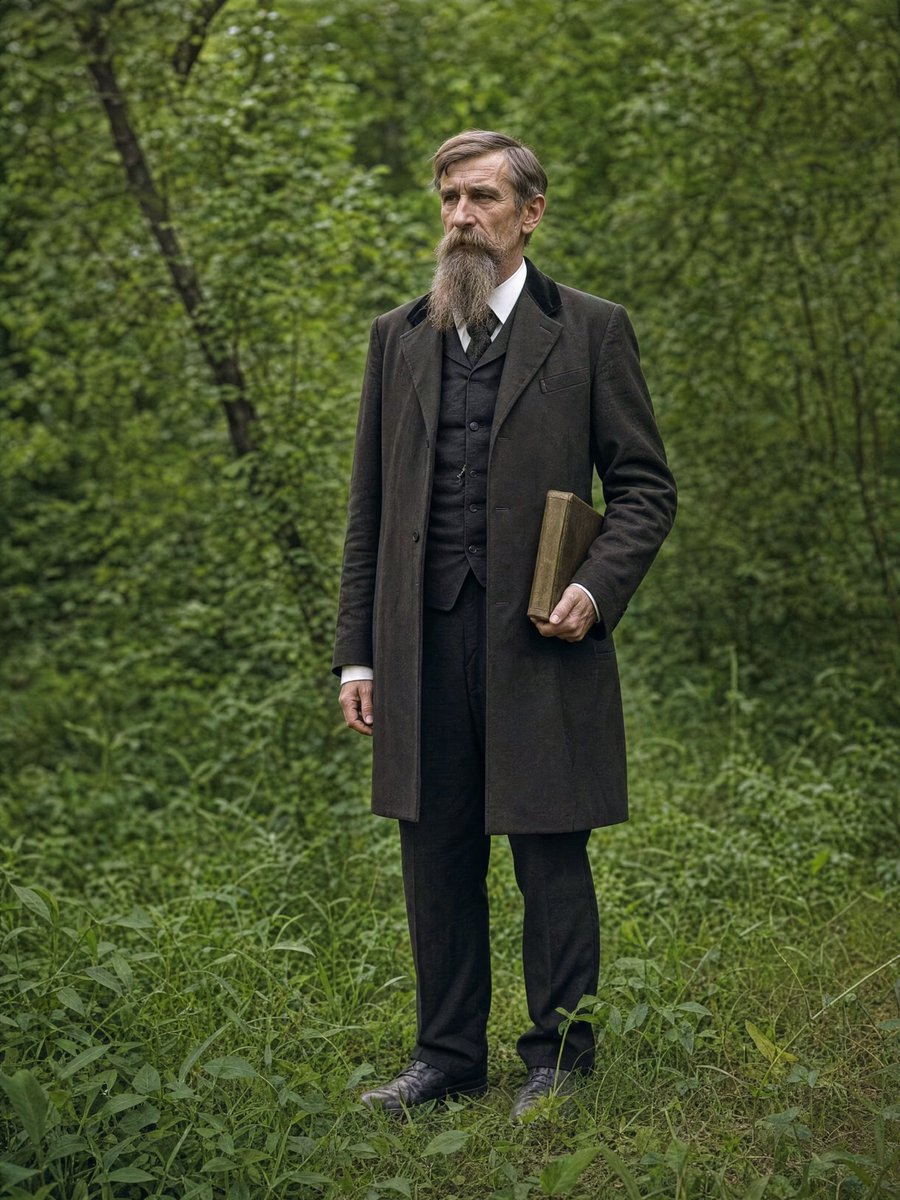
PROMPT · EN
{ "task": "argtask: image_restoration_upscale", "positive_prompt":
"修复并增强提供的图像。保留原始人物特征、面部结构、比例和构图。高保真照片修复,超写实,自然的皮肤纹理,精准的细节,专业的摄影质感。argresolution: 4K 输出,清晰但自然的对焦,现代电影级布光,细腻的体积光,专业调色,景深效果,HDR。Arri Alexa 拍摄,原始照片美学,杰作。",
"negative_prompt": "创意重构,风格改变,身份改变,面部重塑,特征夸张,卡通化,绘画,插画,过度锐化,塑料感皮肤,模糊,噪点,胶片颗粒,JPEG 伪影,畸变,解剖结构错误,曝光过度,曝光不足,色彩暗淡。", "parameters":
{ "steps": 30, "cfg_scale": 6.5, "denoising_strength": 0.45,
"upscaler": "4x_NMKD_Siax_200k", "target_resolution": "4K" } }
Informazioni su questo prompt
Restore old or damaged photos to stunning 4K detail, preserving original facial features and textures with cinematic lighting and HDR. Use it as a Concept Art starting point for GPT Image 2: keep the visual structure and style constraints intact, then swap in your own subject, brand, or scene.
Start by replacing task and resolution, then keep the camera, composition, and material cues in the same order. This makes the output easier to compare across variations.
Come usare questo prompt
- Copy the prompt JSON into your AI image generator.
- Select a model specializing in photorealism or restoration.
- Adjust variables like
resolution(e.g., 4K, 8K) ortaskif needed. - Generate and compare the result with the original image.


