
GPT Image 2Prompt AI
Anonymized Female Track Athlete — Realistic Portrait Prompt
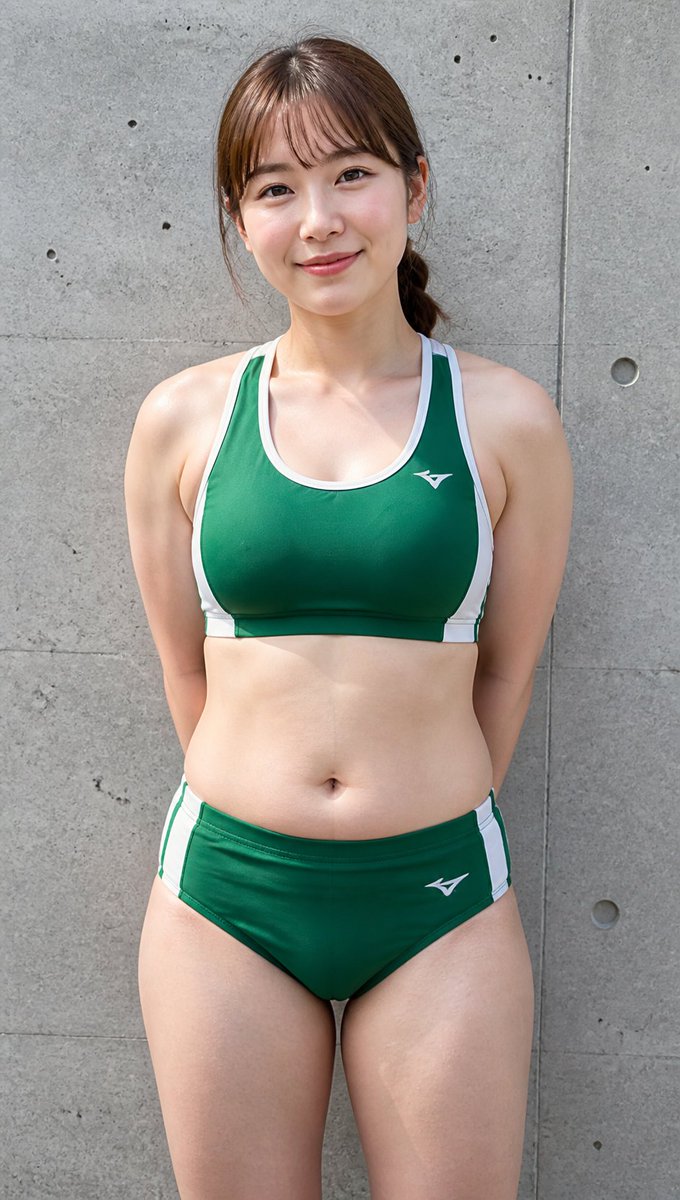
Generate a sharp, realistic vertical portrait of an anonymized female track-and-field athlete in a customizable two-piece uniform against a textured concrete wall background.
PROMPT · EN
Create a realistic full-body vertical outdoor sports portrait of an adult female track-and-field athlete standing front-facing against a gray concrete wall with visible seams, small holes, and subtle weathered texture. She has a sturdy, athletic-curvy build with broad shoulders, toned arms, a soft midsection, and strong thighs, posed upright with her hands clasped behind her back. Her face is intentionally anonymized by a large vertical rectangular mosaic/blur block in natural skin tones covering the entire face area, while brown hair is tied back in a low ponytail with loose side strands visible. She wears a arguniform color: dark green two-piece track uniform: a racerback sports crop top with white trim and side panels, plus matching brief-style athletic bottoms with white side stripes, both with small white athletic logos. Use natural daylight, sharp documentary photo realism, realistic skin texture, slight perspiration sheen, centered composition, portrait orientation, medium telephoto perspective, and a neutral candid sports-club look. Background should remain simple and uncluttered, emphasizing the single athlete and the concrete wall.
Informazioni su questo prompt
Generate a sharp, realistic vertical portrait of an anonymized female track-and-field athlete in a customizable two-piece uniform against a textured concrete wall background. Use it as a Concept Art starting point for GPT Image 2: keep the visual structure and style constraints intact, then swap in your own subject, brand, or scene.
Start by replacing uniform color, then keep the camera, composition, and material cues in the same order. This makes the output easier to compare across variations.
Come usare questo prompt
- Copy the Prompt: Copy the full prompt text above into your clipboard. 2. Choose a Model: Paste it into an AI image generator that supports detailed prompts (e.g., Sora 2, Midjourney, or DALL·E). 3. Tweak Variables: Change the
{uniform color}argument from the default dark green to any color you prefer. 4. Generate & Refine: Generate the image. If needed, adjust lighting keywords or crop details and regenerate for your ideal result.


