
Censored Studio Portrait — Privacy-Focused AI Prompt
Create a polished studio portrait with a muted censor block hiding the face, ideal for anonymous profiles, privacy visuals, and conceptual art.
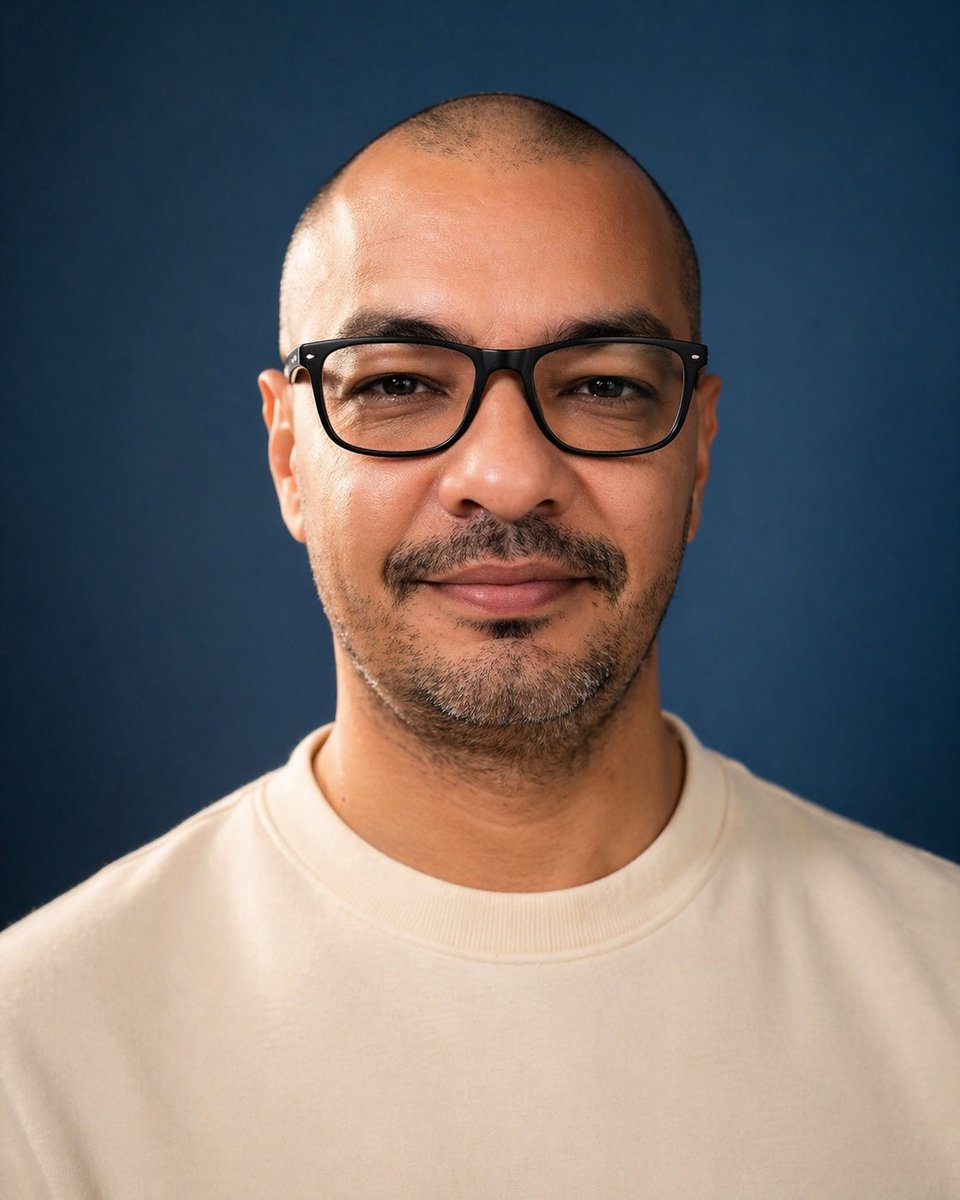
A centered studio portrait photo of a single adult man from upper chest to top of head, facing straight toward the camera against a smooth deep navy-blue backdrop. He has a very closely shaved buzz cut, visible ears on both sides, medium tan skin, and short dark facial hair concentrated along the chin and jawline with a faint mustache. Dress him in a plain off-white or cream crewneck sweatshirt with no logo. Use soft professional studio lighting with gentle highlights on the scalp, ears, neck, and sweatshirt, realistic skin texture, shallow depth of field, and a clean photographic look. Compose it symmetrically with the head near the top of frame and broad shoulders filling the lower half, in a vertical portrait orientation. Overlay 1 large opaque rectangular censor block centered over the face, covering from forehead to below the nose area and spanning most of the facial width; make the block a flat muted brown tone with slightly soft edges so the facial features are completely hidden.
Informazioni su questo prompt
Create a polished studio portrait with a muted censor block hiding the face, ideal for anonymous profiles, privacy visuals, and conceptual art. Use it as a Concept Art starting point for GPT Image 2: keep the visual structure and style constraints intact, then swap in your own subject, brand, or scene.
Common directions include gptimage2api prompts, gptimage2api, and en. Treat these tags as creative cues; the prompt structure and preview image are the more useful guide.
Start with small changes to subject, scene, camera, and color, then generate a few variations to compare composition and detail without turning the page copy into keyword stuffing.
Come usare questo prompt
- Copy the full prompt text above.
- Open your preferred AI image generator (Sora 2, DALL·E, Midjourney, etc.).
- Paste the prompt and tweak details like skin tone, sweatshirt color, or backdrop shade if desired.
- Set output to vertical portrait orientation and generate.
- Review and upscale or re-roll until you get the perfect anonymous headshot.


