
Chalkboard AI Infographic Prompt — 10-Section Data Viz
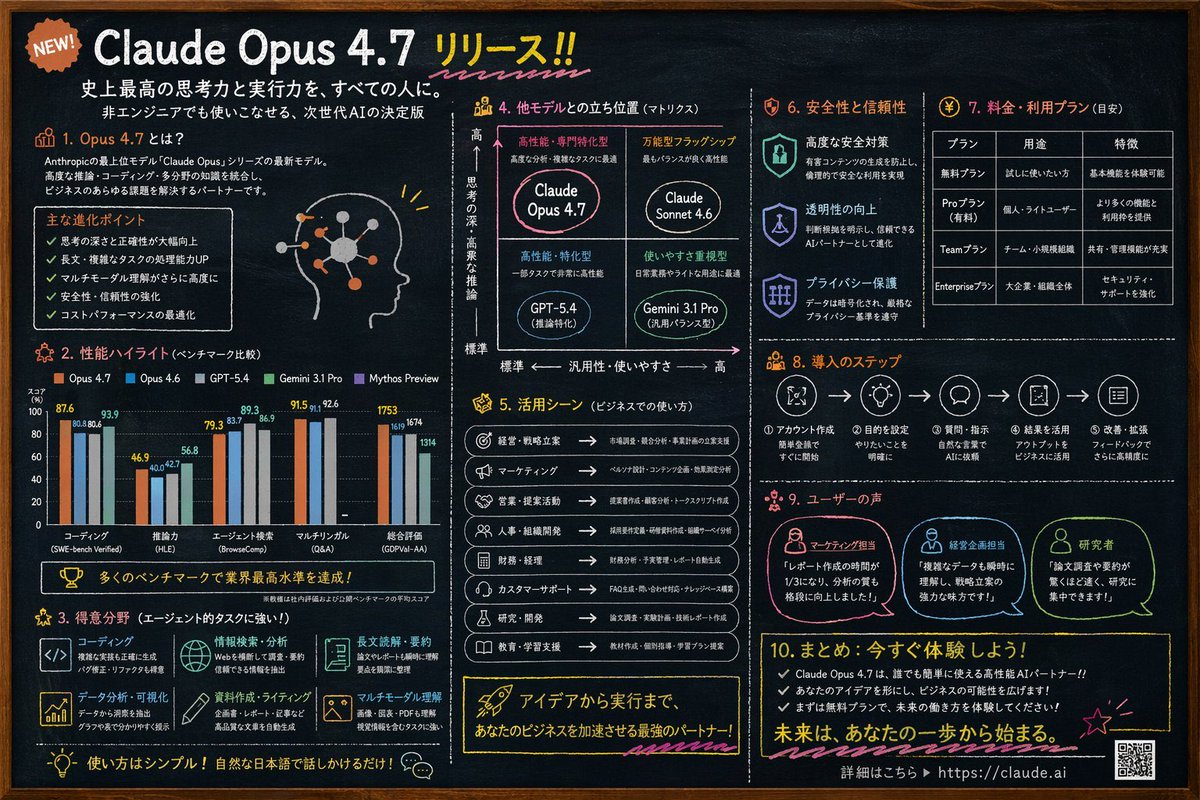
Generate a detailed 10-section chalkboard-style infographic with charts, matrices, and tables for any product launch or AI release.
Informazioni su questo prompt
Generate a detailed 10-section chalkboard-style infographic with charts, matrices, and tables for any product launch or AI release. Use it as a Concept Art starting point for GPT Image 2: keep the visual structure and style constraints intact, then swap in your own subject, brand, or scene.
This prompt is organized as structured JSON with fields such as type, style, colors, header, and layout. Keeping that hierarchy helps the model separate the subject, layout, interface elements, and detail constraints.
Start with small changes to subject, scene, camera, and color, then generate a few variations to compare composition and detail without turning the page copy into keyword stuffing.
Come usare questo prompt
- Copy the entire prompt and paste it into an AI image generator that supports detailed JSON-style prompts. 2. Replace placeholder variables like
{argument name="main headline"}with your own product name or key message. 3. Adjust accent colors or section content to match your brand or topic. 4. Generate the image and review; tweak layout details or regenerate if needed.


