
Historical Coordinate Photo Grid — Sora 2 Prompt
Generate a 2x2 grid of authentic-looking photographs from any geographic coordinate and historical timestamp for creative or educational projects.
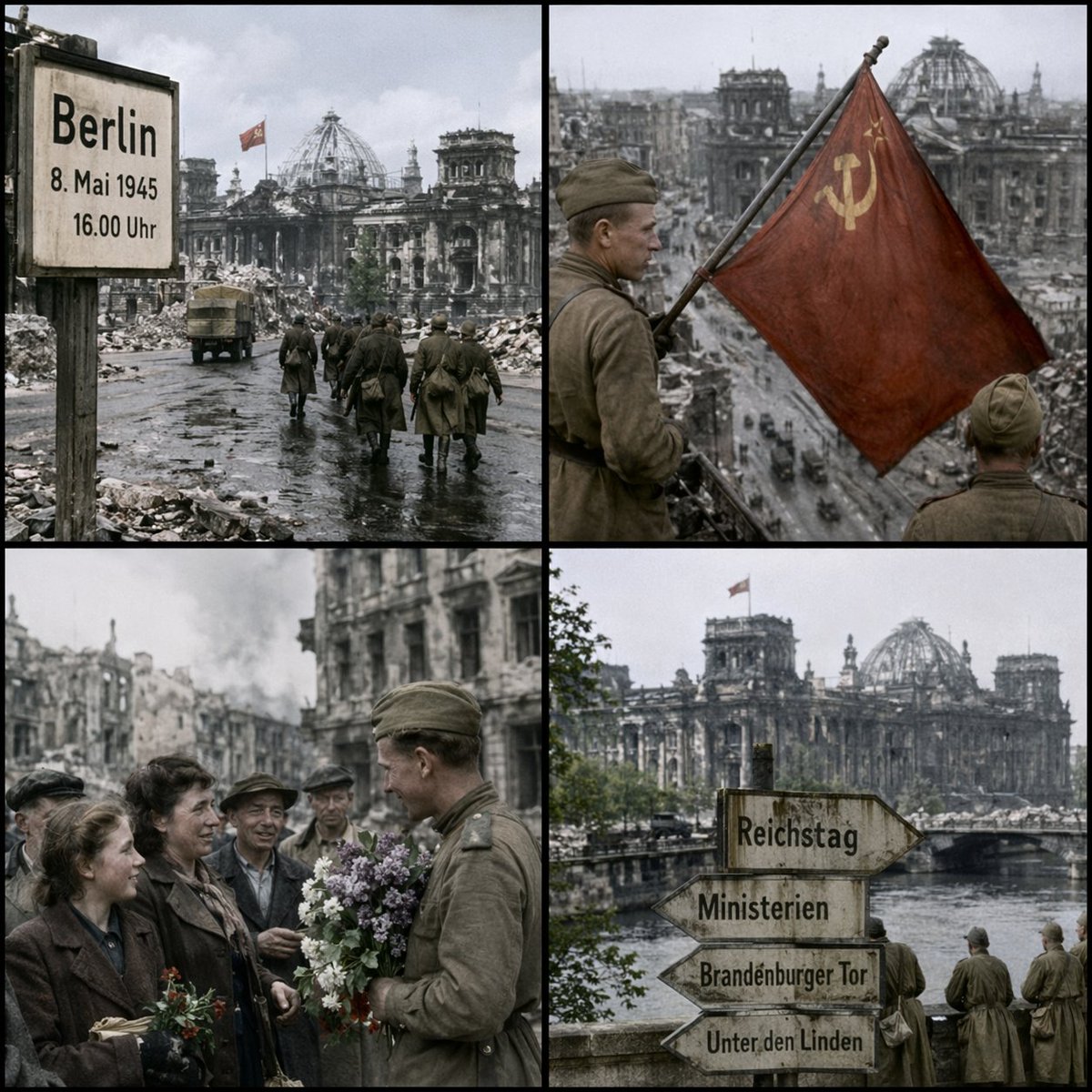
Generate an image as if it were taken at arglocation: 52.5186° N, 13.3762° E, argdate: May 8, 1945, 16:00 hours. Generate a single image in a argaspect ratio: 1:1 aspect ratio, arranged in a clean 2x2 grid with four equal panels showing different views.
Informazioni su questo prompt
Generate a 2x2 grid of authentic-looking photographs from any geographic coordinate and historical timestamp for creative or educational projects. Use it as a Concept Art starting point for GPT Image 2: keep the visual structure and style constraints intact, then swap in your own subject, brand, or scene.
Common directions include gptimage2api prompts, gptimage2api, and en. Treat these tags as creative cues; the prompt structure and preview image are the more useful guide.
Start by replacing location, date, and aspect ratio, then keep the camera, composition, and material cues in the same order. This makes the output easier to compare across variations.
Come usare questo prompt
- Copy the entire prompt text into your Sora 2 or compatible AI image generator.
- Select your preferred image model that supports photorealistic outputs.
- Customize the variables: replace
locationwith desired coordinates (e.g., 48.8584° N, 2.2945° E),datewith a specific timestamp, andaspect ratioif needed. - Generate the image and review the four-panel grid showing different viewpoints of the scene.
- Iterate by adjusting coordinates or dates to explore different historical moments and places.


