
GPT Image 2Prompt AI
Hiragana Horror Logo with Ghosts & Lanterns — Sora 2 Prompt
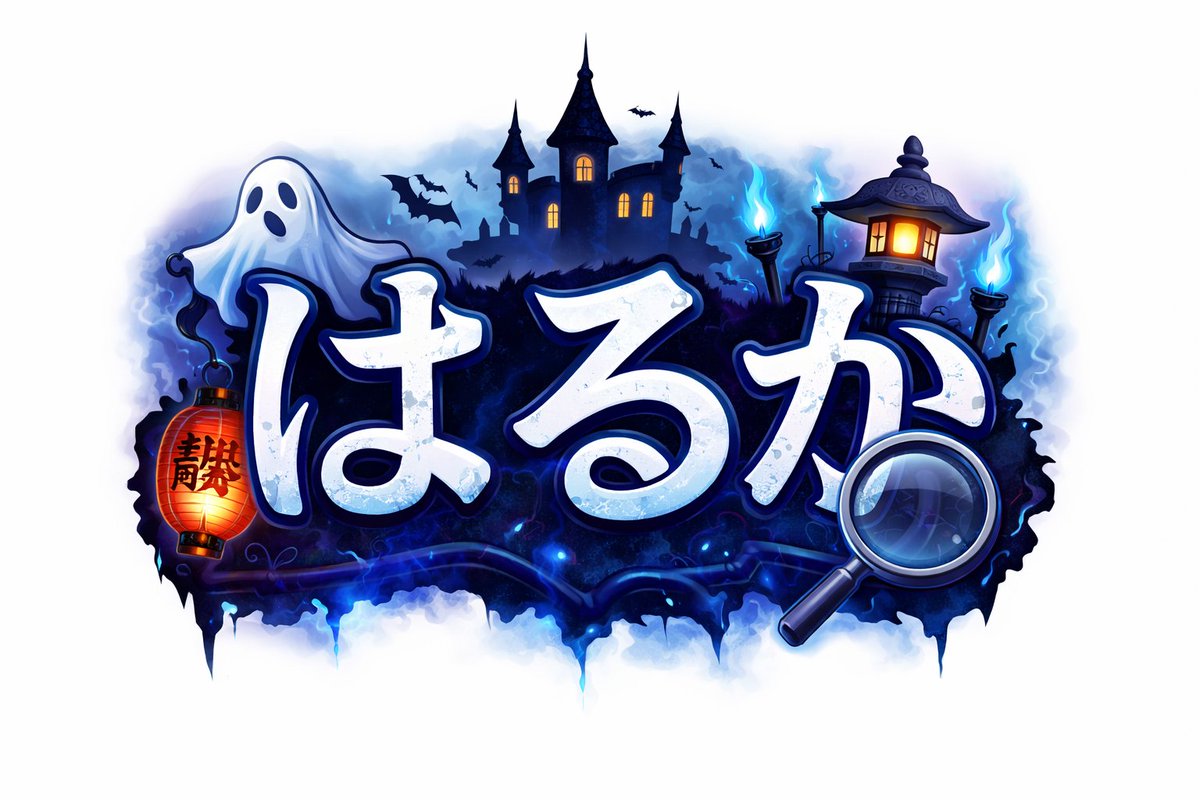
Generate a sticker-style Japanese horror logo featuring hiragana text, ghosts, lanterns, and a haunted castle — ideal for game art and seasonal branding.
PROMPT · EN
一个充满趣味的日式惊悚标题 Logo,置于干净的白色背景上,采用居中构图。主体为粗体圆润手写风格的平假名文字 argmain text: はるか,白色字体带有冰冷的淡蓝色阴影、细腻的磨损纹理,以及深海军蓝色的粗轮廓和发光的蓝色光晕。文字周围环绕着万圣节妖怪氛围:文字左上方漂浮着 1 个可爱的白色幽灵,左侧悬挂着 1 个印有黑色汉字的红橙色纸灯笼,文字右下方重叠着 1 个大型放大镜,背景中设有 1 座带有 3 座高塔和温暖发光窗户的闹鬼城堡剪影。右侧添加 1 个带有发光窗户的传统日式石灯笼,最右侧放置 2 个蓝色鬼火火把,城堡周围飞舞着几只黑色蝙蝠剪影,伴有深靛色薄雾、电蓝色火焰,以及 Logo 下方墨水滴落般的阴影基底。采用午夜蓝、青色光晕、白色和橙色点缀的鲜艳霓虹配色,呈现出精致的贴纸式游戏 Logo 插画风格,边缘清晰,光影柔和,兼具奇幻恐怖氛围与高对比度。
Informazioni su questo prompt
Generate a sticker-style Japanese horror logo featuring hiragana text, ghosts, lanterns, and a haunted castle — ideal for game art and seasonal branding. Use it as a Concept Art starting point for GPT Image 2: keep the visual structure and style constraints intact, then swap in your own subject, brand, or scene.
Start by replacing main text, then keep the camera, composition, and material cues in the same order. This makes the output easier to compare across variations.
Come usare questo prompt
- Copy the entire prompt text provided.
- Paste it into your preferred AI image generator (e.g., Sora 2, Midjourney, DALL·E 3).
- Locate the
{main text}argument and replace it with your desired hiragana word (e.g., "びっくり"). - Optionally adjust other descriptive details like colors, element placement, or castle style to better match your project.
- Generate the image and iterate on the result, refining the prompt for perfection.


