
GPT Image 2Prompt AI
Night Fog Silhouette Transfer — Sora 2 Prompt
Transform any image into a deep, foggy night scene with dark silhouettes, preserving original composition—perfect for moody atmospheric art.
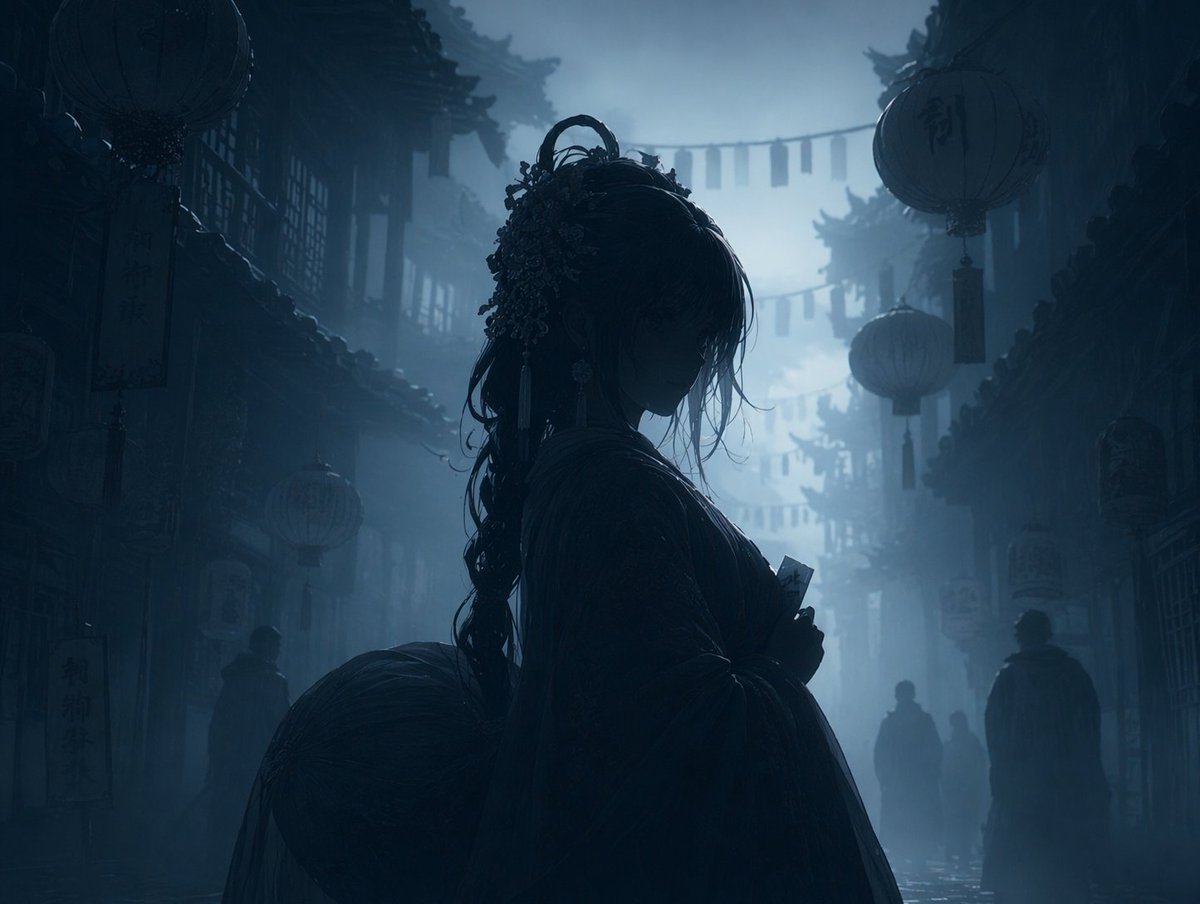
PROMPT · EN
使用 REFERENCE_0,将图像转换为 argatmosphere: 深沉、忧郁且充满雾气 的夜景。应用 argcolor palette: 深蓝与灰色的单色调 调色。将主角、灯笼和前景元素渲染为背景雾气中的 arglighting style: 深色剪影。保留原始构图、角色姿势和背景建筑的精确细节。
Informazioni su questo prompt
Transform any image into a deep, foggy night scene with dark silhouettes, preserving original composition—perfect for moody atmospheric art. Use it as a Concept Art starting point for GPT Image 2: keep the visual structure and style constraints intact, then swap in your own subject, brand, or scene.
Start by replacing atmosphere, color palette, and lighting style, then keep the camera, composition, and material cues in the same order. This makes the output easier to compare across variations.
Come usare questo prompt
- Copy the prompt text from this page.
- Open your Sora 2 or compatible AI image generation tool (like sora2hub.com).
- Upload a reference image you want to transform.
- Adjust the optional variables like atmosphere, color palette, and lighting style if needed.
- Generate the image and iterate with different settings for varied results.


