
GPT Image 2Prompt AI
Medieval Market Portrait — Realistic Sora 2 Prompt
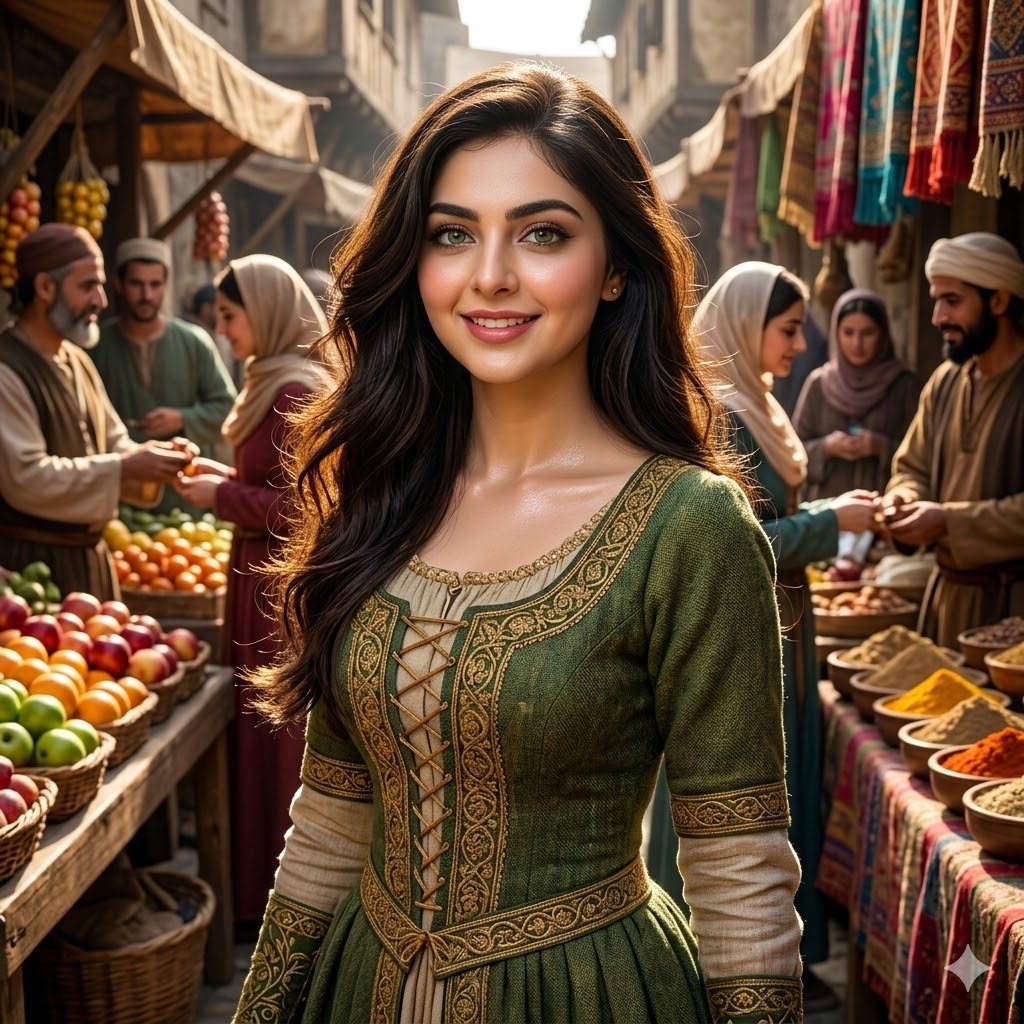
Create a hyper-realistic portrait of a subject with detailed clothing and dramatic lighting in a bustling medieval market scene.
PROMPT · EN
一个 argsubject: 漂亮的女孩 在拥挤的中世纪集市中,集市摊贩,上半身,细节丰富的服装,argeye color: 绿色眼睛,arghair: 飘逸的长发,光泽皮肤,次表面散射,(清晰:0.7),超细节,真实纹理,戏剧性光影,动态构图,虚幻引擎,尼康 D850 <lora:more_details:0.6>
Informazioni su questo prompt
Create a hyper-realistic portrait of a subject with detailed clothing and dramatic lighting in a bustling medieval market scene. Use it as a Concept Art starting point for GPT Image 2: keep the visual structure and style constraints intact, then swap in your own subject, brand, or scene.
Start by replacing subject, eye color, and hair, then keep the camera, composition, and material cues in the same order. This makes the output easier to compare across variations.
Come usare questo prompt
- Copy the entire prompt text from the main field.
- Paste it into your preferred AI image generation model (e.g., Sora 2, Stable Diffusion).
- Replace the default values like
{subject}or{eye color}with your specific details. - Adjust parameters like
more_detailslora strength if needed for finer control. - Generate the image and iterate on the variables for your desired result.


