
GPT Image 2Prompt AI
Pseudo Pixel Art Magnified Analysis: Grid Deception Exposed
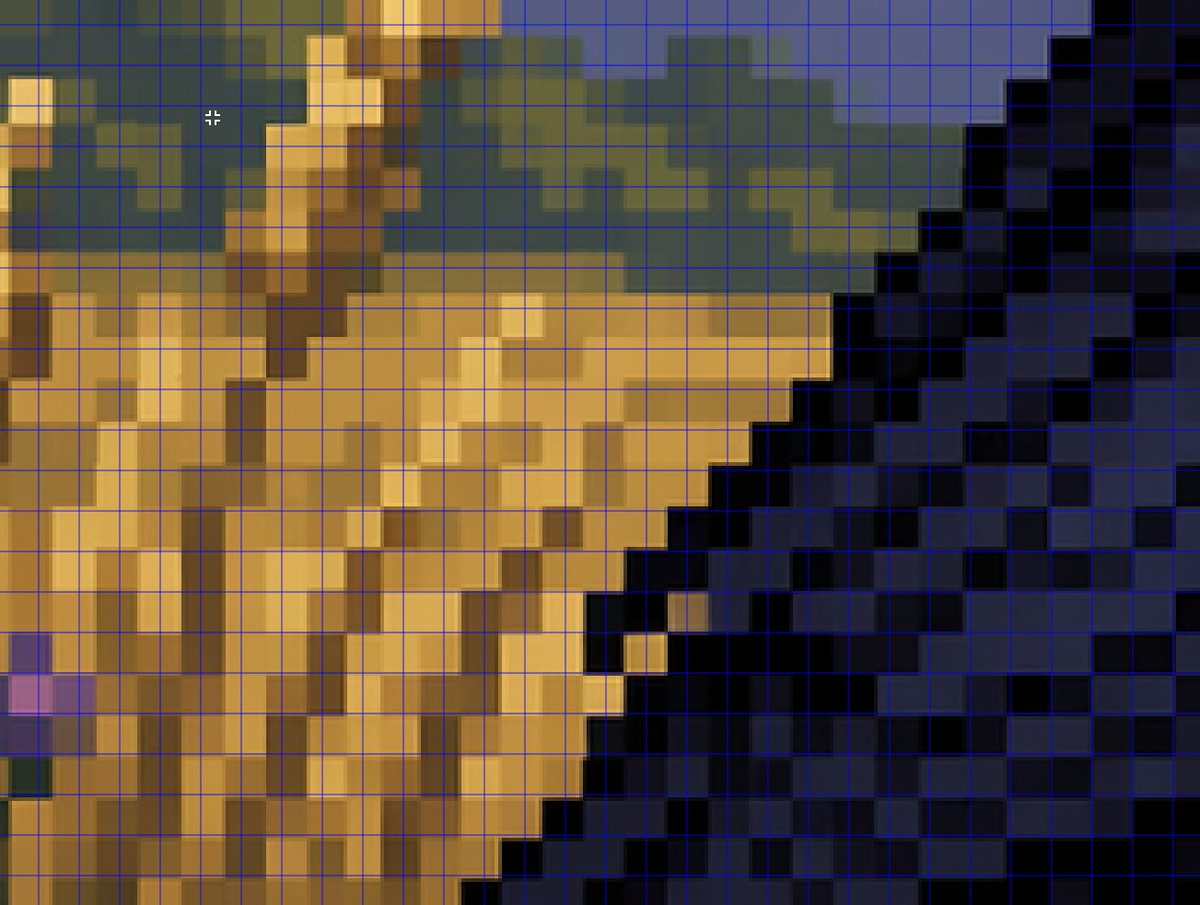
Generates a magnified close-up of AI's pseudo pixel art, overlaid with a blue grid to highlight misaligned gradients—perfect for analysis or demo.
PROMPT · EN
一张经过紧密放大的对比图像,展示了伪像素艺术的渲染效果。画面呈现了一个低分辨率场景的放大视图,并在整个帧上叠加了细细的亮蓝色方形网格。构图是像素艺术风格环境的抽象局部特写:左侧和中心为沙褐色和赭色的块状形态,右侧为深海军蓝和黑色的阶梯状对角线块,背景上方为柔和的橄榄绿和板岩蓝形状,并点缀着少量较亮的金色高光。乍看之下,每个边缘都呈阶梯状且具有块状感,但颜色在明显的方格内呈现出柔和的模糊与融合,而非与网格完美对齐,从而营造出一种经不起仔细推敲的像素艺术假象。在左上象限附近包含一个小型的白色十字准星光标,以暗示编辑器中的图像分析过程。整体观感应类似于图形程序或社交媒体演示的截图,旨在说明 AI 如何在无法生成真正网格完美的像素艺术的情况下,模仿复古游戏艺术的美学,画面中不应包含任何可见的文字标签。
Informazioni su questo prompt
Generates a magnified close-up of AI's pseudo pixel art, overlaid with a blue grid to highlight misaligned gradients—perfect for analysis or demo. Use it as a Concept Art starting point for GPT Image 2: keep the visual structure and style constraints intact, then swap in your own subject, brand, or scene.
Start with small changes to subject, scene, camera, and color, then generate a few variations to compare composition and detail without turning the page copy into keyword stuffing.
Come usare questo prompt
- Copy the prompt text from this page.
- Paste it into an AI image generator (e.g., DALL·E, Midjourney, or Sora).
- Optionally, adjust color terms (e.g., 'crimson blocks') or remove the crosshair.
- Generate the image to see the magnified pseudo pixel art with overlay.
- Use the output for visual analysis or presentations highlighting AI imperfections.


