Sora2 Hub
Sora2 Hub
  • Libreria di Prompt
  • Prezzi
  • Vetrina
Sora2 Hub
Sora2 Hub
Sora2 Hub

Sora2 Hub

Piattaforma di creazione professionale AI basata su Sora 2, Veo 3.1 e Nano Banana Pro. Crea video straordinari e immagini di qualità da studio con controllo avanzato, qualità HD e senza filigrana.

Email:support@sora2hub.org

Generatore Video IA

  • Testo a Video
  • Immagine a Video
  • Veo 3.1
  • Sora 2
  • Kling 3.0
  • Kling 2.6
  • Kling 2.5
  • Runway
  • Wan 2.6
  • Seedance 2.0
  • Hailuo 2.3
  • Grok Imagine
  • HappyHorse-1.0

Generatore Immagini IA

  • Testo a Immagine
  • Immagine a Immagine
  • Nano Banana Pro
  • Nano Banana
  • 4o Image
  • Flux Kontext
  • Z Image
  • Seedream 4.5
  • Seedream 5.0 Lite
  • Nano Banana 2
  • GPT Image 2
  • Ingranditore Immagini IA

Effetti IA

  • Filtro Età IA
  • Scambio Genere IA
  • Bacio IA
  • Abbraccio IA
  • Immagine Ghibli
  • Filtro Sirena IA
  • Scossa Corporea IA
  • Filtro Sorriso
  • Grasso IA
  • Action Figure

Prodotto

  • Funzionalità
  • Vetrine
  • Prezzi

Azienda

  • Chi siamo
  • Contatto

© 2025 • Sora2 Hub ORG Tutti i diritti riservati.

  • Informativa sulla Privacy
  • Termini di Servizio
  • Politica di Rimborso
  1. Home
  2. /
  3. Prompt
  4. /
  5. GPT Image 2
  6. /
  7. Dark Gothic Villain Storyboard: 6-Panel Anime Layout — Sora 2 Prompt
GPT Image 2Prompt AI

Dark Gothic Villain Storyboard: 6-Panel Anime Layout — Sora 2 Prompt

Create a cinematic monochrome storyboard page featuring six gothic villains in dramatic entrance shots, ideal for pre-production layout and scene planning.
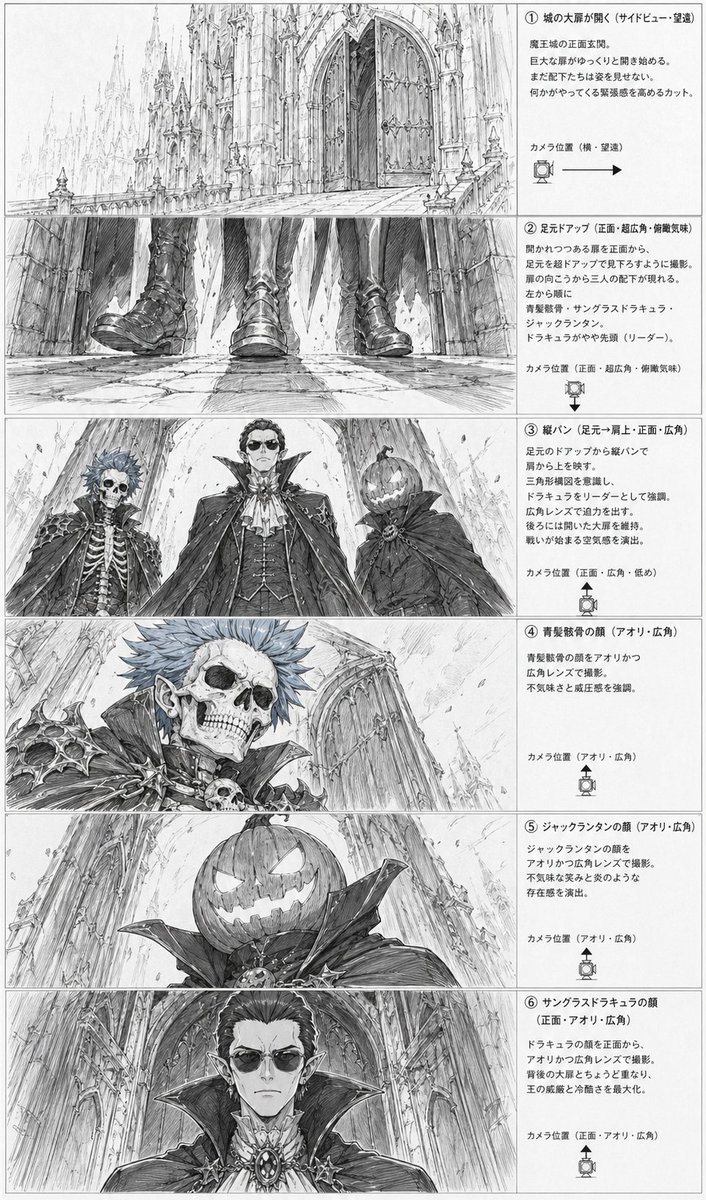
Dark Gothic Villain Storyboard: 6-Panel Anime Layout — Sora 2 Prompt
PROMPT · EN
type
动漫分镜布局表
style
单色铅笔素描,精细线条艺术,灰度概念艺术,戏剧性哥特奇幻氛围,漫画分镜展示
subject
setting
巨大的哥特式恶魔城堡正门,拥有高耸如大教堂般的尖塔、尖拱、雕刻石材、巨大的双开门、长长的石质入口通道,以及深邃的规模感
theme
战斗前不祥的反派登场
characters
item 1
id
角色 1
description
拥有骷髅面孔的不死贵族,短刺头,尖耳朵,带有骨骼和头骨图案的华丽深色盔甲,高领,贵族吸血鬼风格
item 2
id
角色 2
description
高大的核心吸血鬼领主,穿着精致的礼服,配有层叠斗篷、高立领、领巾、背心、珠宝和奖章,气场高贵且威严
item 3
id
角色 3
description
南瓜头形象,身披带有巨大领口的深色斗篷,雕刻着发光的微笑南瓜脸,诡异且具有戏剧性
faces partially censored with soft gray rectangular blurs on 3 close-up panels
true
layout
orientation
纵向页面
columns
2
left column
6 个垂直堆叠的分镜图像面板
right column
6 个垂直堆叠的说明性文本框
sections
item 1
title
① 城の大扉が開く(サイドビュー・望遠)
position
顶行
count
1
labels
item 1
城堡大门开启远景
image
城堡巨大入口的远摄侧视图,纪念碑式的前门开始开启,周围的建筑显得极其渺小
item 2
title
② 足元アップ(正面・超広角・俯瞰気味)
position
第二行
count
1
labels
item 1
足部特写
image
超广角正面低位特写,展示 3 双靴子和斗篷下摆在破裂的石板路上走近,强调脚步声和威胁感
item 3
title
③ 縦パン(足元→肩上・正面・広角)
position
第三行
count
3
labels
item 1
骷髅贵族
item 2
吸血鬼领主
item 3
南瓜头角色
image
戏剧性的低角度三人阵容,从下方构图,展示 3 位反派在大教堂外墙的衬托下俯视观众
item 4
title
④ 青髪骸骨の顔(アオリ・広角)
position
第四行
count
1
labels
item 1
骷髅面部特写
image
骷髅蓝发贵族的低角度特写肖像,带有锋利的肩甲、头骨装饰,背景是后退的城堡墙壁
item 5
title
⑤ ジャックランタンの顔(アオリ・広角)
position
第五行
count
1
labels
item 1
南瓜头特写
image
南瓜头角色的低角度特写肖像,展示雕刻出的邪恶笑容和巨大的领口,背景是高耸的建筑
item 6
title
⑥ サングラスドラキュラの顔(正面・アオリ・広角)
position
底行
count
1
labels
item 1
吸血鬼领主面部特写
image
核心吸血鬼领主的正面低角度特写,优雅的发型、尖耳朵、华丽的胸针,巨大的领口填满了画面
ui components
count
6
items
item 1
6 个编号章节标题
item 2
6 个摄像机位置注释
item 3
6 个带有箭头或角度标记的摄像机方向图标
item 4
6 个带边框的说明性文本区域
item 5
6 个分镜图像框
item 6
1 个全页边框
composition
整洁的制作表布局,带有细面板边框,右侧为密集的日语注释,左侧的每张插图对应一个文本解释,具有极高可读性的分镜设计
text
所有注释文本均为日语,以整洁的分镜文档格式打印
quality
高度精细的建筑绘图,富有表现力的透视夸张,电影级的反派揭幕,专业的动漫前期制作项目

Informazioni su questo prompt

Create a cinematic monochrome storyboard page featuring six gothic villains in dramatic entrance shots, ideal for pre-production layout and scene planning. Use it as a Concept Art starting point for GPT Image 2: keep the visual structure and style constraints intact, then swap in your own subject, brand, or scene.

This prompt is organized as structured JSON with fields such as type, style, subject, layout, composition, text, and quality. Keeping that hierarchy helps the model separate the subject, layout, interface elements, and detail constraints.

Start with small changes to subject, scene, camera, and color, then generate a few variations to compare composition and detail without turning the page copy into keyword stuffing.

Come usare questo prompt

  1. Copy the prompt from the page.
  2. Open Sora 2 or your preferred AI image generation tool.
  3. Paste the prompt into the input field.
  4. Adjust character descriptions or camera angles if desired.
  5. Generate to receive a storyboard layout with labelled panels and composition guides.
FAQ

KanahiRO/かなひろ(AI-ART)

@hii_roto→

Pubblicato
30 apr 2026
Lingua originale
EN
Modello
GPT Image 2
Categoria
Concept Art
GPT Image 2Concept Artgpt-image-2twitter
Visualizzazioni
50
Copie
5
Mi piace
4

Condividi

Altro da GPT Image 2

Vedi tutto
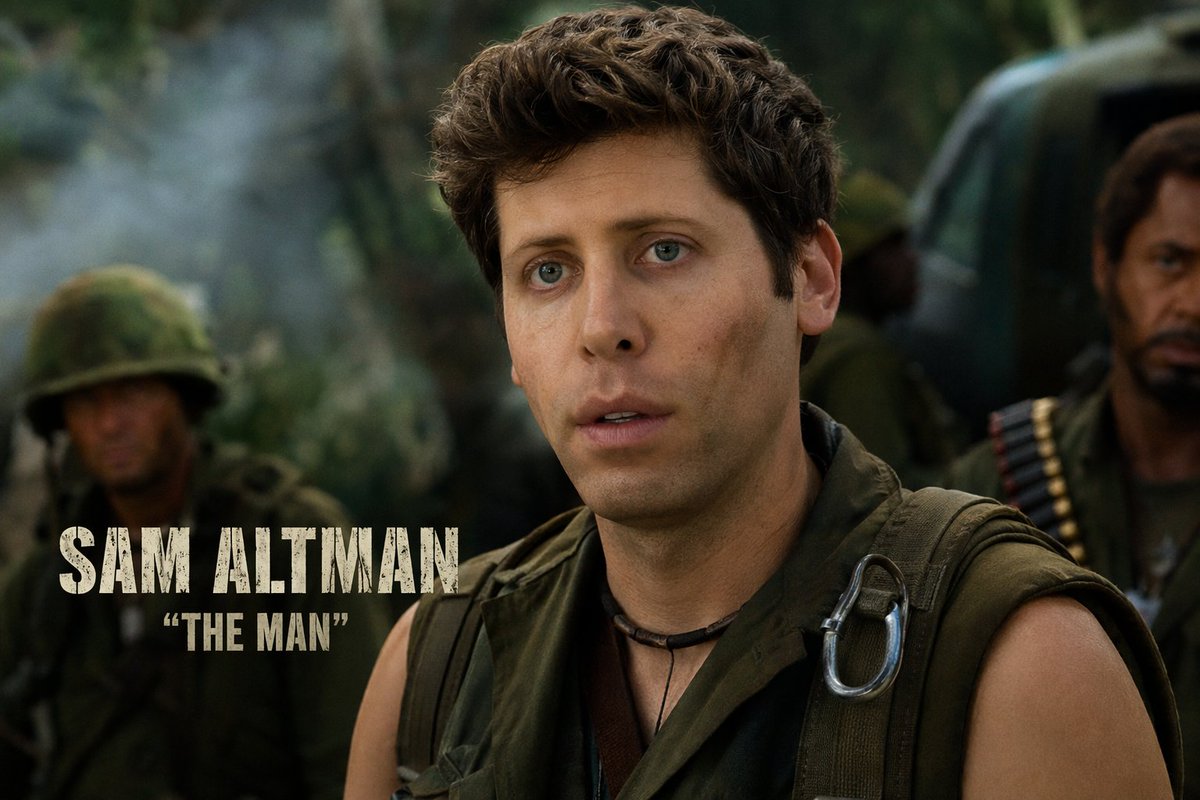
Celebrity Crossover — Sora 2 Prompt

Celebrity Crossover — Sora 2 Prompt

@Conor_D_Dart
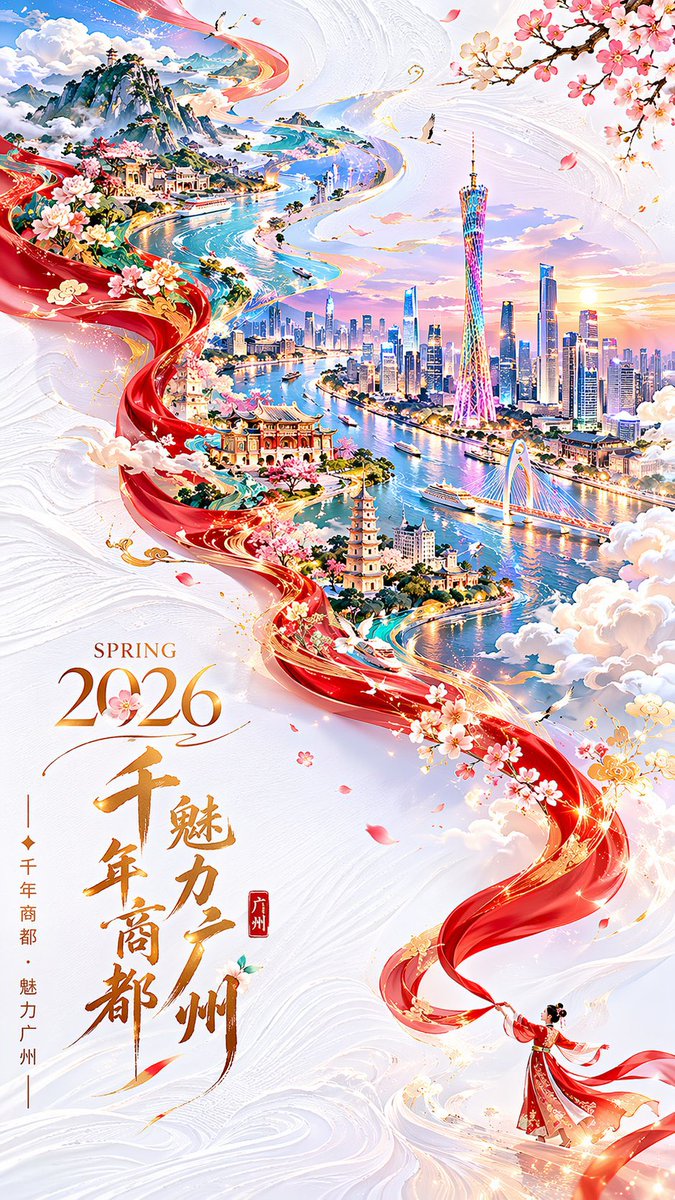
Guangzhou 2026 Poster: Silk Ribbon Cityscape — Sora 2 Prompt

Guangzhou 2026 Poster: Silk Ribbon Cityscape — Sora 2 Prompt

@alanlovelq
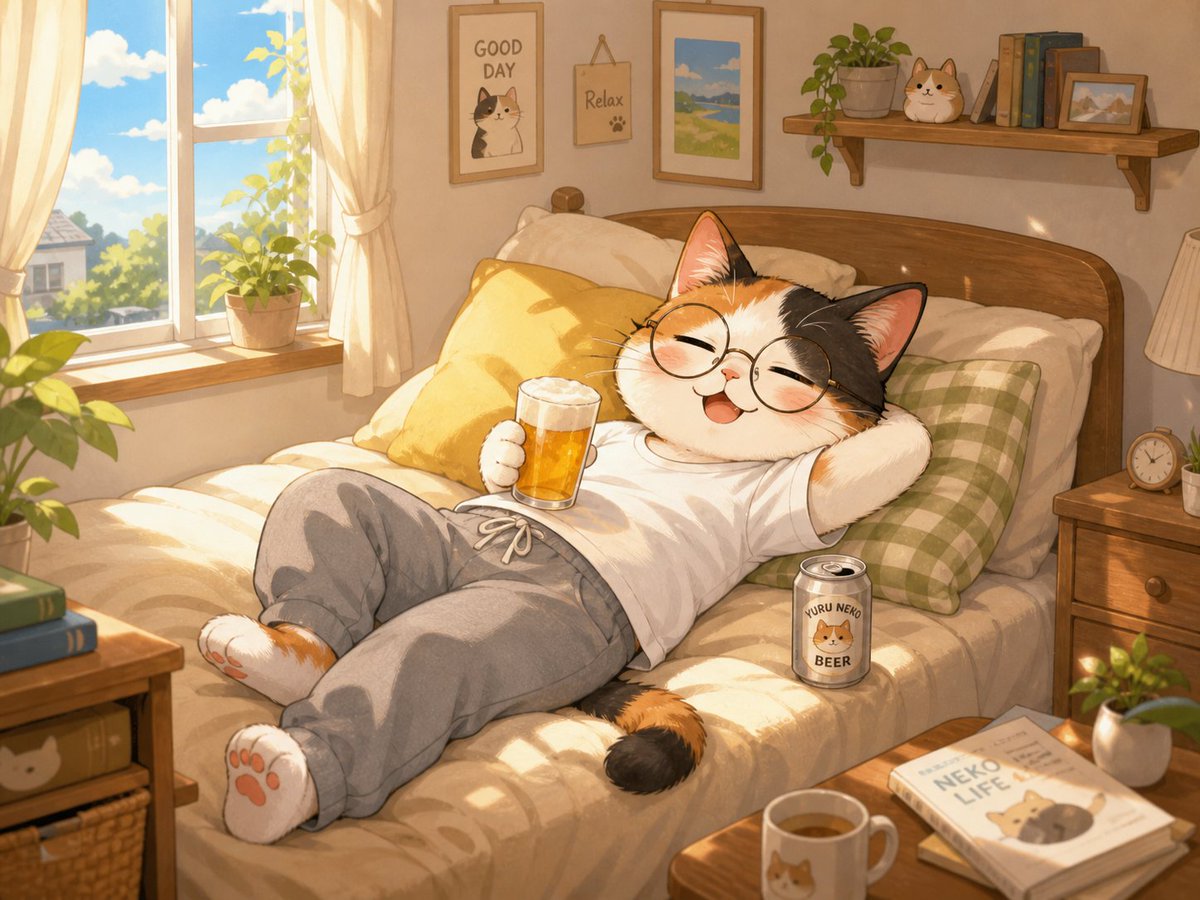
Cozy Anime Cat Holiday Bedroom — Sora 2 Prompt

Cozy Anime Cat Holiday Bedroom — Sora 2 Prompt

@miya_space

Crea più velocemente con i prompt Sora2Hub.

Usa pagine prompt curate come ingressi ricercabili e passa subito alla generazione con il contesto modello corretto.

Esplora prompt