
GPT Image 2Prompt AI
Personal Color Analysis Chart Generator — Sora 2 Prompt
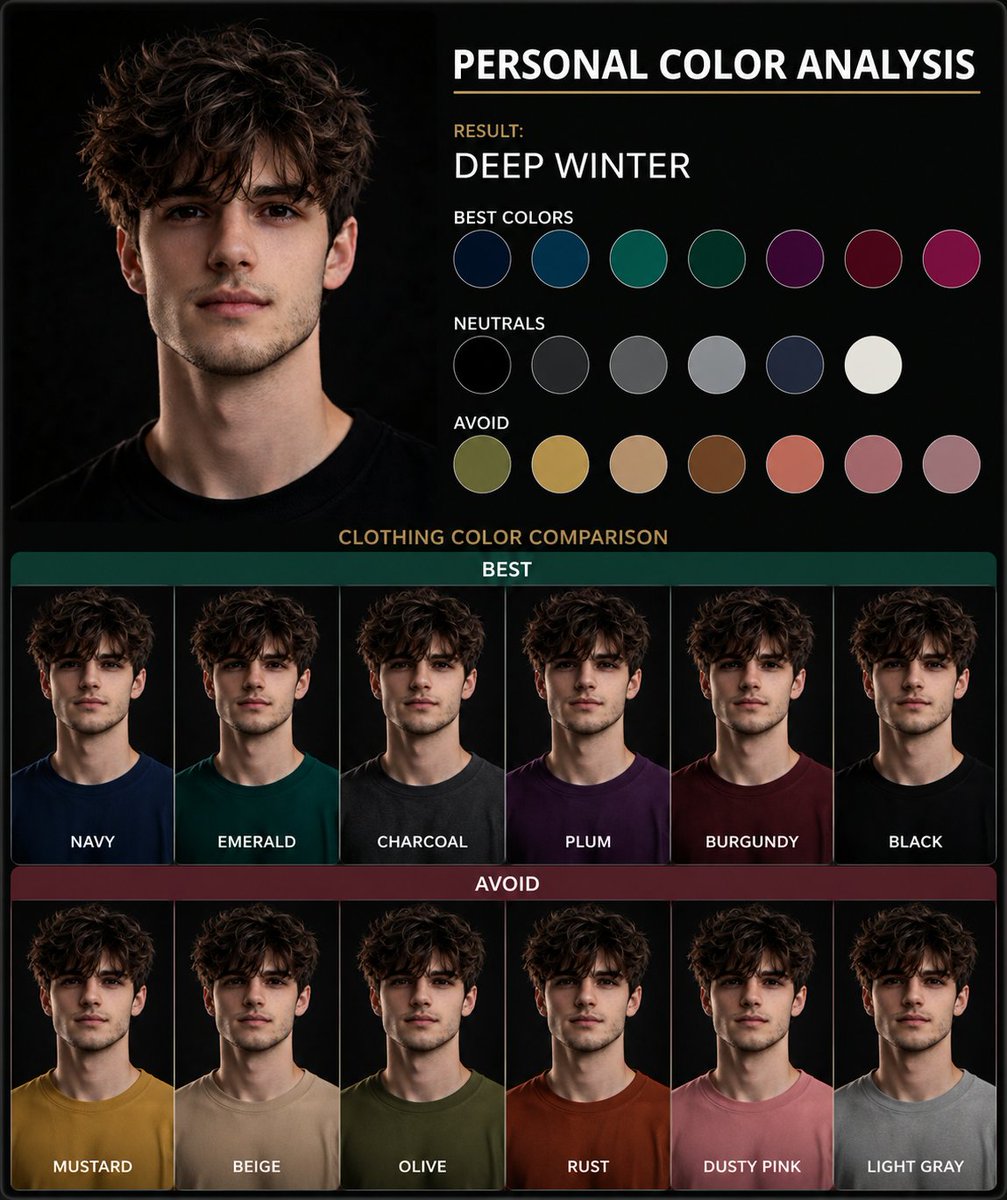
Generate a side-by-side clothing color comparison chart from a portrait photo to instantly discover your most flattering personal color palette.
PROMPT · EN
使用这张肖像图创建一个 argtype: 个人色彩分析图表。展示并排的服装颜色对比,以突出最适合主体的人物色彩。以视觉呈现为主,仅使用简短标签,不要包含段落文字。
Informazioni su questo prompt
Generate a side-by-side clothing color comparison chart from a portrait photo to instantly discover your most flattering personal color palette. Use it as a Concept Art starting point for GPT Image 2: keep the visual structure and style constraints intact, then swap in your own subject, brand, or scene.
Start by replacing type, then keep the camera, composition, and material cues in the same order. This makes the output easier to compare across variations.
Come usare questo prompt
- Copy the prompt text and paste it into your Sora 2 interface. 2. Upload your portrait photo as the reference image. 3. Adjust the
{type}variable if you want a different chart style (e.g., 'wardrobe color guide'). 4. Generate the image to see your personalized color analysis.


