
3D Data Pipeline Visualization — Sora 2 Prompt
Generate a minimalist 3D render of a sequential data processing pipeline with glass panels and geometric patterns for clean, corporate tech visuals.
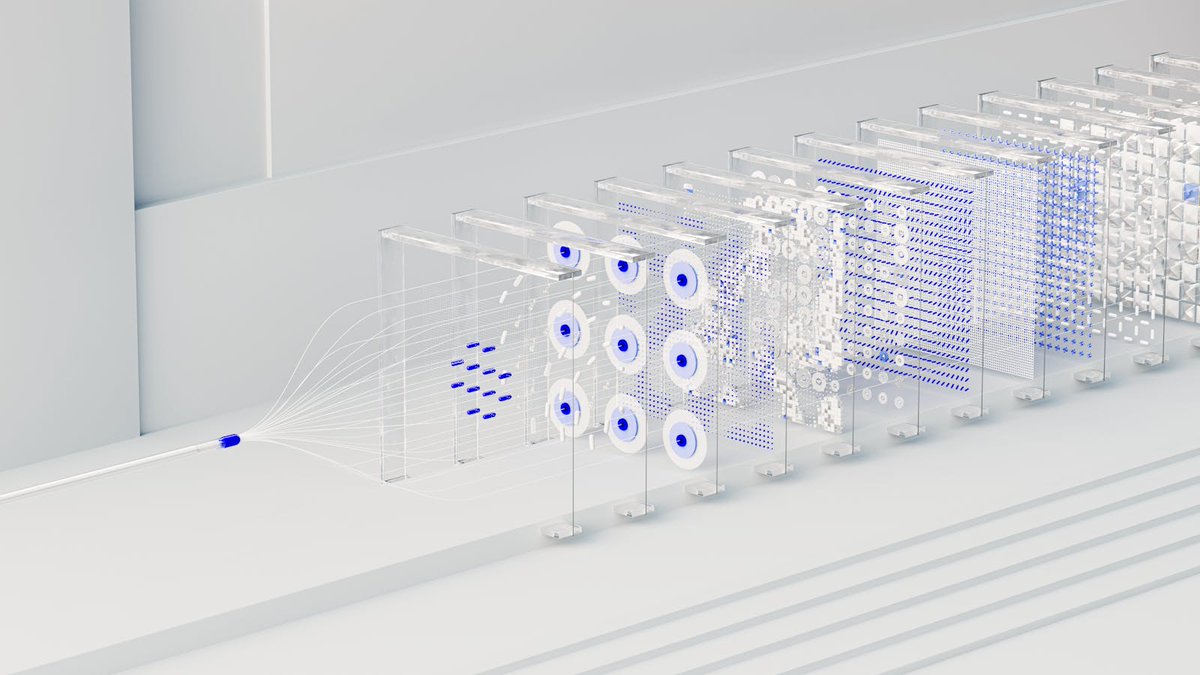
A clean, minimalist 3D render visualizing a argconcept: neural network data processing pipeline. On the left, a single white cable with a glowing argaccent color: blue tip splits into multiple thin, sweeping white strands. These strands feed into a linear sequence of exactly 10 transparent, glass-like rectangular panels standing upright on a argenvironment: sterile white stepped surface. Each glass panel illustrates a different stage of transformation using geometric patterns in white and argaccent color: blue. From left to right, the panels feature: floating dashes, a 3x3 grid of concentric circles, a dense dot matrix, scattered white pixel blocks, horizontal dashed lines, a fine mesh grid, and finally 3D cubic structures. The lighting is bright, soft, and high-key, creating a pristine corporate tech aesthetic with a shallow depth of field that gently blurs the furthest panels.
프롬프트 소개
Generate a minimalist 3D render of a sequential data processing pipeline with glass panels and geometric patterns for clean, corporate tech visuals. Use it as a 컨셉 아트 starting point for GPT Image 2: keep the visual structure and style constraints intact, then swap in your own subject, brand, or scene.
Common directions include gptimage2api prompts, gptimage2api, and en. Treat these tags as creative cues; the prompt structure and preview image are the more useful guide.
Start by replacing concept, accent color, and environment, then keep the camera, composition, and material cues in the same order. This makes the output easier to compare across variations.
이 프롬프트 사용법
- Copy the entire prompt text from the page.
- Choose the Sora 2 video generation model in your AI platform.
- Customize variables like the concept, accent color, and environment to fit your project.
- Generate the video and review the abstract data pipeline animation.


