
GPT Image 2AI 프롬프트
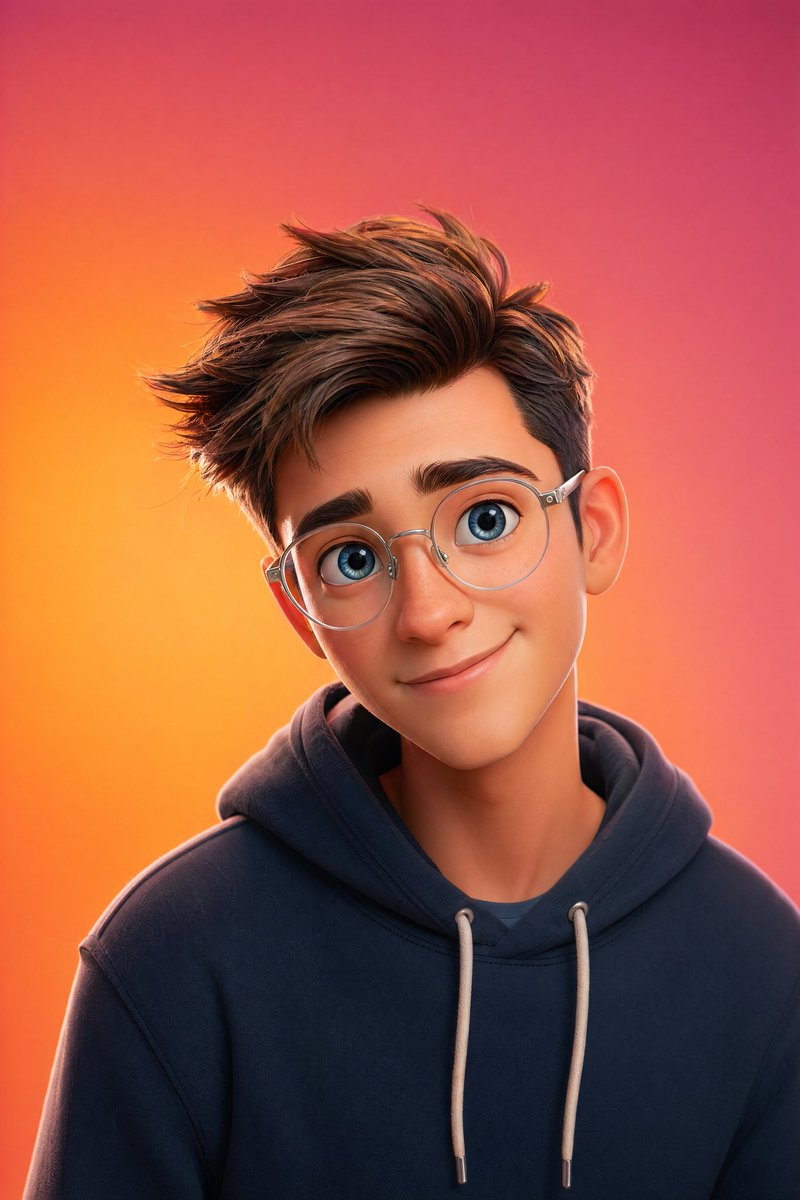
Pixar-Style 3D Character Portrait — AI Sora 2 Prompt
Create a cinematic Pixar-style 3D portrait with soft lighting, vibrant gradient backgrounds, and ultra-detailed 8K resolution using this customizable Sora 2 prompt.
프롬프트 · EN
一个皮克斯风格的 3D 角色肖像,主体为 argsubject description: 皮肤细腻、拥有一双灵动大蓝眼睛、面部特征柔和并佩戴透明圆框眼镜的年轻人。角色留着 arghair style: 现代短发,穿着 argclothing: 简约连帽衫,头部微微倾斜,露出温暖友好的微笑。场景极简且干净,背景为 argbackground color: 橙粉色渐变背景,采用柔和的摄影棚灯光、清晰的轮廓光、电影级景深、超精细细节、8K 分辨率以及 Octane 渲染效果。
프롬프트 소개
Create a cinematic Pixar-style 3D portrait with soft lighting, vibrant gradient backgrounds, and ultra-detailed 8K resolution using this customizable Sora 2 prompt. Use it as a 컨셉 아트 starting point for GPT Image 2: keep the visual structure and style constraints intact, then swap in your own subject, brand, or scene.
Start by replacing subject description, hair style, clothing, and background color, then keep the camera, composition, and material cues in the same order. This makes the output easier to compare across variations.
이 프롬프트 사용법
- Copy the entire prompt text from the page.
- Paste it into your chosen AI video or image generator (like Sora 2).
- Customize the variables in curly braces
{}(e.g., subject description, hair style, clothing) to personalize your character. - Adjust the background color or other details to match your vision.
- Generate and enjoy your high-quality, cinematic portrait.


