Sora2 Hub
Sora2 Hub
  • 프롬프트 라이브러리
  • 가격
  • 쇼케이스
Sora2 Hub
Sora2 Hub
Sora2 Hub

Sora2 Hub

Sora 2, Veo 3.1, Nano Banana Pro로 구동되는 전문 AI 창작 플랫폼입니다. 고급 제어, HD 화질, 워터마크 없는 놀라운 동영상과 스튜디오급 이미지를 제작하세요.

Email:support@sora2hub.org

AI 비디오 생성

  • 텍스트에서 비디오
  • 이미지에서 비디오
  • Veo 3.1
  • Sora 2
  • Kling 3.0
  • Kling 2.6
  • Kling 2.5
  • Runway
  • Wan 2.6
  • Seedance 2.0
  • Hailuo 2.3
  • Grok Imagine
  • HappyHorse-1.0

AI 이미지 생성기

  • 텍스트에서 이미지
  • 이미지에서 이미지
  • Nano Banana Pro
  • Nano Banana
  • 4o Image
  • Flux Kontext
  • Z Image
  • Seedream 4.5
  • Seedream 5.0 Lite
  • Nano Banana 2
  • GPT Image 2
  • AI 이미지 업스케일러

AI 효과

  • AI 나이 필터
  • AI 성별 변환
  • AI 키스
  • AI 허그
  • 지브리 이미지
  • AI 인어 필터
  • AI 바디쉐이크
  • 스마일 필터
  • AI 뚱뚱하게
  • 액션 피규어

제품

  • 기능
  • 쇼케이스
  • 가격

회사

  • 소개
  • 문의

© 2025 • Sora2 Hub ORG 모든 권리 보유.

  • 개인정보 처리방침
  • 서비스 약관
  • 환불 정책
  1. 홈
  2. /
  3. 프롬프트
  4. /
  5. GPT Image 2
  6. /
  7. 3D Grayscale Dance Reference Grid — Sora 2 Prompt
GPT Image 2AI 프롬프트

3D Grayscale Dance Reference Grid — Sora 2 Prompt

Generate a studio-lit 3D grayscale dance reference chart in a 4x4 grid, complete with Korean labels and motion arrows—ideal for animators and illustrators.
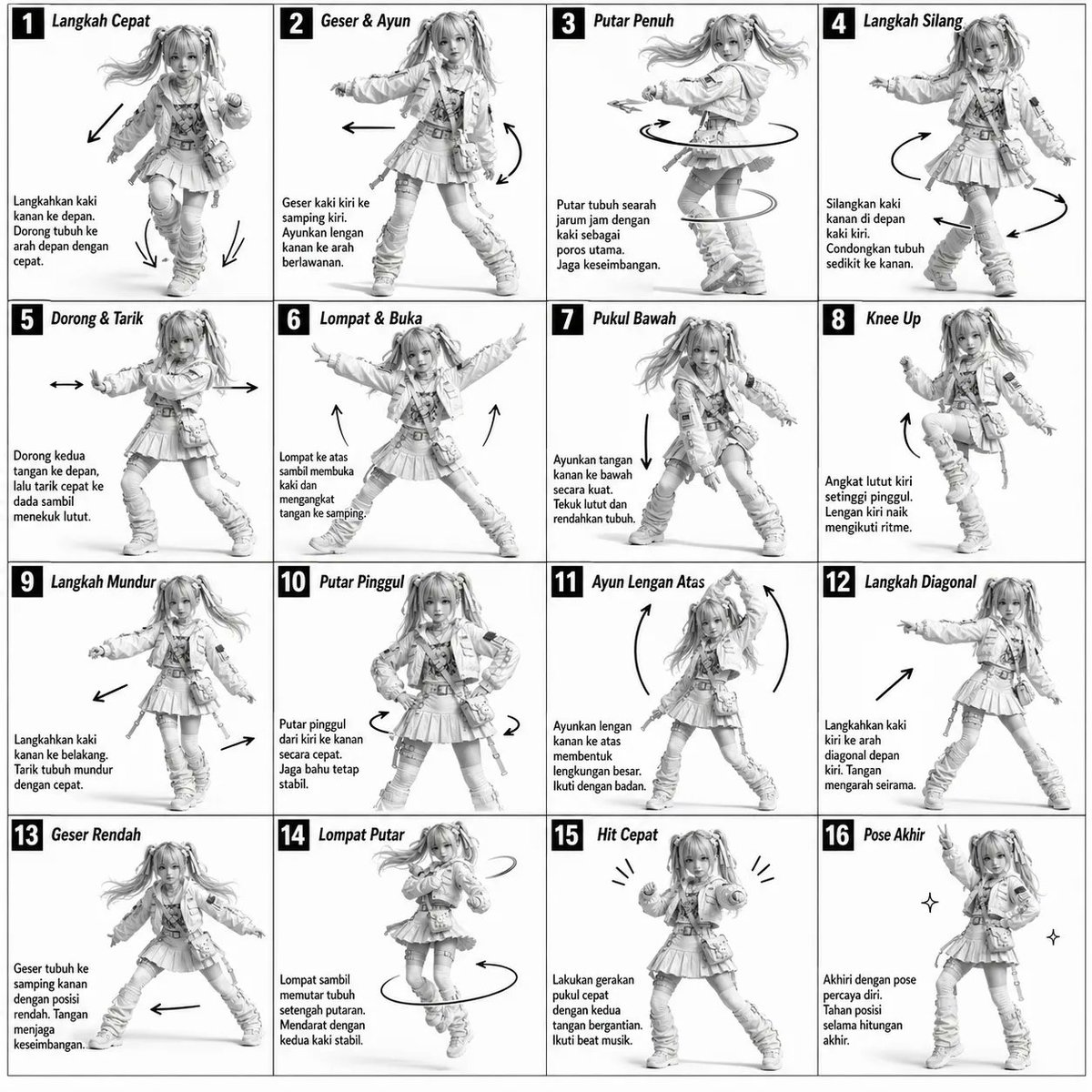
3D Grayscale Dance Reference Grid — Sora 2 Prompt
프롬프트 · EN
单色灰度插图,3D 渲染角色,简洁的说明性参考图。
白色背景,漫画风格网格布局,技术图表美学。
[布局]
4×4 网格布局(共 16 个面板)。
每个面板由细黑边框分隔。
面板大小均匀,对齐一致。
每个单元格均清晰标注数字 1 至 16。
[角色]
argsubject: 年轻女性舞者,运动型身材,马尾辫发型,身穿短款上衣、宽松长裤和运动鞋。
同一角色必须在所有面板中保持一致。
[面板结构 – 每个单元格]
左上角:粗体数字徽标 + arglanguage: 韩语 标题文本
中心:全身角色动作插图
左下角:arglanguage: 韩语 说明文本(3–4 行)
叠加层:指示运动流向的箭头
[箭头 / 动作指示器]
曲线箭头、直线箭头和圆形旋转指示器。
箭头应放置在角色周围,以清晰展示运动方向和流向。
[渲染风格]
高度精细的 3D 雕刻风格。
柔和的摄影棚灯光,带有微妙的阴影。
无颜色 —— 仅限灰度。
干净的线条,精致的成品,游戏概念艺术质量。
[负面提示词]
无背景场景。
无色调。
无额外角色。
无杂乱或复杂的背景。

프롬프트 소개

Generate a studio-lit 3D grayscale dance reference chart in a 4x4 grid, complete with Korean labels and motion arrows—ideal for animators and illustrators. Use it as a 컨셉 아트 starting point for GPT Image 2: keep the visual structure and style constraints intact, then swap in your own subject, brand, or scene.

Start by replacing subject and language, then keep the camera, composition, and material cues in the same order. This makes the output easier to compare across variations.

이 프롬프트 사용법

  1. Copy the full prompt from the text area above.
  2. Choose a text-to-image AI model that supports detailed prompts, such as Sora, DALL-E 3, or Midjourney.
  3. (Optional) Customize the subject argument to match your character (e.g., "male boxer") and language for labels (e.g., "English").
  4. Paste the prompt and generate. For best grid compliance, use a model with strong instruction-following.
  5. If needed, tweak negative prompts to suppress any color or background leakage.
FAQ

K

@ChillaiKalan__→

게시일
2026년 4월 30일
원본 언어
EN
모델
GPT Image 2
카테고리
컨셉 아트
GPT Image 2컨셉 아트gpt-image-2twitter
조회
3.7K
복사
446
좋아요
292

공유

GPT Image 2의 더 많은 프롬프트

전체 보기
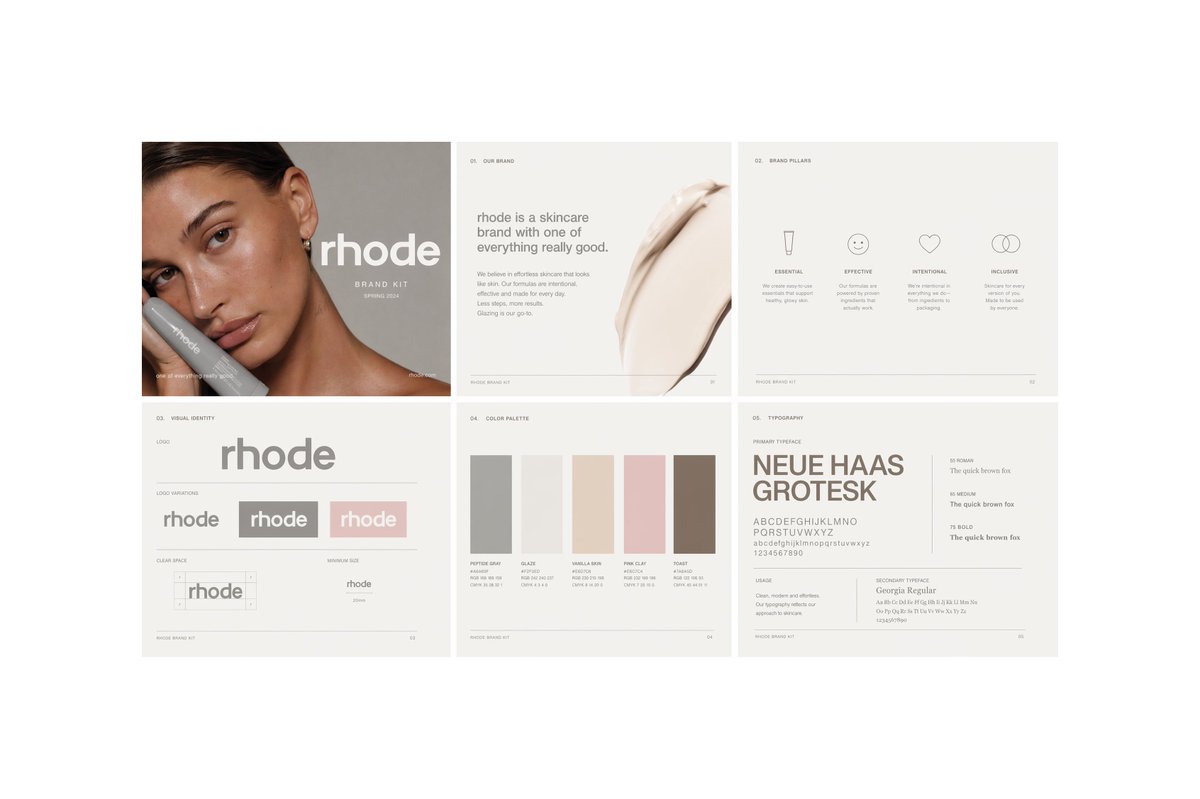
Minimalist Skincare Brand Manual — Sora 2 Prompt

Minimalist Skincare Brand Manual — Sora 2 Prompt

@FranromeGraph
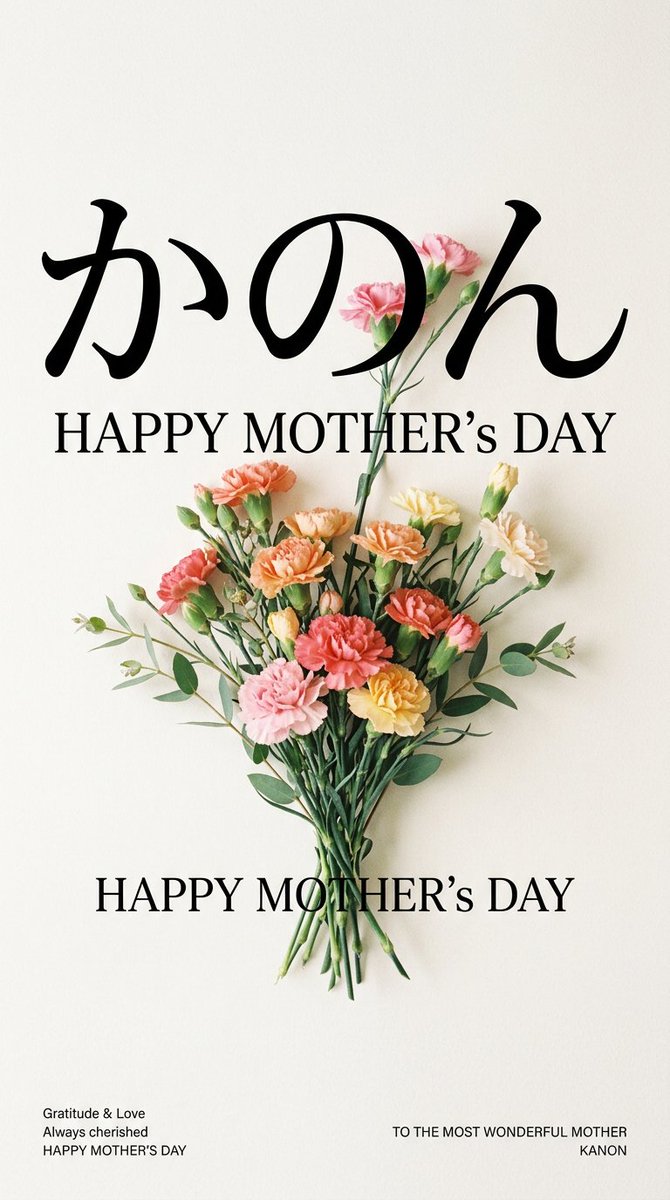
Minimalist Mother's Day Wallpaper — Sora 2 Prompt with Calligraphy & Carnations

Minimalist Mother's Day Wallpaper — Sora 2 Prompt with Calligraphy & Carnations

@EdimakorJP
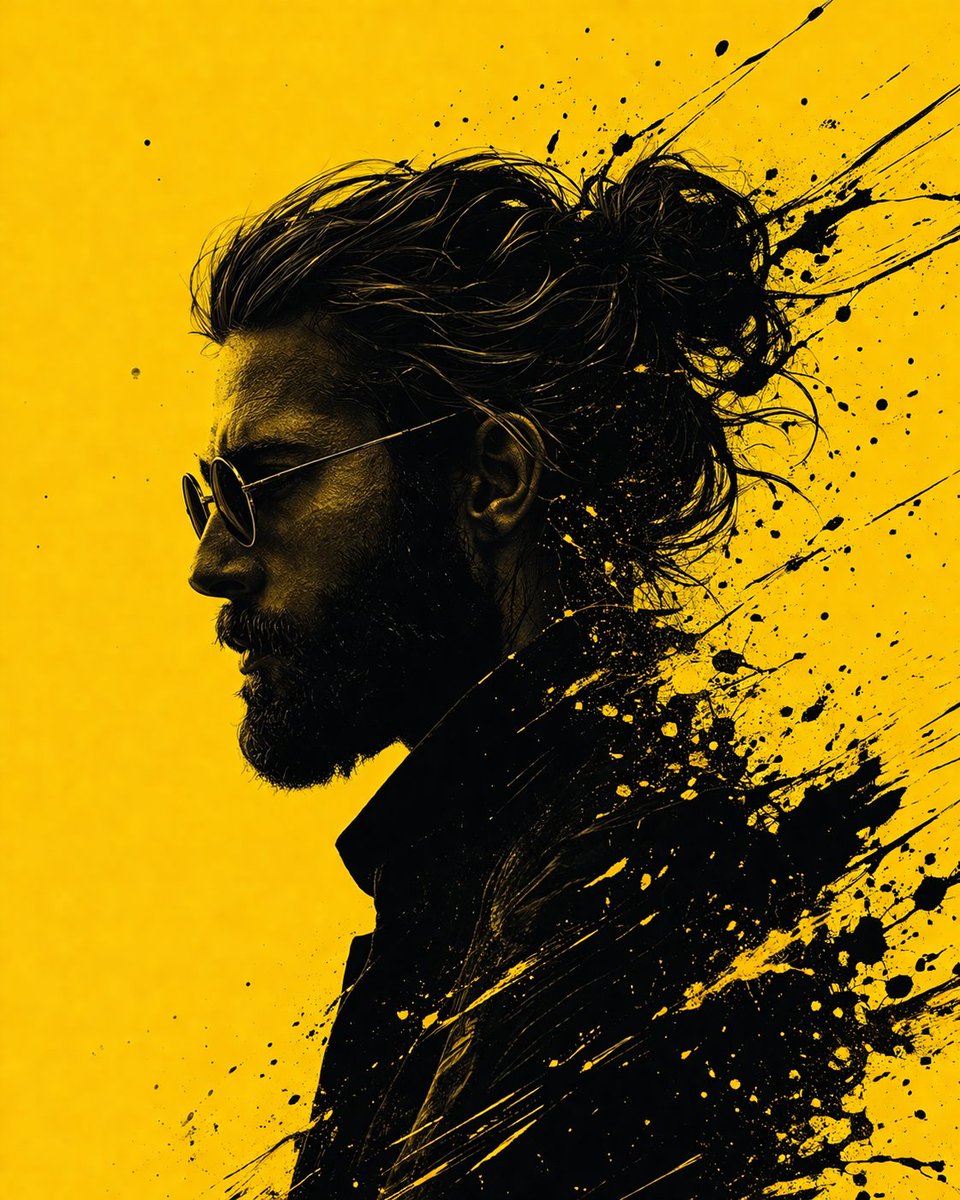
Graphic Novel Ink Splash Portrait — Sora 2 Prompt

Graphic Novel Ink Splash Portrait — Sora 2 Prompt

@iamsofiaijaz

Sora2Hub 프롬프트로 더 빠르게 제작하세요.

검색 가능한 프롬프트 페이지에서 시작해 적합한 모델 컨텍스트로 바로 생성하세요.

프롬프트 탐색