Sora2 Hub
Sora2 Hub
  • 프롬프트 라이브러리
  • 가격
  • 쇼케이스
Sora2 Hub
Sora2 Hub
Sora2 Hub

Sora2 Hub

Sora 2, Veo 3.1, Nano Banana Pro로 구동되는 전문 AI 창작 플랫폼입니다. 고급 제어, HD 화질, 워터마크 없는 놀라운 동영상과 스튜디오급 이미지를 제작하세요.

Email:support@sora2hub.org

AI 비디오 생성

  • 텍스트에서 비디오
  • 이미지에서 비디오
  • Veo 3.1
  • Sora 2
  • Kling 3.0
  • Kling 2.6
  • Kling 2.5
  • Runway
  • Wan 2.6
  • Seedance 2.0
  • Hailuo 2.3
  • Grok Imagine
  • HappyHorse-1.0
  • HappyHorse 1.1
  • Kling 3.0 Turbo
  • Volcengine Video-to-Video Lip Sync
  • OmniHuman 1.5
  • Grok Imagine Video 1.5
  • Gemini Omni
  • Wan 2.7 Video
  • Seedance 2.0 Mini

AI 이미지 생성기

  • 텍스트에서 이미지
  • 이미지에서 이미지
  • Nano Banana Pro
  • Nano Banana
  • 4o Image
  • Flux Kontext
  • Z Image
  • Seedream 4.5
  • Seedream 5.0 Lite
  • Nano Banana 2
  • GPT Image 2
  • AI 이미지 업스케일러
  • Seedream 5.0 Pro
  • Nano Banana 2 Lite
  • Qwen Image 2.0

AI 효과

  • AI 나이 필터
  • AI 성별 변환
  • AI 키스
  • AI 허그
  • 지브리 이미지
  • AI 인어 필터
  • AI 바디쉐이크
  • 스마일 필터
  • AI 뚱뚱하게
  • 액션 피규어

제품

  • 기능
  • 쇼케이스
  • 가격

회사

  • 소개
  • 문의

© 2025 • Sora2 Hub ORG 모든 권리 보유.

  • 개인정보 처리방침
  • 서비스 약관
  • 환불 정책
  1. 홈
  2. /
  3. 프롬프트
  4. /
  5. GPT Image 2
  6. /
  7. 9/11 Twin Towers Attack: Street Photo — Sora 2 Prompt
GPT Image 2AI 프롬프트

9/11 Twin Towers Attack: Street Photo — Sora 2 Prompt

Generate a photorealistic documentary street photo of the 9/11 Twin Towers attack from a bystander's perspective, with dramatic smoke and a clear blue sky.
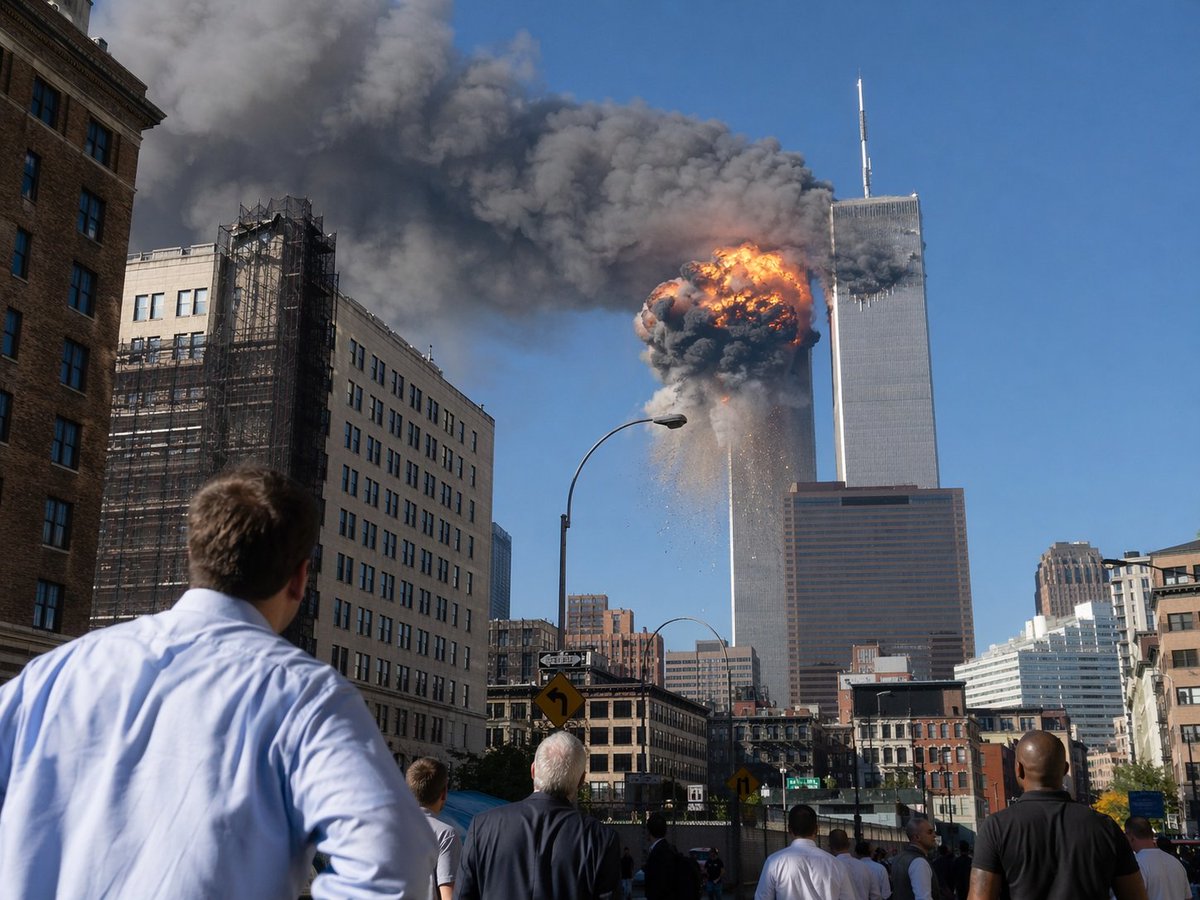
9/11 Twin Towers Attack: Street Photo — Sora 2 Prompt
프롬프트 · EN
一张极具冲击力的纪实风格街头照片,拍摄于曼哈顿下城,展示了 9/11 袭击期间的世界贸易中心,视角位于几个街区外,背景是明亮晴朗的蓝天。构图以双子塔为中心,左侧塔楼高层被巨大的橙黑色火球吞没,浓厚的深灰色烟雾在天空中水平翻滚,碎片向下坠落。右侧塔楼紧邻其旁,天线清晰可见,部分被烟雾遮挡。前景中,有 6 位清晰可见的旁观者背对镜头站在街道和人行道上,神情震惊地注视着前方;最靠近镜头的是左下方一名身穿浅蓝色衬衫的男子。大道两侧是中层城市建筑,包括左侧带有黑色建筑脚手架的米色大楼、街面古老的砖石外墙、中心附近高大的弧形路灯、交通标志,以及将视线引向塔楼的密集城市峡谷。写实纪录片摄影,高细节,自然日光,长焦镜头压缩感,紧迫的历史新闻氛围,焦点清晰,无文字,无水印。

프롬프트 소개

Generate a photorealistic documentary street photo of the 9/11 Twin Towers attack from a bystander's perspective, with dramatic smoke and a clear blue sky. Use it as a 컨셉 아트 starting point for GPT Image 2: keep the visual structure and style constraints intact, then swap in your own subject, brand, or scene.

Start with small changes to subject, scene, camera, and color, then generate a few variations to compare composition and detail without turning the page copy into keyword stuffing.

이 프롬프트 사용법

  1. Copy the prompt into your AI image generator.
  2. Select a photorealistic model like Sora 2 or similar.
  3. Use a 16:9 aspect ratio to capture the expansive street view.
  4. Generate and refine if needed to achieve documentary realism.
FAQ

🎨 Bókumandi 🌟

@Bokumandi→

게시일
2026년 4월 25일
원본 언어
EN
모델
GPT Image 2
카테고리
컨셉 아트
GPT Image 2컨셉 아트gpt-image-2twitter
조회
2.1K
복사
284
좋아요
161

공유

GPT Image 2의 더 많은 프롬프트

전체 보기
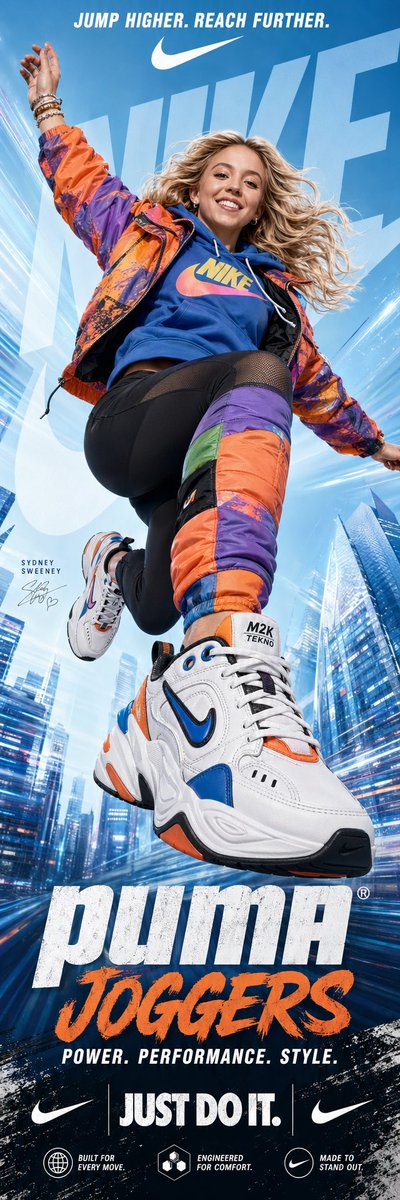
Dynamic Nike Ad Poster — Sora 2 Prompt with Sydney Sweeney

Dynamic Nike Ad Poster — Sora 2 Prompt with Sydney Sweeney

@im_shahid7
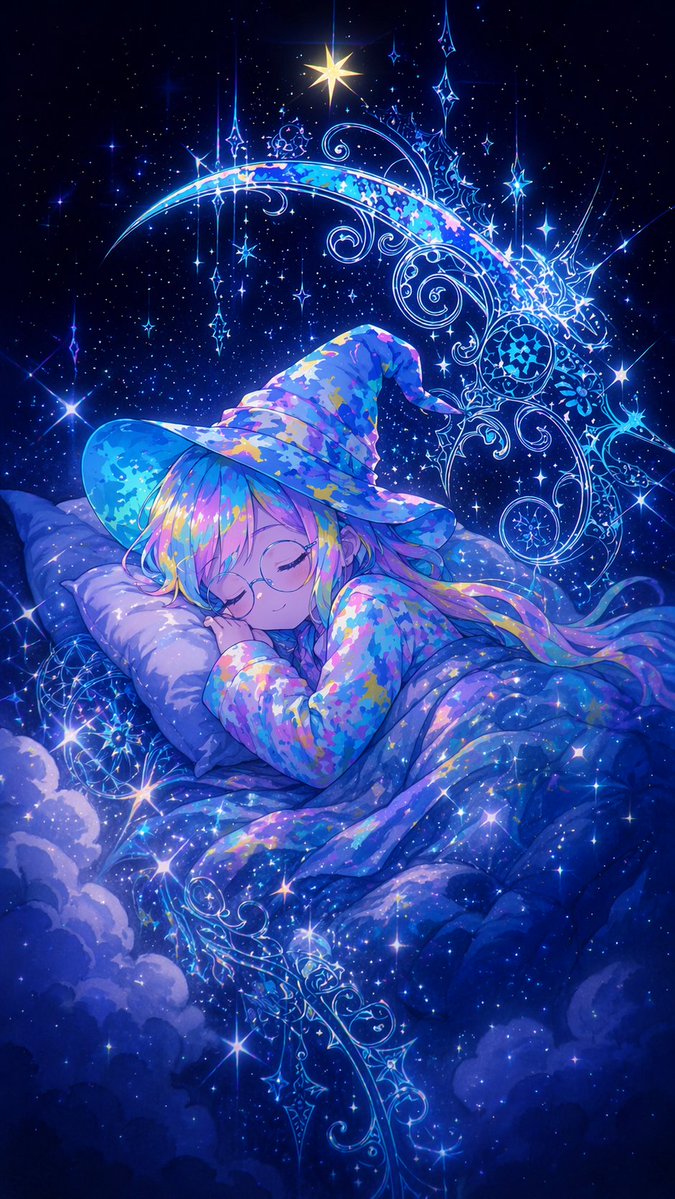
Sleeping Anime Star Witch — Dreamy Cosmic Sora 2 Prompt

Sleeping Anime Star Witch — Dreamy Cosmic Sora 2 Prompt

@prompts
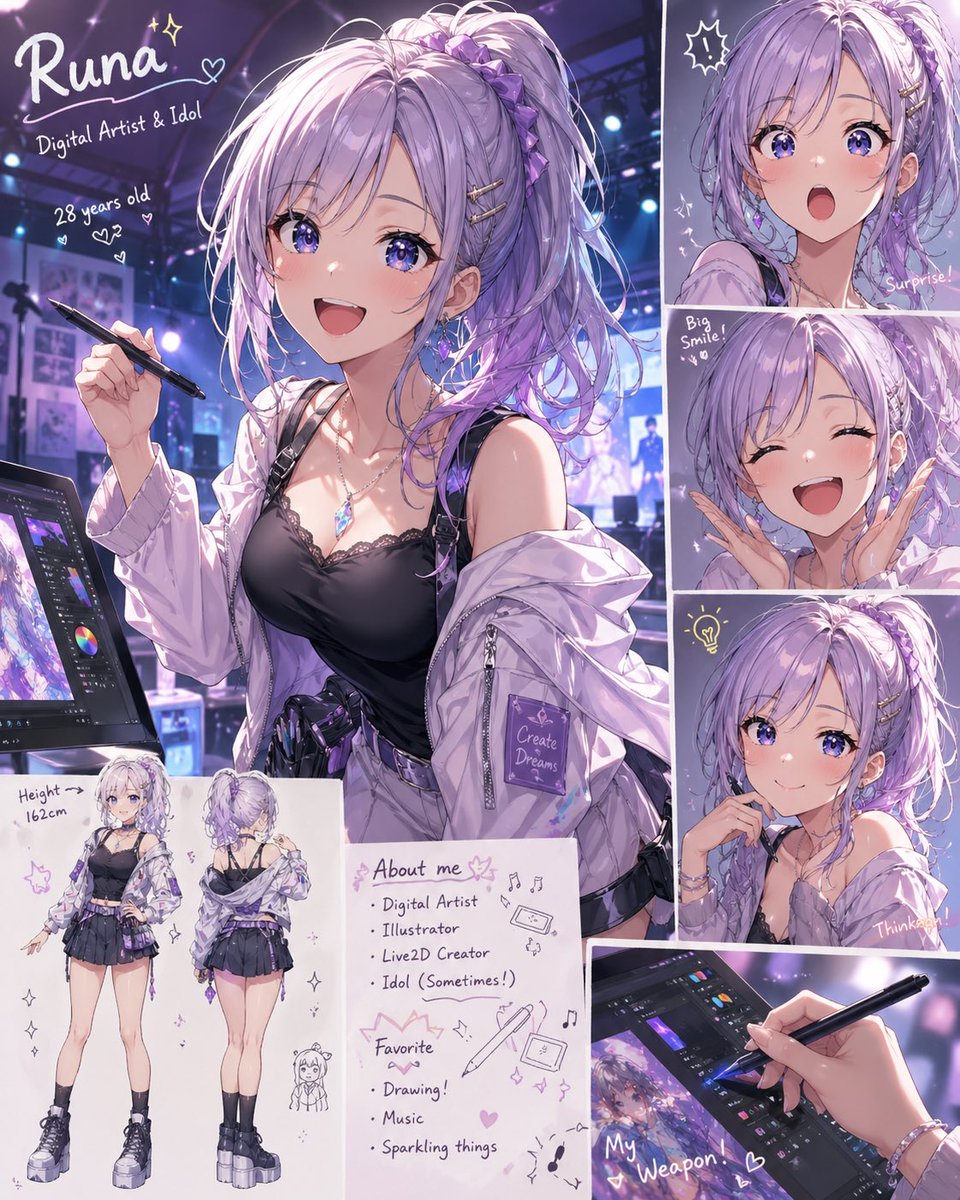
Anime Idol Profile Page — Lavender Art Style Prompt

Anime Idol Profile Page — Lavender Art Style Prompt

@uzuyanurp

Sora2Hub 프롬프트로 더 빠르게 제작하세요.

검색 가능한 프롬프트 페이지에서 시작해 적합한 모델 컨텍스트로 바로 생성하세요.

프롬프트 탐색