
GPT Image 2AI 프롬프트
Playful Hand-Drawn Doodle & Text Overlay — Sora 2 Prompt
Transform your photos with playful hand-drawn doodles and contextual handwritten text that interact with the subject, while preserving original details.
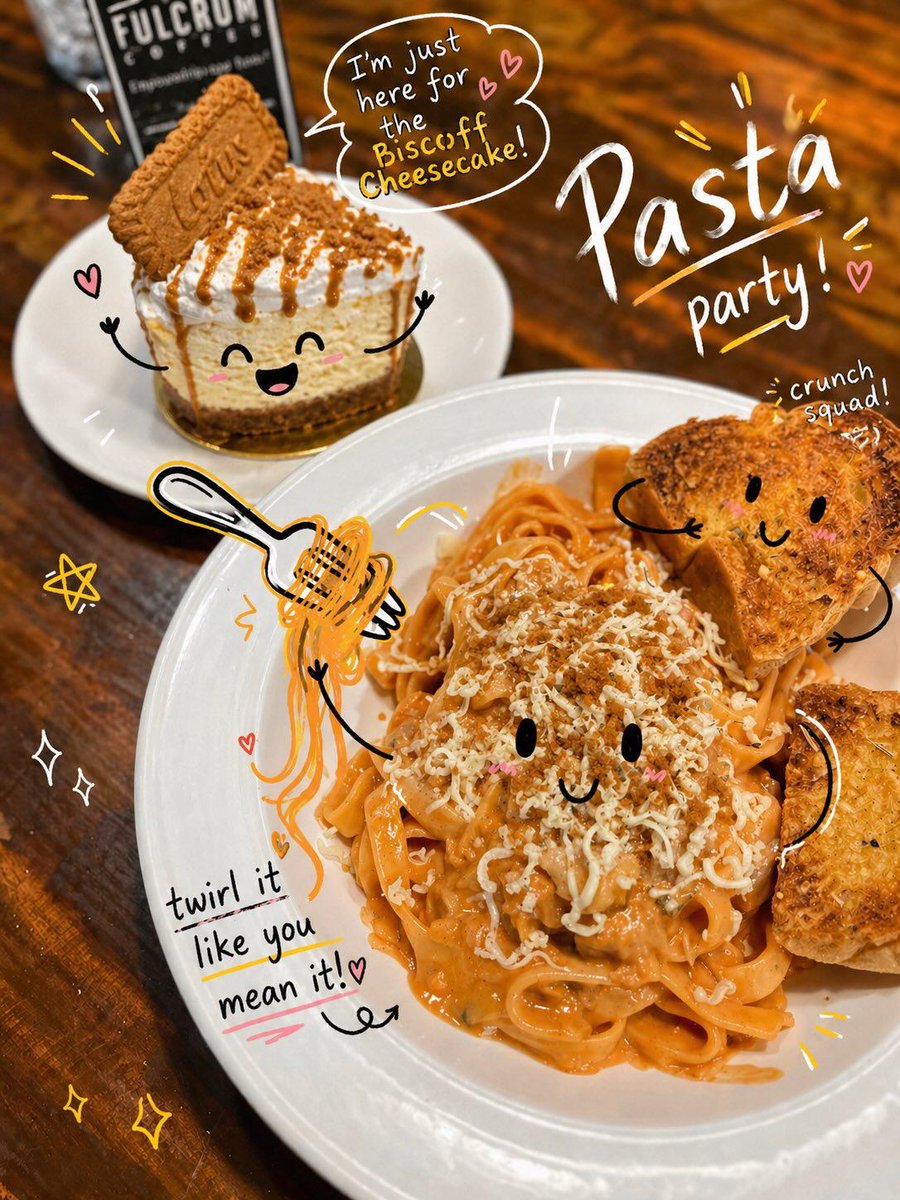
1 / 3
프롬프트 · EN
分析上传的图像,并保留原始主体、构图和光影。请勿改变主体身份或结构。添加 argdoodle style: playful, hand-drawn doodles,使其与图像中的主体产生直接互动。涂鸦应模仿、跟随或夸大图像中呈现的形状、姿势或动作,例如勾勒姿势、延伸肢体、添加运动线条,或创作出与主体“互动”的创意元素。 确保涂鸦自然地融入场景,仿佛是有意在照片上绘制的一样。 采用草图式、不完美的手绘风格,线条要有机、笔触略显不均匀,并带有随性的插画感。 在图像周围加入灵动的手写文字元素。文字应与场景的氛围或隐含语境相符,语气设定为 argtext tone: playful and spontaneous。 避免使用固定短语,应根据每张独特的图像生成具有情境感、创意且幽默的文字。保持构图平衡,使涂鸦在增强图像表现力的同时,不会喧宾夺主。整体美学风格应保持趣味性、表现力,并适合社交媒体分享。要求高分辨率、清晰的叠加效果,以及鲜活且自然的色彩协调。
프롬프트 소개
Transform your photos with playful hand-drawn doodles and contextual handwritten text that interact with the subject, while preserving original details. Use it as a 컨셉 아트 starting point for GPT Image 2: keep the visual structure and style constraints intact, then swap in your own subject, brand, or scene.
Start by replacing doodle style and text tone, then keep the camera, composition, and material cues in the same order. This makes the output easier to compare across variations.
이 프롬프트 사용법
- Copy the prompt text.
- Choose an image-to-image AI model (e.g., Sora 2, Stable Diffusion with ControlNet) that supports image upload and style overlay.
- Upload your original photo and paste the prompt into the prompt field.
- Optionally customize the
doodle style(e.g., "comic sketch") andtext tone(e.g., "witty and casual") variables. - Generate and download your doodle-enhanced image.


