Sora2 Hub
Sora2 Hub
  • 프롬프트 라이브러리
  • 가격
  • 쇼케이스
Sora2 Hub
Sora2 Hub
Sora2 Hub

Sora2 Hub

Sora 2, Veo 3.1, Nano Banana Pro로 구동되는 전문 AI 창작 플랫폼입니다. 고급 제어, HD 화질, 워터마크 없는 놀라운 동영상과 스튜디오급 이미지를 제작하세요.

Email:support@sora2hub.org

AI 비디오 생성

  • 텍스트에서 비디오
  • 이미지에서 비디오
  • Veo 3.1
  • Sora 2
  • Kling 3.0
  • Kling 2.6
  • Kling 2.5
  • Runway
  • Wan 2.6
  • Seedance 2.0
  • Hailuo 2.3
  • Grok Imagine
  • HappyHorse-1.0
  • HappyHorse 1.1
  • Kling 3.0 Turbo
  • Volcengine Video-to-Video Lip Sync
  • OmniHuman 1.5
  • Grok Imagine Video 1.5
  • Gemini Omni
  • Wan 2.7 Video
  • Seedance 2.0 Mini

AI 이미지 생성기

  • 텍스트에서 이미지
  • 이미지에서 이미지
  • Nano Banana Pro
  • Nano Banana
  • 4o Image
  • Flux Kontext
  • Z Image
  • Seedream 4.5
  • Seedream 5.0 Lite
  • Nano Banana 2
  • GPT Image 2
  • AI 이미지 업스케일러
  • Seedream 5.0 Pro
  • Nano Banana 2 Lite
  • Qwen Image 2.0

AI 효과

  • AI 나이 필터
  • AI 성별 변환
  • AI 키스
  • AI 허그
  • 지브리 이미지
  • AI 인어 필터
  • AI 바디쉐이크
  • 스마일 필터
  • AI 뚱뚱하게
  • 액션 피규어

제품

  • 기능
  • 쇼케이스
  • 가격

회사

  • 소개
  • 문의

© 2025 • Sora2 Hub ORG 모든 권리 보유.

  • 개인정보 처리방침
  • 서비스 약관
  • 환불 정책
  1. 홈
  2. /
  3. 프롬프트
  4. /
  5. GPT Image 2
  6. /
  7. Cinema Lens & Aperture Infographic — Sora 2 Prompt
GPT Image 2AI 프롬프트

Cinema Lens & Aperture Infographic — Sora 2 Prompt

Generate a detailed 3:4 infographic comparing lens focal lengths, aperture settings, and cinematic blur examples with visual side-by-side references.
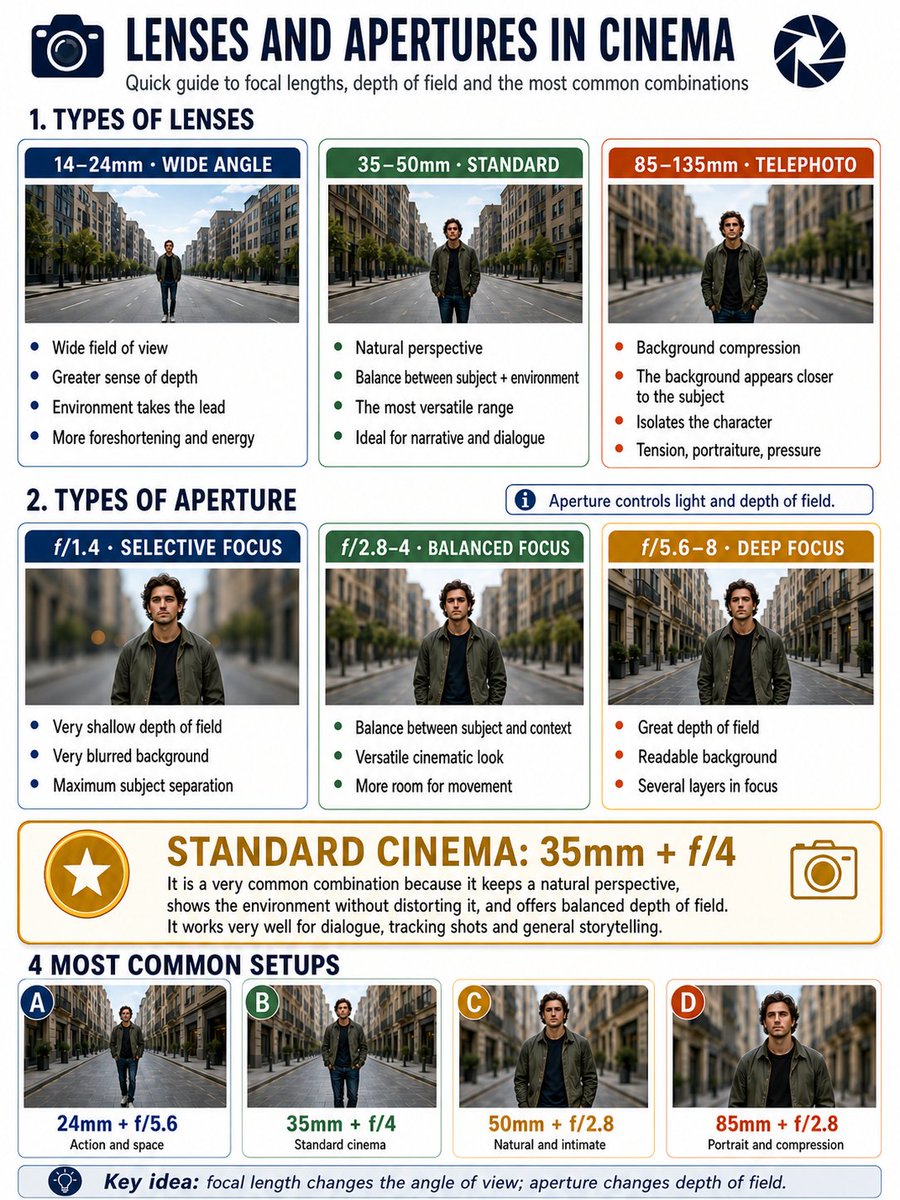
Cinema Lens & Aperture Infographic — Sora 2 Prompt
프롬프트 · EN
Make a 3:4 format infographic about argtopic: camera lenses and apertures in cinema. I want an area with classifications of lenses: argfocal lengths: 14–24, 35–50mm, 85–135 (3 categories). And then another area with apertures: argaperture values: 1.4, 2.8–4, and 5.6–8 (3 categories). Put below each type of aperture an example to see the background blur, and below each type of lens an example to see the perspective. They would be: 3 types of lenses, three types of focal lengths + golden standard in cinema (most common used setup). And at the very bottom, examples of the 4 most used configurations.

프롬프트 소개

Generate a detailed 3:4 infographic comparing lens focal lengths, aperture settings, and cinematic blur examples with visual side-by-side references. Use it as a 컨셉 아트 starting point for GPT Image 2: keep the visual structure and style constraints intact, then swap in your own subject, brand, or scene.

Start by replacing topic, focal lengths, and aperture values, then keep the camera, composition, and material cues in the same order. This makes the output easier to compare across variations.

이 프롬프트 사용법

  1. Copy the full prompt and paste it into your preferred AI image generator (e.g. Sora 2, DALL·E, Midjourney).
  2. Edit the {topic} variable if you want a different subject beyond camera lenses and apertures.
  3. Adjust the {focal lengths} and {aperture values} variables to match your preferred range or gear.
  4. Generate the image and review—tweak prompt wording or variable values for improved layout or clarity.
  5. Export or upscale the final infographic for use in presentations, blogs, or social media.

FAQ

VoxelPlot

@voxelplot→

게시일
2026년 5월 15일
원본 언어
EN
모델
GPT Image 2
카테고리
컨셉 아트
GPT Image 2컨셉 아트gpt-image-2twitter
조회
320
복사
41
좋아요
8

공유

GPT Image 2의 더 많은 프롬프트

전체 보기
Gothic Anime Girl with Hidden Face — Sora 2 Prompt

Gothic Anime Girl with Hidden Face — Sora 2 Prompt

@hoshi122221
8-Panel Romantic Manga: Shy Maid Robot & Master — Sora 2 Prompt

8-Panel Romantic Manga: Shy Maid Robot & Master — Sora 2 Prompt

@yume00112211
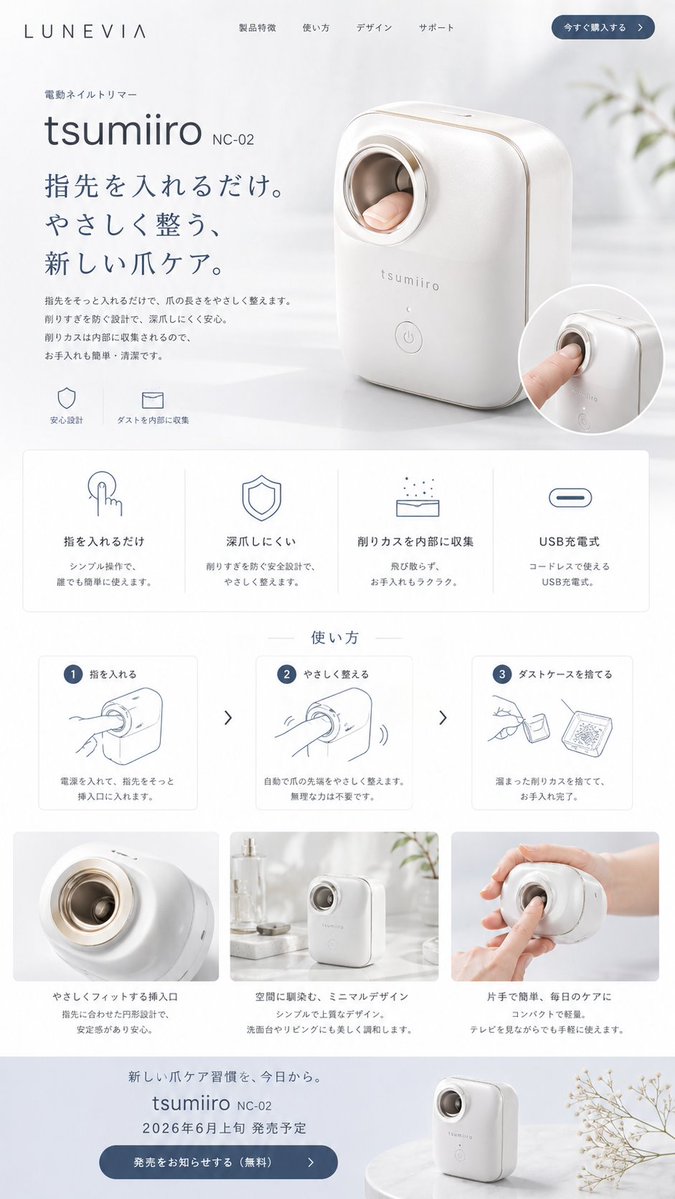
Minimalist Japanese Electric Nail Clipper Product Landing Page — Sora 2 Prompt

Minimalist Japanese Electric Nail Clipper Product Landing Page — Sora 2 Prompt

@eisho_m

Sora2Hub 프롬프트로 더 빠르게 제작하세요.

검색 가능한 프롬프트 페이지에서 시작해 적합한 모델 컨텍스트로 바로 생성하세요.

프롬프트 탐색