
GPT Image 2: Codex Chalkboard Visualization Prompt
Effortlessly transform articles into detailed chalkboard visuals with GPT Image 2, making complex ideas easy to understand at a glance.
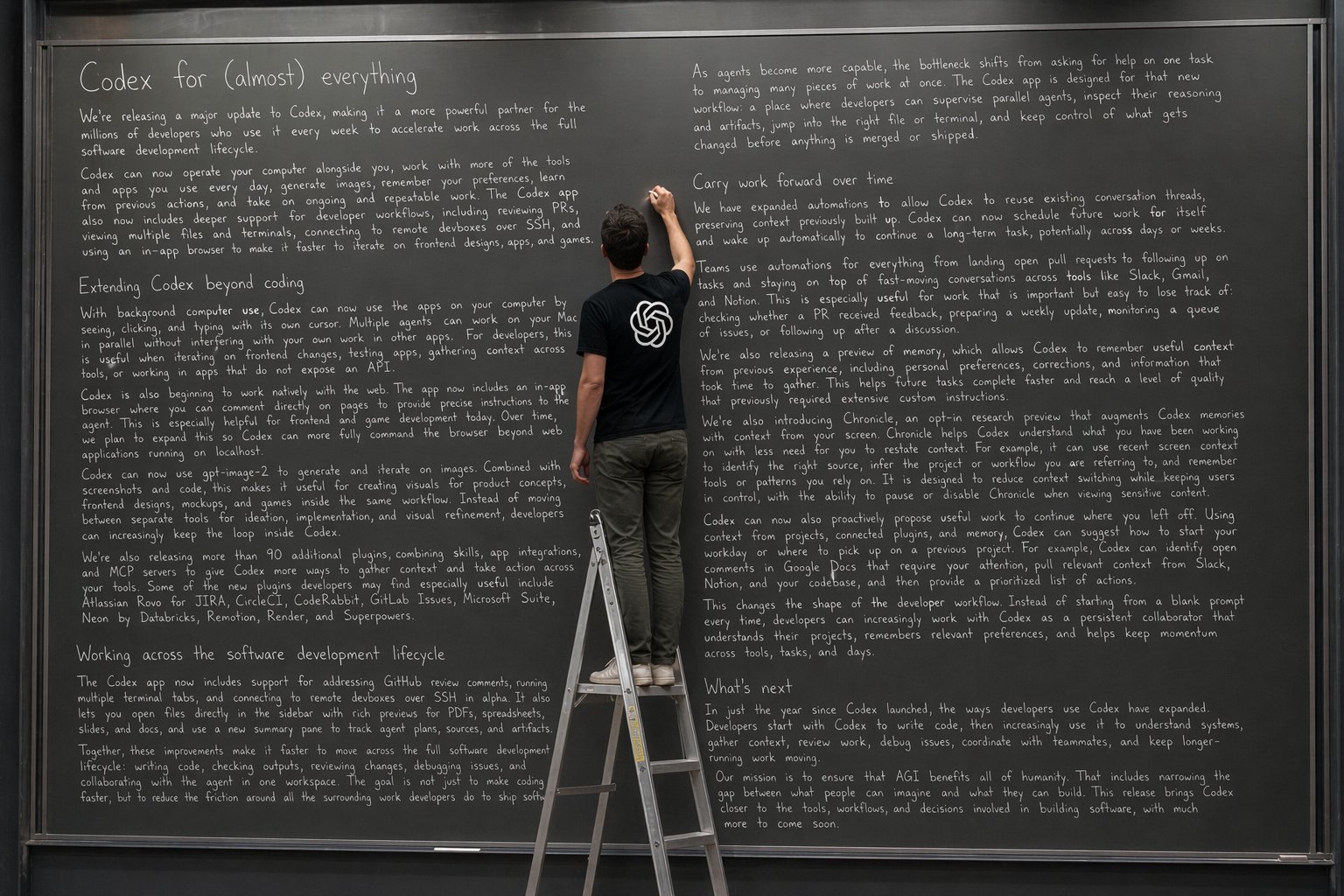
A picture says a thousand words. GPT Image 2 creates them.
프롬프트 소개
Effortlessly transform articles into detailed chalkboard visuals with GPT Image 2, making complex ideas easy to understand at a glance. Use it as a 컨셉 아트 starting point for GPT Image 2: keep the visual structure and style constraints intact, then swap in your own subject, brand, or scene.
Common directions include infographics, education & documents. Treat these tags as creative cues; the prompt structure and preview image are the more useful guide.
Start with small changes to subject, scene, camera, and color, then generate a few variations to compare composition and detail without turning the page copy into keyword stuffing.
이 프롬프트 사용법
- Copy the prompt text from this page.
- Open your GPT Image 2 interface (web app or API).
- Paste the prompt into the input field.
- Replace placeholders like
ARTICLE_TITLEwith your own article name. - Generate to create your chalkboard-style visualization.


