Sora2 Hub
Sora2 Hub
  • 프롬프트 라이브러리
  • 가격
  • 쇼케이스
Sora2 Hub
Sora2 Hub
Sora2 Hub

Sora2 Hub

Sora 2, Veo 3.1, Nano Banana Pro로 구동되는 전문 AI 창작 플랫폼입니다. 고급 제어, HD 화질, 워터마크 없는 놀라운 동영상과 스튜디오급 이미지를 제작하세요.

Email:support@sora2hub.org

AI 비디오 생성

  • 텍스트에서 비디오
  • 이미지에서 비디오
  • Veo 3.1
  • Sora 2
  • Kling 3.0
  • Kling 2.6
  • Kling 2.5
  • Runway
  • Wan 2.6
  • Seedance 2.0
  • Hailuo 2.3
  • Grok Imagine
  • HappyHorse-1.0

AI 이미지 생성기

  • 텍스트에서 이미지
  • 이미지에서 이미지
  • Nano Banana Pro
  • Nano Banana
  • 4o Image
  • Flux Kontext
  • Z Image
  • Seedream 4.5
  • Seedream 5.0 Lite
  • Nano Banana 2
  • GPT Image 2
  • AI 이미지 업스케일러

AI 효과

  • AI 나이 필터
  • AI 성별 변환
  • AI 키스
  • AI 허그
  • 지브리 이미지
  • AI 인어 필터
  • AI 바디쉐이크
  • 스마일 필터
  • AI 뚱뚱하게
  • 액션 피규어

제품

  • 기능
  • 쇼케이스
  • 가격

회사

  • 소개
  • 문의

© 2025 • Sora2 Hub ORG 모든 권리 보유.

  • 개인정보 처리방침
  • 서비스 약관
  • 환불 정책
  1. 홈
  2. /
  3. 프롬프트
  4. /
  5. GPT Image 2
  6. /
  7. Viral Marketing Case Study UI — Dark Mode Glassmorphism Prompt
GPT Image 2AI 프롬프트

Viral Marketing Case Study UI — Dark Mode Glassmorphism Prompt

Generate a sleek, data-rich dark mode landing page mockup with neon accents, timelines, and performance charts for a viral campaign.
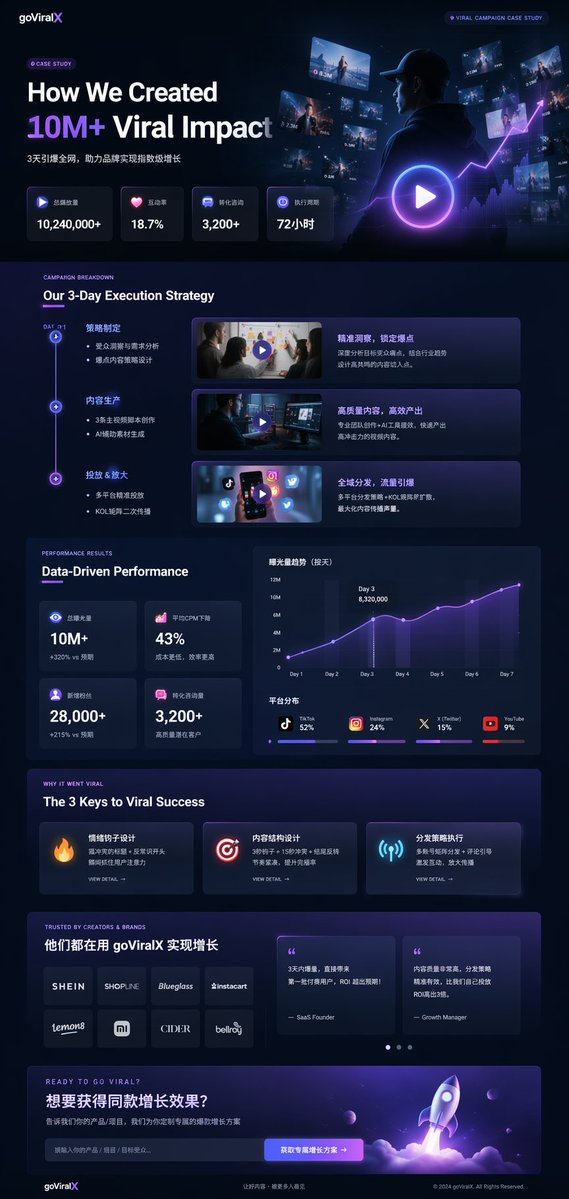
Viral Marketing Case Study UI — Dark Mode Glassmorphism Prompt
프롬프트 · EN
type
UI/UX landing page mockup
theme
dark mode, sleek modern aesthetic, glassmorphism, {argument name="primary accent color" default="neon purple and blue"} glowing accents
header
logo
{argument name="brand name" default="goViralX"}
top_right_tag
VIRAL CAMPAIGN CASE STUDY
layout
sections
item 1
name
Hero
headline
{argument name="hero headline" default="How We Created 10M+ Viral Impact"}
subheadline
3天引爆全网, 助力品牌实现指数级增长
stats_row
count
4
labels
item 1
总播放量
item 2
互动率
item 3
转化咨询
item 4
执行周期
values
item 1
{argument name="main statistic" default="10,240,000+"}
item 2
18.7%
item 3
3,200+
item 4
72小时
visual
cinematic shot of a person in a hoodie looking at glowing digital screens and graphs, large play button overlay
item 2
name
Strategy
title
Our 3-Day Execution Strategy
layout_type
vertical timeline
steps_count
3
elements_per_step
item 1
timeline node
item 2
title
item 3
bullet points
item 4
video thumbnail with play button
item 5
description box
item 3
name
Performance
title
Data-Driven Performance
left_column
stat_cards_count
4
values
item 1
10M+
item 2
43%
item 3
28,000+
item 4
3,200+
right_column
charts_count
2
chart_1
line graph showing 7-day growth peaking at Day 3
chart_2
horizontal segmented bar chart showing platform distribution (TikTok 52%, Instagram 24%, X 15%, YouTube 9%)
item 4
name
Keys to Success
title
The 3 Keys to Viral Success
cards_count
3
card_elements
item 1
glowing icon (fire, target, antenna)
item 2
title
item 3
description
item 4
VIEW DETAIL link
item 5
name
Social Proof
title
TRUSTED BY CREATORS & BRANDS
left_column
logos_count
8
grid
2x4
brands
item 1
SHEIN
item 2
SHOPLINE
item 3
Blueglass
item 4
instacart
item 5
lemon8
item 6
mi
item 7
CIDER
item 8
bellroy
right_column
testimonial_cards_count
2
elements
item 1
quote
item 2
author title (SaaS Founder, Growth Manager)
item 6
name
Call to Action
title
READY TO GO VIRAL?
interactive_elements
item 1
text input field
item 2
glowing button with text '{argument name="call to action text" default="获取专属增长方案 ->"}'
visual
3D render of a rocket ship taking off with purple and blue flames

프롬프트 소개

Generate a sleek, data-rich dark mode landing page mockup with neon accents, timelines, and performance charts for a viral campaign. Use it as a 컨셉 아트 starting point for GPT Image 2: keep the visual structure and style constraints intact, then swap in your own subject, brand, or scene.

This prompt is organized as structured JSON with fields such as type, theme, header, and layout. Keeping that hierarchy helps the model separate the subject, layout, interface elements, and detail constraints.

Start with small changes to subject, scene, camera, and color, then generate a few variations to compare composition and detail without turning the page copy into keyword stuffing.

이 프롬프트 사용법

  1. Copy the entire prompt object into your preferred AI image generator (e.g., Sora, Midjourney).
  2. Replace the placeholder variables like {brand name} and {hero headline} with your own text.
  3. Adjust the primary accent color argument if a different color scheme is desired.
  4. Generate the image, iterating on the prompt if needed to refine the layout or data.
FAQ

开发者Hailey

@prompts→

게시일
2026년 4월 30일
원본 언어
EN
모델
GPT Image 2
카테고리
컨셉 아트
GPT Image 2컨셉 아트gpt-image-2gptimage2api promptsgptimage2apien
조회
50
복사
3
좋아요
2

공유

GPT Image 2의 더 많은 프롬프트

전체 보기
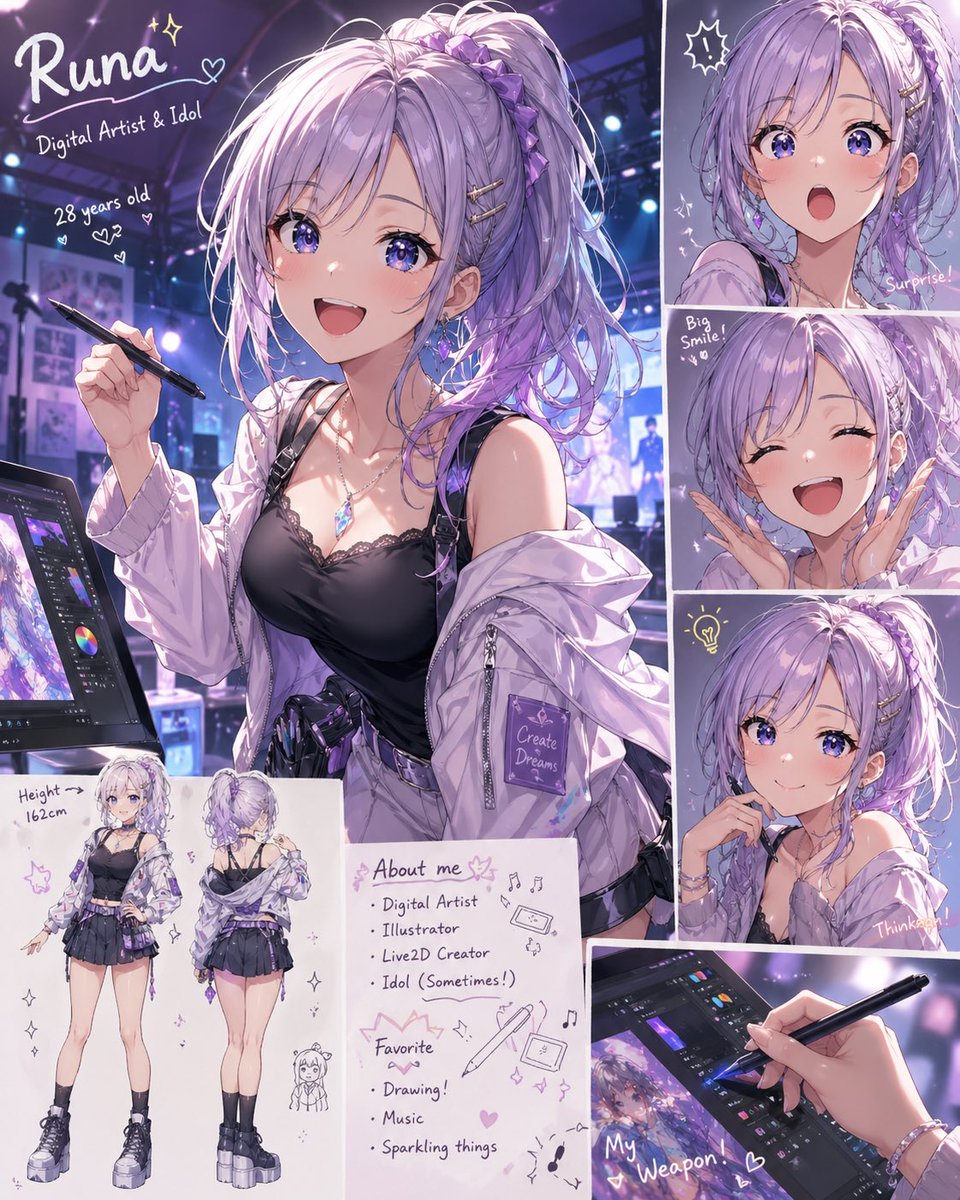
Anime Idol Profile Page — Lavender Art Style Prompt

Anime Idol Profile Page — Lavender Art Style Prompt

@uzuyanurp
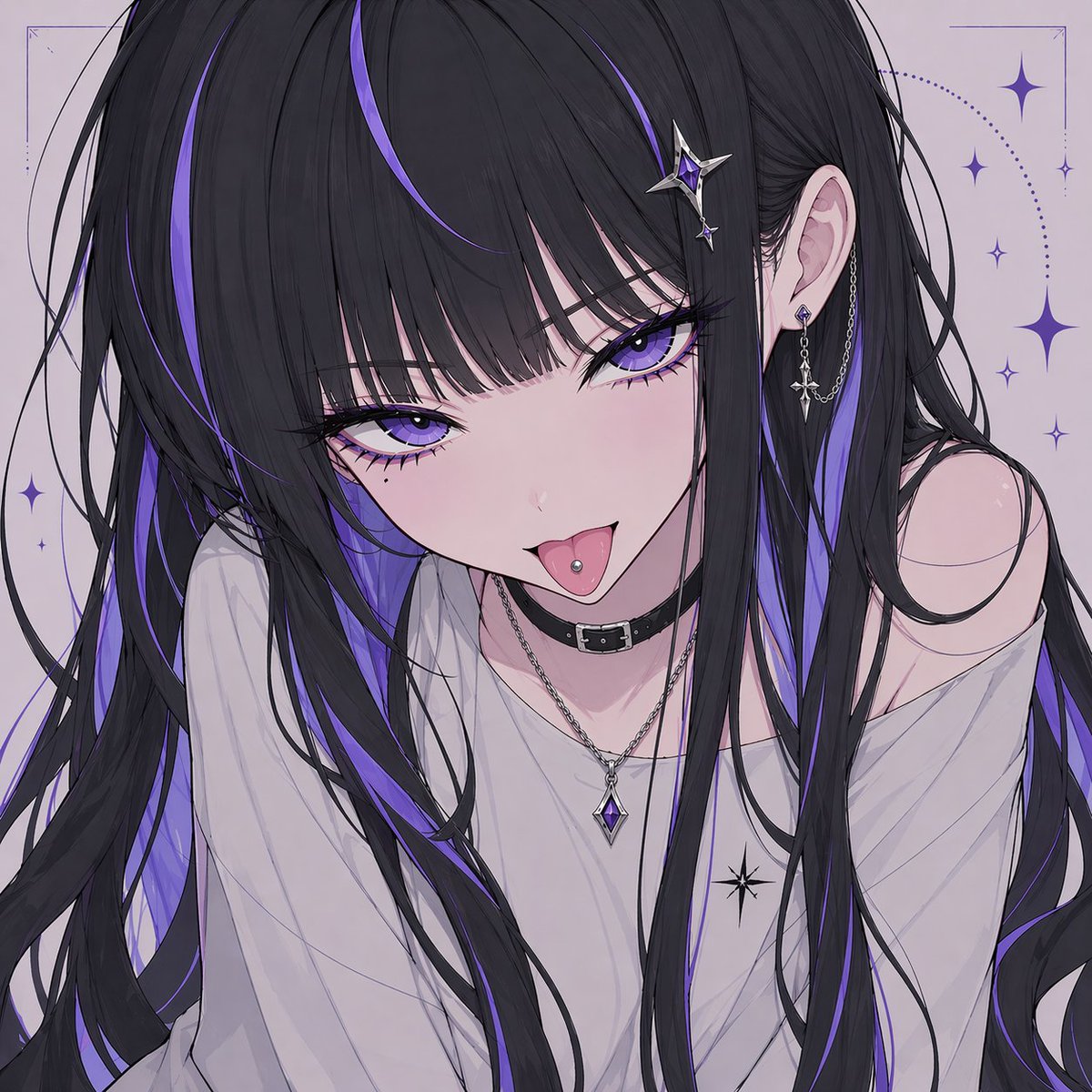
Gothic Anime Girl with Hidden Face — Sora 2 Prompt

Gothic Anime Girl with Hidden Face — Sora 2 Prompt

@hoshi122221
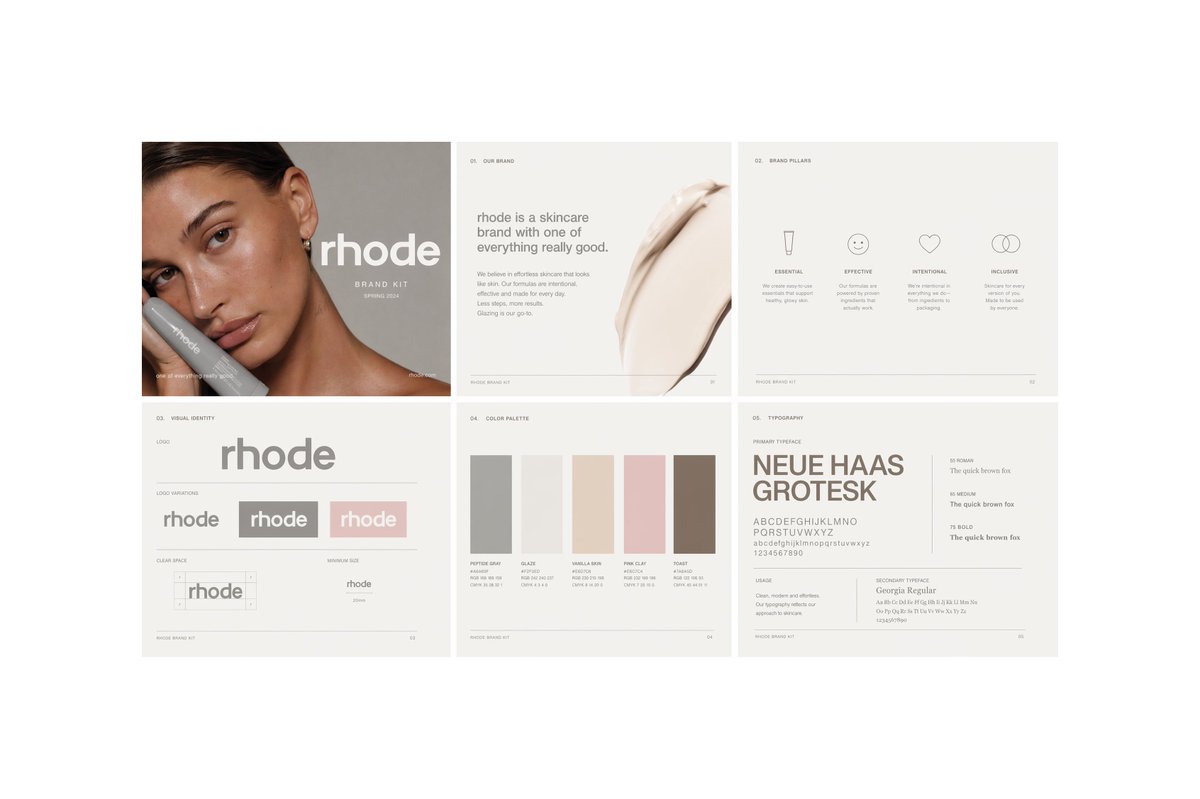
Minimalist Skincare Brand Manual — Sora 2 Prompt

Minimalist Skincare Brand Manual — Sora 2 Prompt

@FranromeGraph

Sora2Hub 프롬프트로 더 빠르게 제작하세요.

검색 가능한 프롬프트 페이지에서 시작해 적합한 모델 컨텍스트로 바로 생성하세요.

프롬프트 탐색