
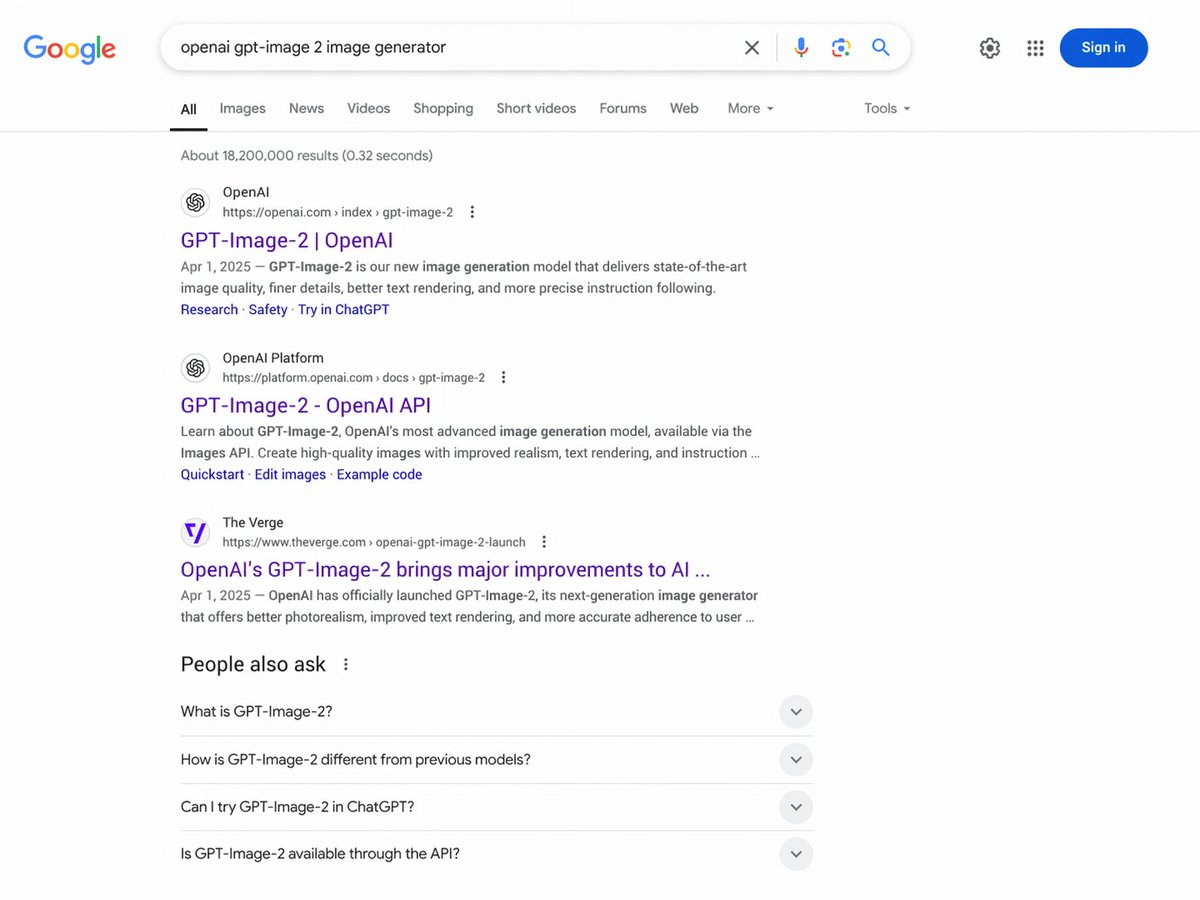
Google Search Results Page — Realistic AI Screenshot Prompt
Create lifelike Google search screenshots with tailored queries, results, and interface details — perfect for demos, mockups, and presentations.
프롬프트 소개
Create lifelike Google search screenshots with tailored queries, results, and interface details — perfect for demos, mockups, and presentations. Use it as a 컨셉 아트 starting point for GPT Image 2: keep the visual structure and style constraints intact, then swap in your own subject, brand, or scene.
This prompt is organized as structured JSON with fields such as type, interface, header, navigation tabs, results stats, search results, and people also ask. Keeping that hierarchy helps the model separate the subject, layout, interface elements, and detail constraints.
Start with small changes to subject, scene, camera, and color, then generate a few variations to compare composition and detail without turning the page copy into keyword stuffing.
이 프롬프트 사용법
- Copy the entire prompt text from above.
- Open your preferred AI image generator (e.g., Sora, DALL-E).
- Customize the placeholder variables like
search query,result 1 title, anddateto fit your scenario. - Paste the modified prompt and generate the image.
- For best results, use a model that excels at text rendering and complex UI.


