
GPT Image 2AI 프롬프트
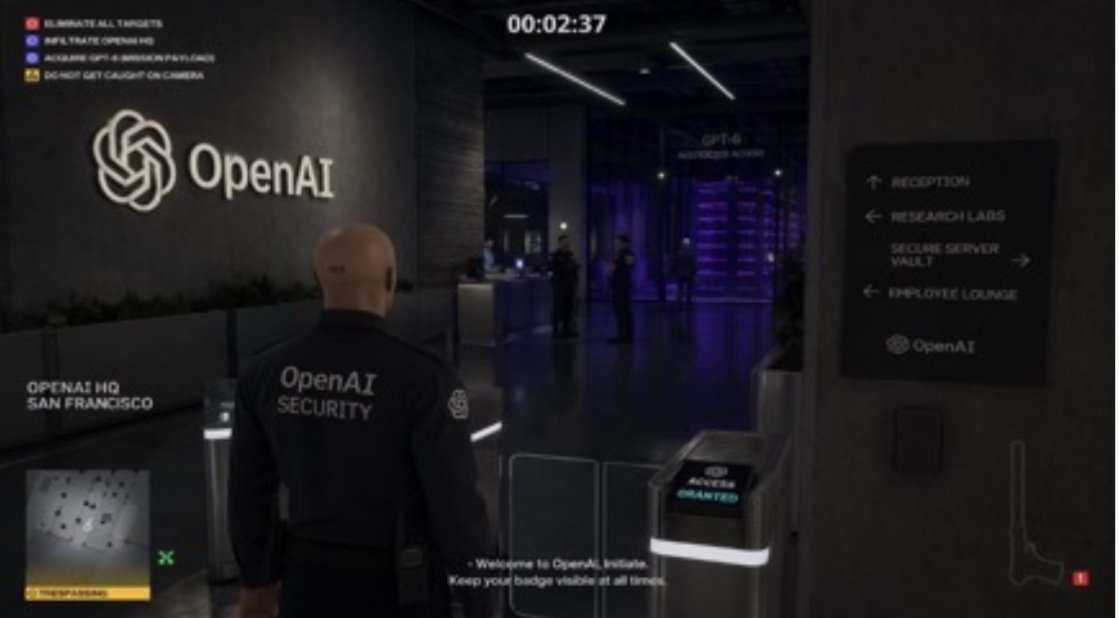
Hitman Stealth Game Screenshot — Sora 2 Prompt
Create a Hitman-style game screenshot with customizable mission, location, and game style. Great for concept art and thumbnails.
프롬프트 · EN
一个 arggame style: Hitman 关卡,你身处 arglocation: OpenAI HQ,你的任务是 argobjective: 窃取 GPT-6。
프롬프트 소개
Create a Hitman-style game screenshot with customizable mission, location, and game style. Great for concept art and thumbnails. Use it as a 컨셉 아트 starting point for GPT Image 2: keep the visual structure and style constraints intact, then swap in your own subject, brand, or scene.
Start by replacing game style, location, and objective, then keep the camera, composition, and material cues in the same order. This makes the output easier to compare across variations.
이 프롬프트 사용법
- Copy this AI prompt from the page.
- Open your AI image generator (Sora, Midjourney, etc.).
- Paste the prompt and replace the variables
game style,location, andobjectivewith your choices. - Run the model to generate a cinematic stealth screenshot.
- Fine-tune the prompt for different angles or styles as needed.


