Sora2 Hub
Sora2 Hub
  • 프롬프트 라이브러리
  • 가격
  • 쇼케이스
Sora2 Hub
Sora2 Hub
Sora2 Hub

Sora2 Hub

Sora 2, Veo 3.1, Nano Banana Pro로 구동되는 전문 AI 창작 플랫폼입니다. 고급 제어, HD 화질, 워터마크 없는 놀라운 동영상과 스튜디오급 이미지를 제작하세요.

Email:support@sora2hub.org

AI 비디오 생성

  • 텍스트에서 비디오
  • 이미지에서 비디오
  • Veo 3.1
  • Sora 2
  • Kling 3.0
  • Kling 2.6
  • Kling 2.5
  • Runway
  • Wan 2.6
  • Seedance 2.0
  • Hailuo 2.3
  • Grok Imagine
  • HappyHorse-1.0

AI 이미지 생성기

  • 텍스트에서 이미지
  • 이미지에서 이미지
  • Nano Banana Pro
  • Nano Banana
  • 4o Image
  • Flux Kontext
  • Z Image
  • Seedream 4.5
  • Seedream 5.0 Lite
  • Nano Banana 2
  • GPT Image 2
  • AI 이미지 업스케일러

AI 효과

  • AI 나이 필터
  • AI 성별 변환
  • AI 키스
  • AI 허그
  • 지브리 이미지
  • AI 인어 필터
  • AI 바디쉐이크
  • 스마일 필터
  • AI 뚱뚱하게
  • 액션 피규어

제품

  • 기능
  • 쇼케이스
  • 가격

회사

  • 소개
  • 문의

© 2025 • Sora2 Hub ORG 모든 권리 보유.

  • 개인정보 처리방침
  • 서비스 약관
  • 환불 정책
  1. 홈
  2. /
  3. 프롬프트
  4. /
  5. GPT Image 2
  6. /
  7. PPT Slide Rebuild Side-by-Side Comparison — Sora 2 Prompt
GPT Image 2AI 프롬프트

PPT Slide Rebuild Side-by-Side Comparison — Sora 2 Prompt

Generate a polished side-by-side desktop screenshot showing a messy reference slide cleaned up into a professional PowerPoint infographic.
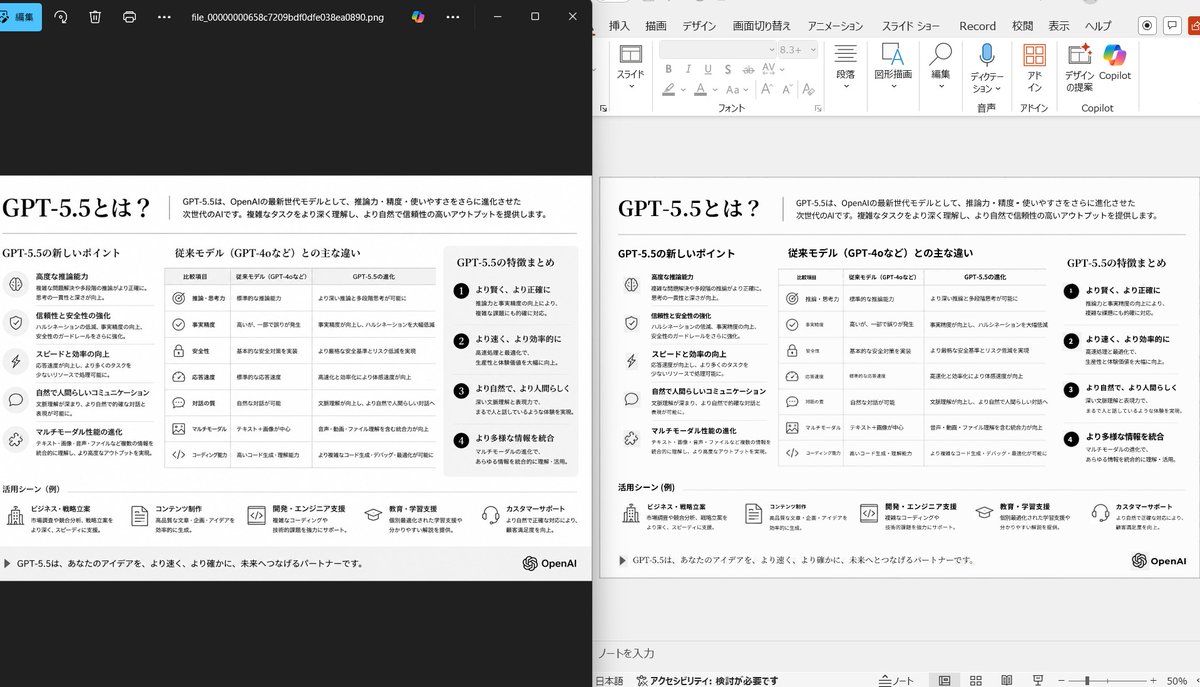
PPT Slide Rebuild Side-by-Side Comparison — Sora 2 Prompt
프롬프트 · EN
使用提供的 PowerPoint 幻灯片截图作为参考图像,将其重构为一张清晰、精美的幻灯片转换结果,并以桌面并排对比的形式呈现。保持原有的日文幻灯片主题和整体布局,但删除参考图中密集的选择框、编辑框以及变形的矢量伪影,使幻灯片看起来像经过专业重构一样。显示 2 个面板:左侧为显示导出幻灯片图像的深色图片查看器窗口;右侧为在 PowerPoint 编辑视图中打开的同一幻灯片。保留原始的单色信息图风格和日文文本结构,但要确保排版清晰易读,且图标、分隔线和列对齐整齐。将幻灯片保持为单页信息图,包含 5 个主要内容区域:1 行顶部标题/页眉、3 列页面中部对比栏、1 行底部包含 5 个带图标项目的用例行。包含页脚线条,并在右下角添加 OpenAI 徽标。强调这是基于上传图像的忠实 PPT 重构,并呈现出逼真的 Windows 桌面应用程序截图外观。

프롬프트 소개

Generate a polished side-by-side desktop screenshot showing a messy reference slide cleaned up into a professional PowerPoint infographic. Use it as a 컨셉 아트 starting point for GPT Image 2: keep the visual structure and style constraints intact, then swap in your own subject, brand, or scene.

Start with small changes to subject, scene, camera, and color, then generate a few variations to compare composition and detail without turning the page copy into keyword stuffing.

이 프롬프트 사용법

  1. Copy the full prompt text and paste it into your chosen AI image generator (e.g., Sora 2, DALL·E, Midjourney).
  2. Select a model that excels at realistic UI mockups and text rendering.
  3. Optionally tweak details like the number of content areas, language of text, or logo placement to match your needs.
  4. Upload your own reference slide image if the platform supports image-to-image input.
  5. Generate the image and review; regenerate or adjust prompts if alignment or text clarity needs improvement.
FAQ

中崎工房 | AIで1時間の仕事を5分で終わらせる人

@nakazakifam→

게시일
2026년 4월 30일
원본 언어
EN
모델
GPT Image 2
카테고리
컨셉 아트
GPT Image 2컨셉 아트gpt-image-2twitter
조회
302
복사
28
좋아요
18

공유

GPT Image 2의 더 많은 프롬프트

전체 보기
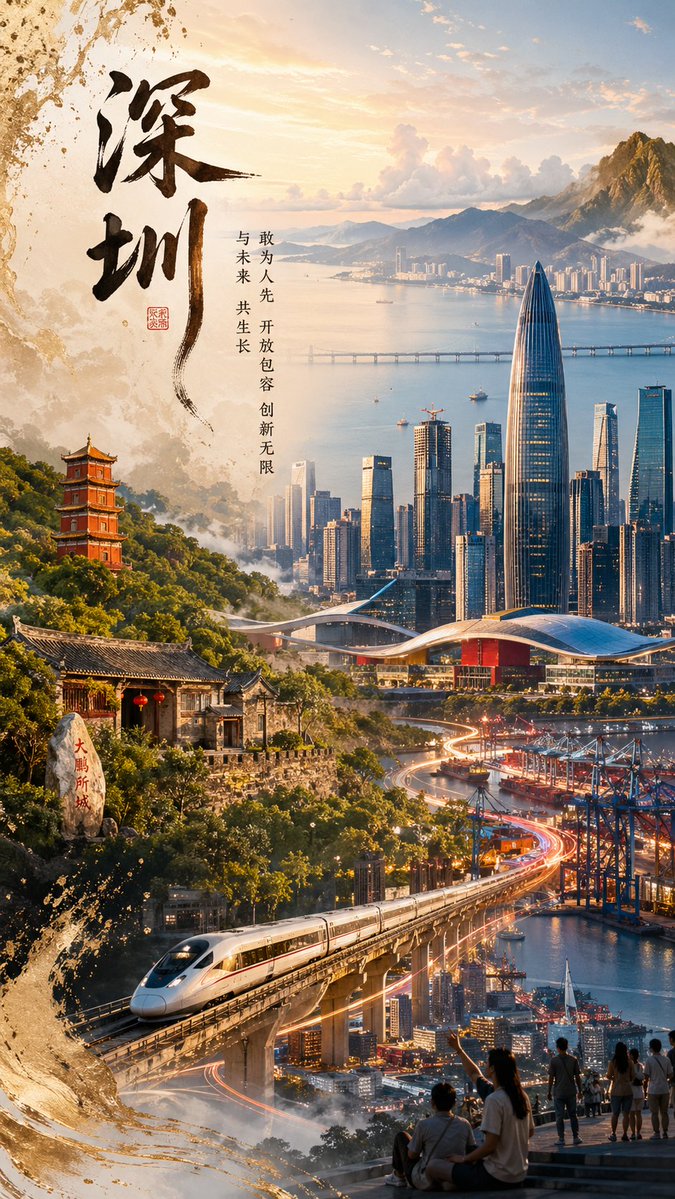
Shenzhen Golden Hour City Prompt: Futuristic Heritage Poster

Shenzhen Golden Hour City Prompt: Futuristic Heritage Poster

@ivanalog_com
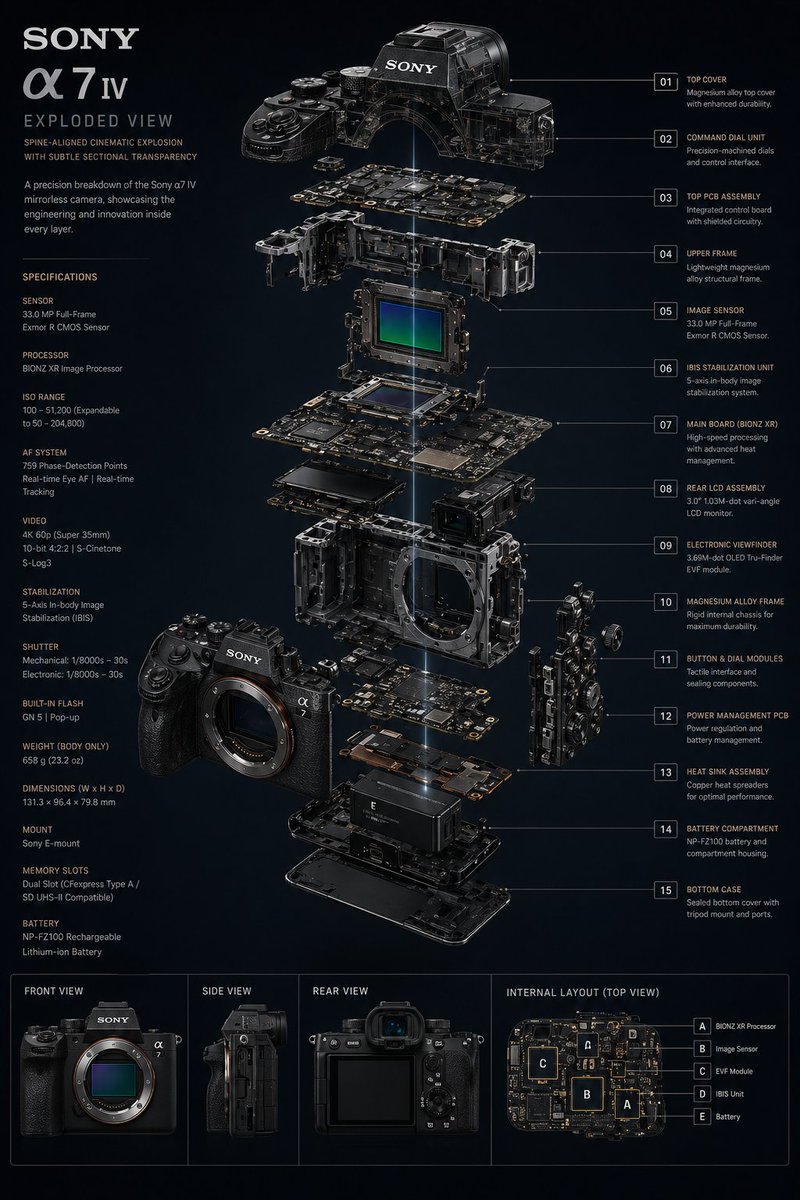
Ultra-Realistic 3D Exploded View Prompt: Sony BRAVIA 8K TV

Ultra-Realistic 3D Exploded View Prompt: Sony BRAVIA 8K TV

@Ankit_patel211
Dynamic Nike Ad Poster — Sora 2 Prompt with Sydney Sweeney

Dynamic Nike Ad Poster — Sora 2 Prompt with Sydney Sweeney

@im_shahid7

Sora2Hub 프롬프트로 더 빠르게 제작하세요.

검색 가능한 프롬프트 페이지에서 시작해 적합한 모델 컨텍스트로 바로 생성하세요.

프롬프트 탐색