Sora2 Hub
Sora2 Hub
  • 프롬프트 라이브러리
  • 가격
  • 쇼케이스
Sora2 Hub
Sora2 Hub
Sora2 Hub

Sora2 Hub

Sora 2, Veo 3.1, Nano Banana Pro로 구동되는 전문 AI 창작 플랫폼입니다. 고급 제어, HD 화질, 워터마크 없는 놀라운 동영상과 스튜디오급 이미지를 제작하세요.

Email:support@sora2hub.org

AI 비디오 생성

  • 텍스트에서 비디오
  • 이미지에서 비디오
  • Veo 3.1
  • Sora 2
  • Kling 3.0
  • Kling 2.6
  • Kling 2.5
  • Runway
  • Wan 2.6
  • Seedance 2.0
  • Hailuo 2.3
  • Grok Imagine
  • HappyHorse-1.0

AI 이미지 생성기

  • 텍스트에서 이미지
  • 이미지에서 이미지
  • Nano Banana Pro
  • Nano Banana
  • 4o Image
  • Flux Kontext
  • Z Image
  • Seedream 4.5
  • Seedream 5.0 Lite
  • Nano Banana 2
  • GPT Image 2
  • AI 이미지 업스케일러

AI 효과

  • AI 나이 필터
  • AI 성별 변환
  • AI 키스
  • AI 허그
  • 지브리 이미지
  • AI 인어 필터
  • AI 바디쉐이크
  • 스마일 필터
  • AI 뚱뚱하게
  • 액션 피규어

제품

  • 기능
  • 쇼케이스
  • 가격

회사

  • 소개
  • 문의

© 2025 • Sora2 Hub ORG 모든 권리 보유.

  • 개인정보 처리방침
  • 서비스 약관
  • 환불 정책
  1. 홈
  2. /
  3. 프롬프트
  4. /
  5. GPT Image 2
  6. /
  7. Restaurant Camera Angle Swap — Sora 2 Prompt
GPT Image 2AI 프롬프트

Restaurant Camera Angle Swap — Sora 2 Prompt

Generate a side-by-side restaurant scene comparison from two camera angles, testing AI's ability to maintain photorealistic consistency exactly.
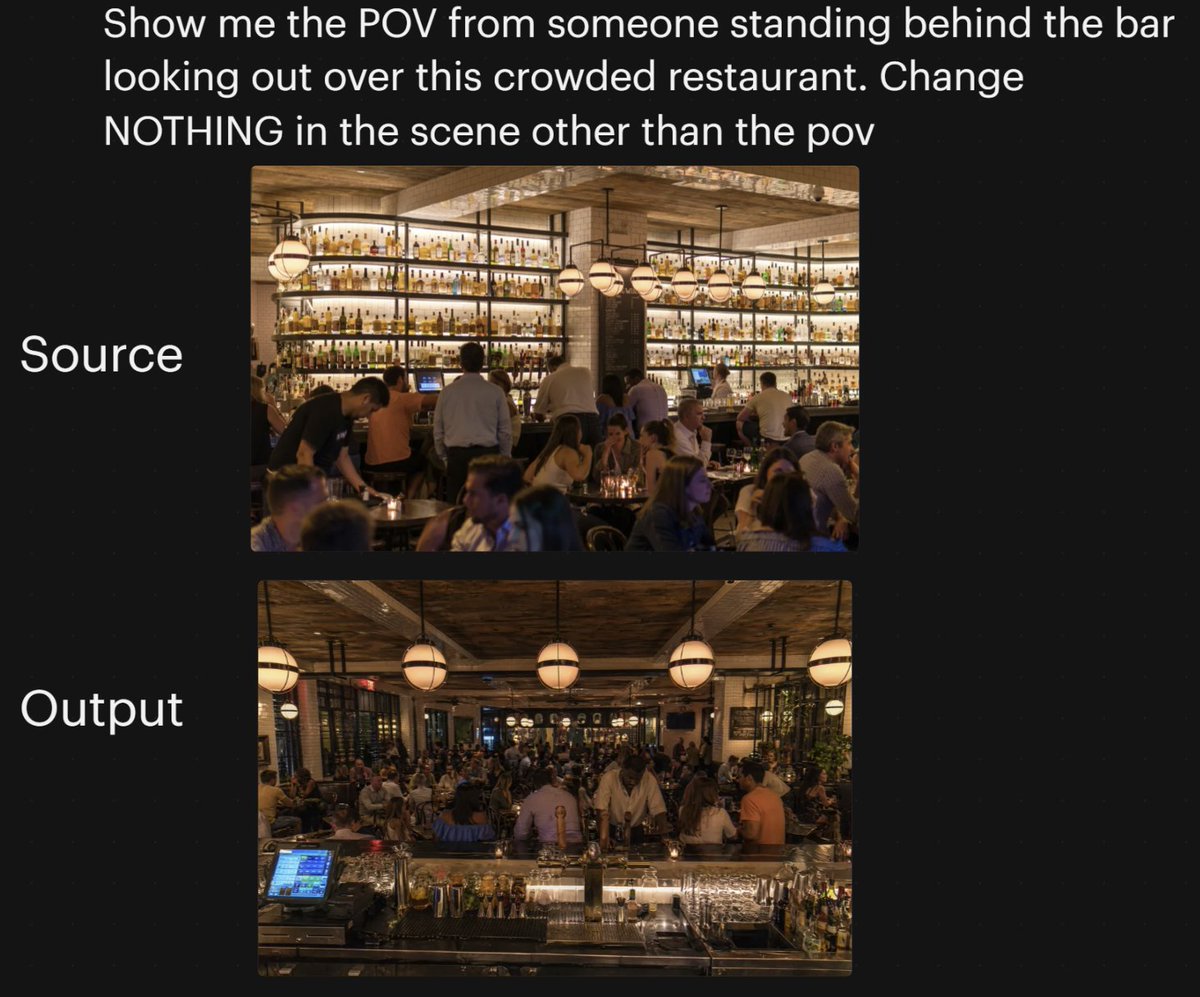
Restaurant Camera Angle Swap — Sora 2 Prompt
프롬프트 · EN
一张深黑色背景下的并排社交媒体对比图,展示了繁忙餐厅内部的摄像机角度转换测试。最上方是大号白色无衬线文字,内容为:argheadline text: 向我展示从吧台后方看向这间拥挤餐厅的视角。除视角外,场景中的任何内容都不要改变。页面中央垂直堆叠着两张圆角矩形照片。上方图片左侧有大号白色文字“原始视角 (Source)”;下方图片左侧有大号白色文字“输出结果 (Output)”。上方图片展示了从顾客侧看向后方吧台的原始餐厅场景:夜晚温馨、高档且拥挤的餐厅,背景是巨大的发光酒瓶陈列墙、木质天花板横梁、悬挂的球形吊灯,吧台调酒师和服务员正在工作,前景和中景坐满了客人。下方图片展示了同一间餐厅,保持了相同的灯光、装饰、人群密度、酒瓶墙、吊灯和整体氛围,但视角发生了变化:摄像机现在位于吧台后方,向外俯瞰拥挤的餐厅。在下方图片的前景中,包含吧台台面、玻璃器皿、酒瓶、金属吧台工具以及左前方发光的 POS 触摸屏,以强化“吧台后方”的视角。两张照片均需保持照片级真实感、温暖的琥珀色灯光和生动的夜晚氛围,并确保下方图片看起来与上方是同一场景,仅改变了摄像机角度。采用简洁的社交媒体发布风格,留有充足的边距和整洁的布局,适合作为推文截图或 AI 图像对比贴使用。

프롬프트 소개

Generate a side-by-side restaurant scene comparison from two camera angles, testing AI's ability to maintain photorealistic consistency exactly. Use it as a 컨셉 아트 starting point for GPT Image 2: keep the visual structure and style constraints intact, then swap in your own subject, brand, or scene.

Start by replacing headline text, then keep the camera, composition, and material cues in the same order. This makes the output easier to compare across variations.

이 프롬프트 사용법

  1. Copy the prompt from the prompt body.
  2. Open an AI video/image generator that supports camera movement (e.g., Sora 2).
  3. [Optional] Modify the headline text to specify your desired perspective change.
  4. Generate the comparison image.
  5. Review the output for consistent scene elements and realistic lighting.
FAQ

A.I.Warper

@AIWarper→

게시일
2026년 4월 25일
원본 언어
EN
모델
GPT Image 2
카테고리
컨셉 아트
GPT Image 2컨셉 아트gpt-image-2twitter
조회
206
복사
14
좋아요
13

공유

GPT Image 2의 더 많은 프롬프트

전체 보기
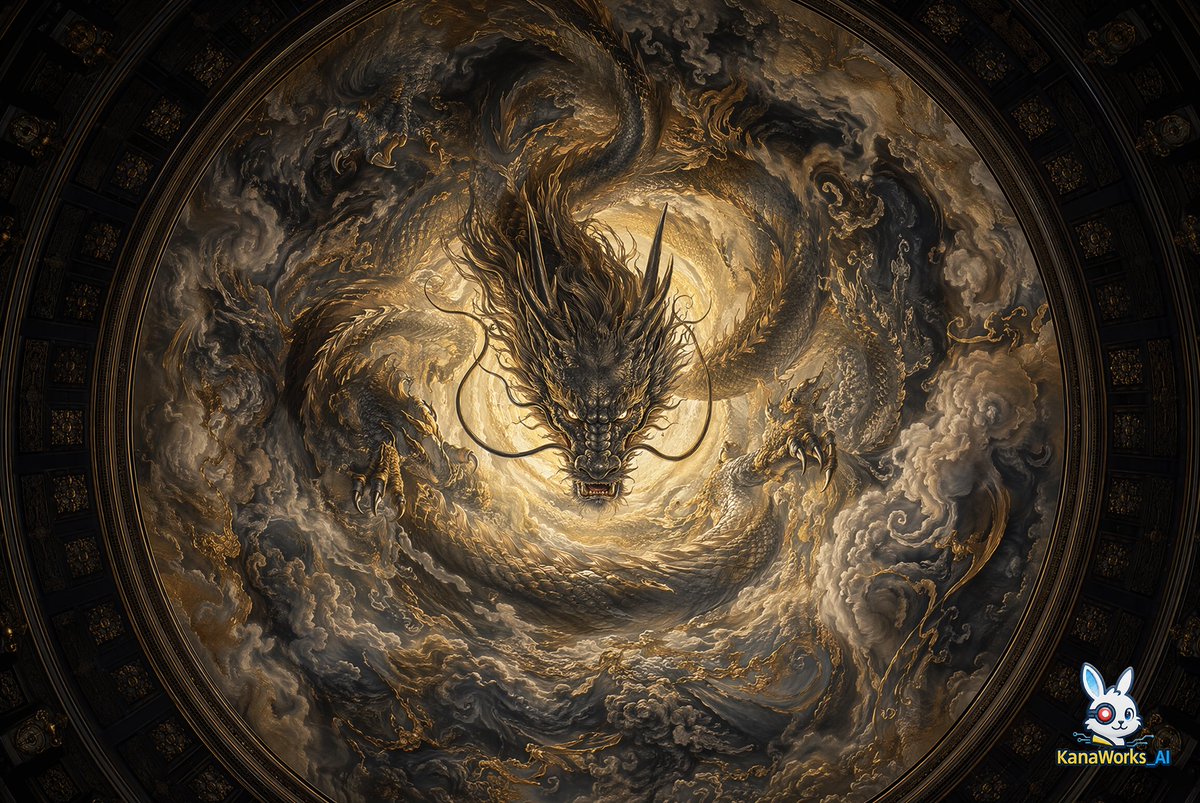
Sacred Dragon Dome Ceiling Mural — Sora 2 Prompt

Sacred Dragon Dome Ceiling Mural — Sora 2 Prompt

@KanaWorks_AI
AI-Generated Japanese Travel Ad Grid — Sora Prompt

AI-Generated Japanese Travel Ad Grid — Sora Prompt

@jblogpham
Ultra-Realistic 3D Exploded View Prompt: Sony BRAVIA 8K TV

Ultra-Realistic 3D Exploded View Prompt: Sony BRAVIA 8K TV

@Ankit_patel211

Sora2Hub 프롬프트로 더 빠르게 제작하세요.

검색 가능한 프롬프트 페이지에서 시작해 적합한 모델 컨텍스트로 바로 생성하세요.

프롬프트 탐색