
GPT Image 2AI 프롬프트
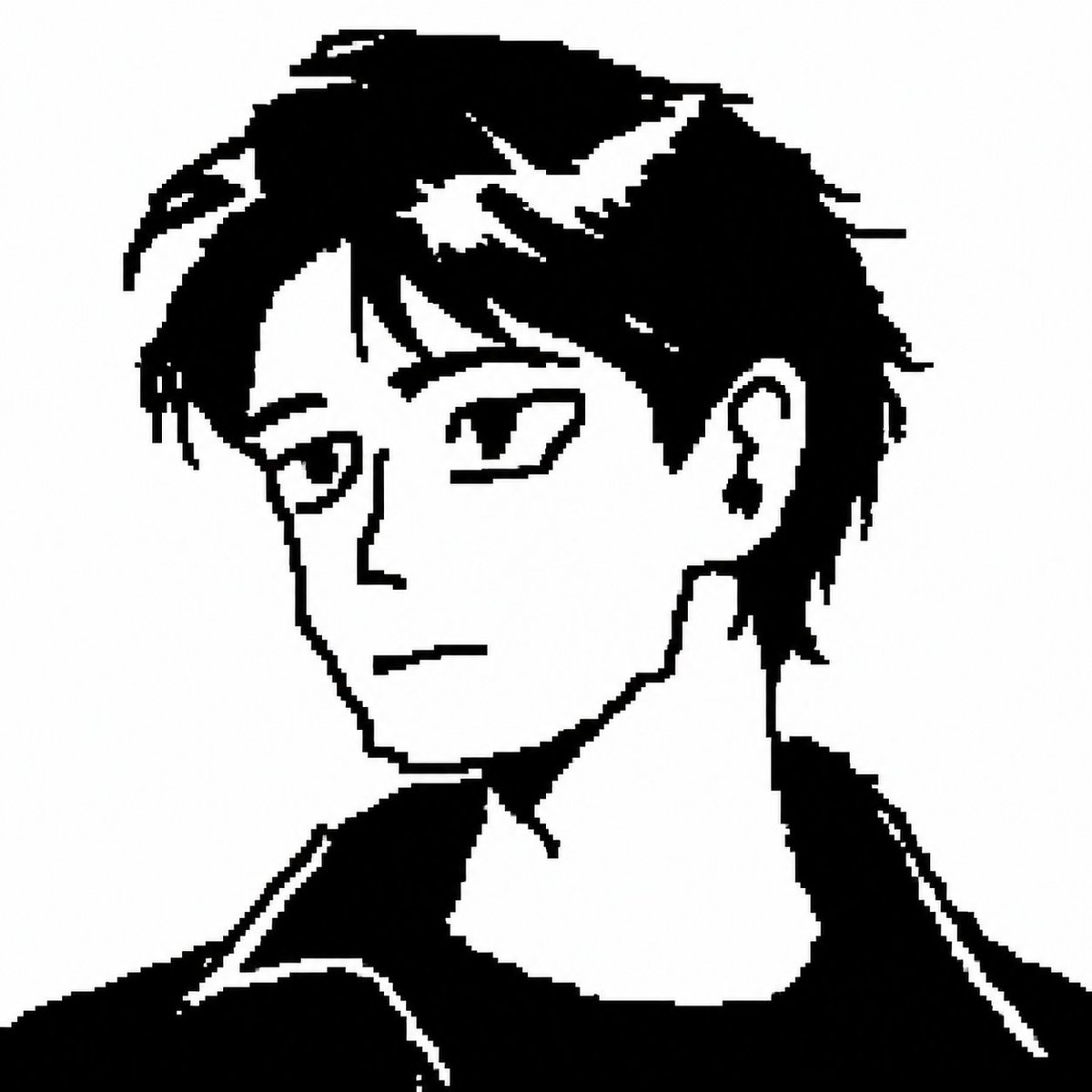
Monochrome Portrait with Face Blur Block — Minimalist Anime Prompt
Create striking black-and-white anime-style portraits with a large, blurred gray block obscuring the face for a mysterious, minimalist aesthetic.
프롬프트 · EN
一张极简主义的黑白漫画风格半身侧面肖像,描绘了一位面向左侧的中性化年轻人。画面采用高对比度剪影风格,由厚重的黑色色块与纯净的白色负空间高光构成,背景为纯白。角色留着凌乱的短发,发丝层次分明,头顶略显蓬松,几缕锐利的白色高光穿插在深色发丝间。露出一只耳朵,佩戴着一枚深色垂坠耳环。面部被一个位于头部和颈部上方中央的巨大垂直模糊灰色矩形刻意遮挡,隐藏了所有五官特征。颈部修长,头部微微倾斜,身着一件宽松的深色上衣或毛衣,肩部宽阔,衣褶处理简洁。图像边缘带有粗糙的像素感,仿佛是从低分辨率漫画中放大而来;画面对比强烈,除遮挡块处的平滑模糊外无其他阴影,整体呈现出一种静谧、忧郁且匿名化的美学风格。
프롬프트 소개
Create striking black-and-white anime-style portraits with a large, blurred gray block obscuring the face for a mysterious, minimalist aesthetic. Use it as a 컨셉 아트 starting point for GPT Image 2: keep the visual structure and style constraints intact, then swap in your own subject, brand, or scene.
Start with small changes to subject, scene, camera, and color, then generate a few variations to compare composition and detail without turning the page copy into keyword stuffing.
이 프롬프트 사용법
- Copy the full prompt into your preferred AI image generator like Sora 2.
- Select a model specializing in anime or manga art styles for best results.
- Generate the image; the model will produce a high-contrast, side-profile portrait with a blurred rectangular face block.
- You can tweak variables like hair length, earring style, or background color to customize the output.
- Adjust the prompt language if you want a different pose, such as facing right instead of left.


