
GPT Image 2AI 프롬프트
Cinematic Hand-Painted 3D Character — Sora 2 Prompt
Generate a stylized character illustration with painterly textures, expressive features, and the look of a high-end animated series.
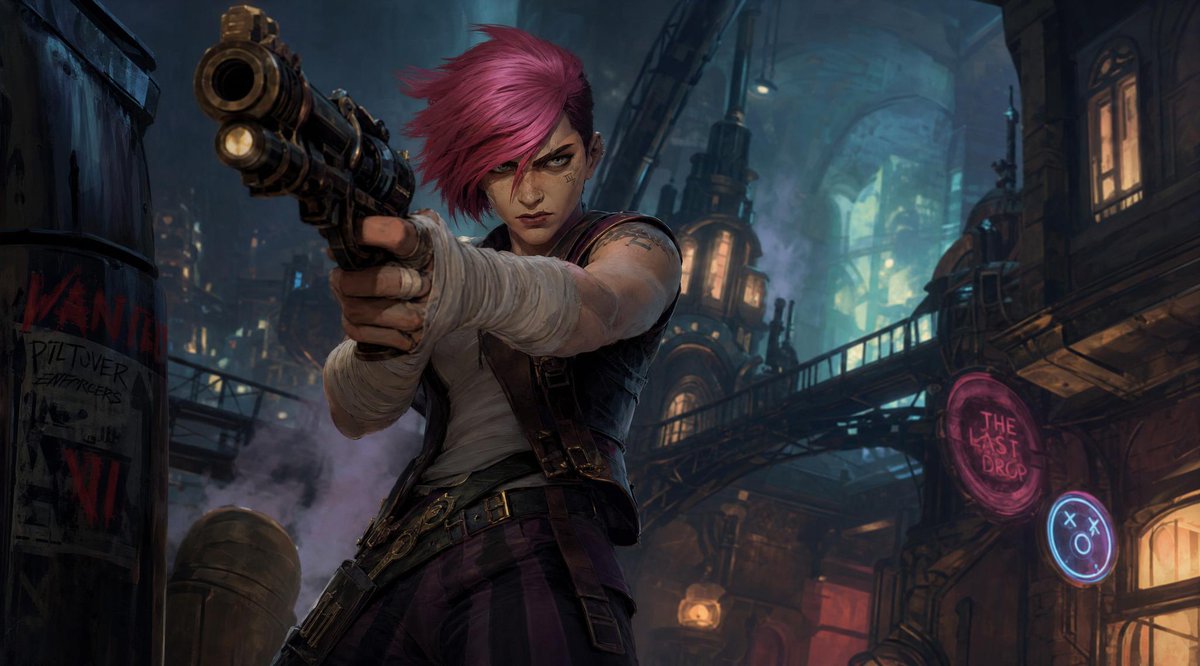
1 / 4
프롬프트 · EN
创建一个具有高级手绘 3D 动画质感的电影级风格化角色插画。采用半写实人体结构、生动锐利的面部特征、富有表现力的双眼、绘画感纹理、可见的笔触、丰富的对比度以及高端动画剧集的美学风格。
프롬프트 소개
Generate a stylized character illustration with painterly textures, expressive features, and the look of a high-end animated series. Use it as a 컨셉 아트 starting point for GPT Image 2: keep the visual structure and style constraints intact, then swap in your own subject, brand, or scene.
Start with small changes to subject, scene, camera, and color, then generate a few variations to compare composition and detail without turning the page copy into keyword stuffing.
이 프롬프트 사용법
- Copy the full prompt text from the page. 2. Paste it into your preferred AI image generator (e.g., Sora 2, Midjourney, DALL·E). 3. Add a subject detail like a character name, outfit, or emotion to personalize the output. 4. Adjust style keywords such as lighting, color palette, or camera angle if desired. 5. Generate the image and refine with additional variations until satisfied.


