
GPT Image 2AI 프롬프트
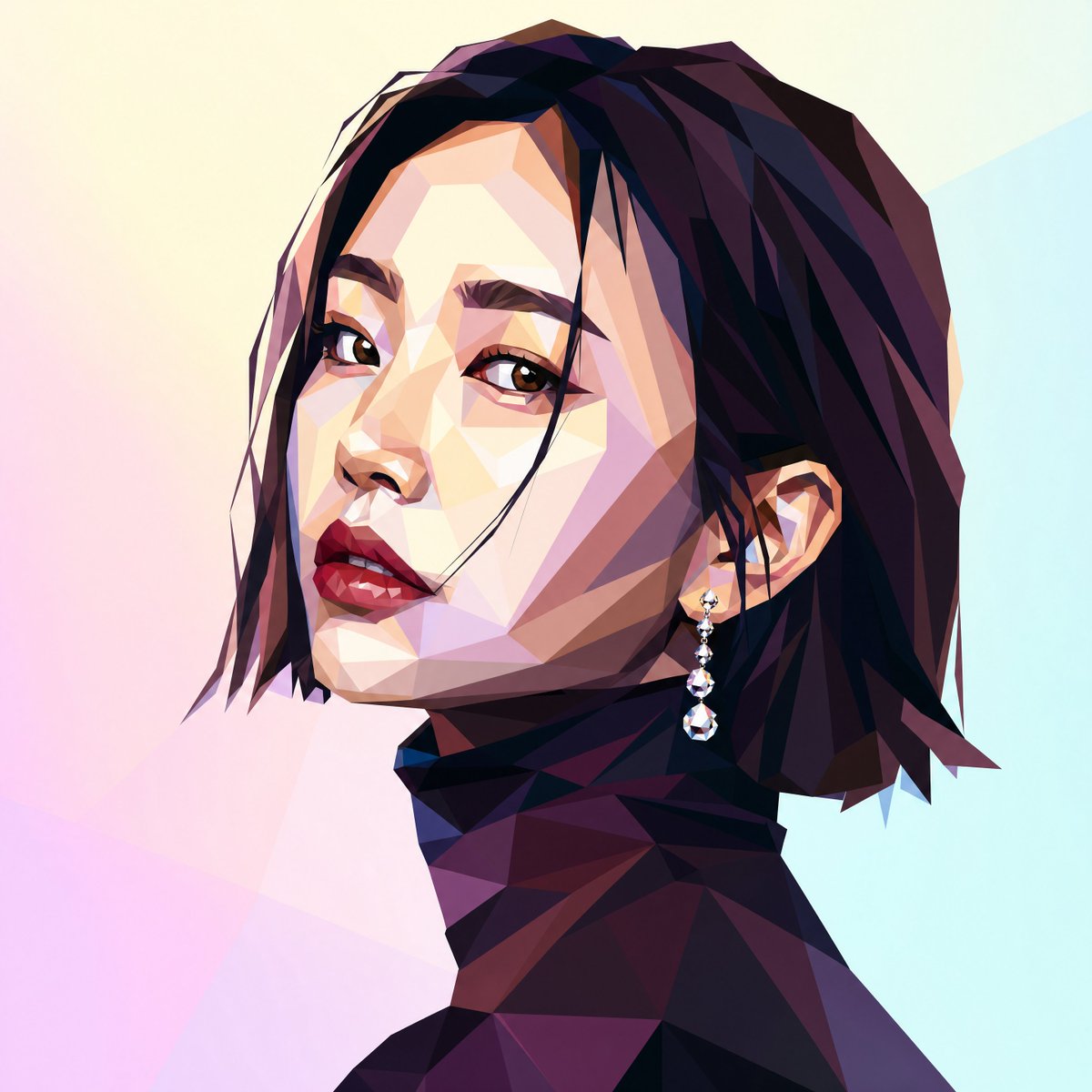
Low-Poly Portrait with Face Mask — Sora 2 Prompt
Create a stylish geometric side-profile portrait with a bold privacy mask, ideal for modern editorial avatars and anonymous art projects.
프롬프트 · EN
创作一张 1:1 的低多边形几何风格数字插画:一张时尚女性向左侧的近景侧脸肖像,从肩部以上截取。她留着 arghair color: 深黑色,带有酒红色和紫罗兰色挑染 的短款层次感波波头,发丝线条锐利且具有棱角,露出耳朵,佩戴着带有小珠子和泪滴状宝石的垂坠水晶耳环。她的颈部和肩部呈现为深色的多边形切面,色调包括李子色、海军蓝、褐红色和黑色,展现出优雅的高领服饰感。在面部中心区域放置一个大型不透明哑光矩形,颜色为 argface block color: 柔和的灰褐色,像刻意的隐私遮罩或占位符一样遮住面部特征。运用戏剧性的棱角光影、清晰的多边形边缘、高对比度阴影以及宝石般的切面效果。背景为柔和的粉彩色渐变,并点缀着 argbackground colors: 淡奶油色、粉色、薰衣草色和浅青色 的抽象半透明多边形形状。构图保持极简、现代、编辑风格且居中,画面中不包含任何文字或 Logo。
프롬프트 소개
Create a stylish geometric side-profile portrait with a bold privacy mask, ideal for modern editorial avatars and anonymous art projects. Use it as a 컨셉 아트 starting point for GPT Image 2: keep the visual structure and style constraints intact, then swap in your own subject, brand, or scene.
Start by replacing hair color, face block color, and background colors, then keep the camera, composition, and material cues in the same order. This makes the output easier to compare across variations.
이 프롬프트 사용법
- Copy the prompt text and its arguments from the page.
- Select your preferred AI image model (e.g., Sora 2, DALL·E 3, Midjourney).
- Customize the arguments for hair color, face block color, and background palette to match your vision.
- Paste the final prompt into the model's input field and generate.
- Review the output; iterate by adjusting the color arguments or generation settings for variation.


