
GPT Image 2AI 프롬프트
Minimalist Tech Accessory Ad — Sora 2 Prompt
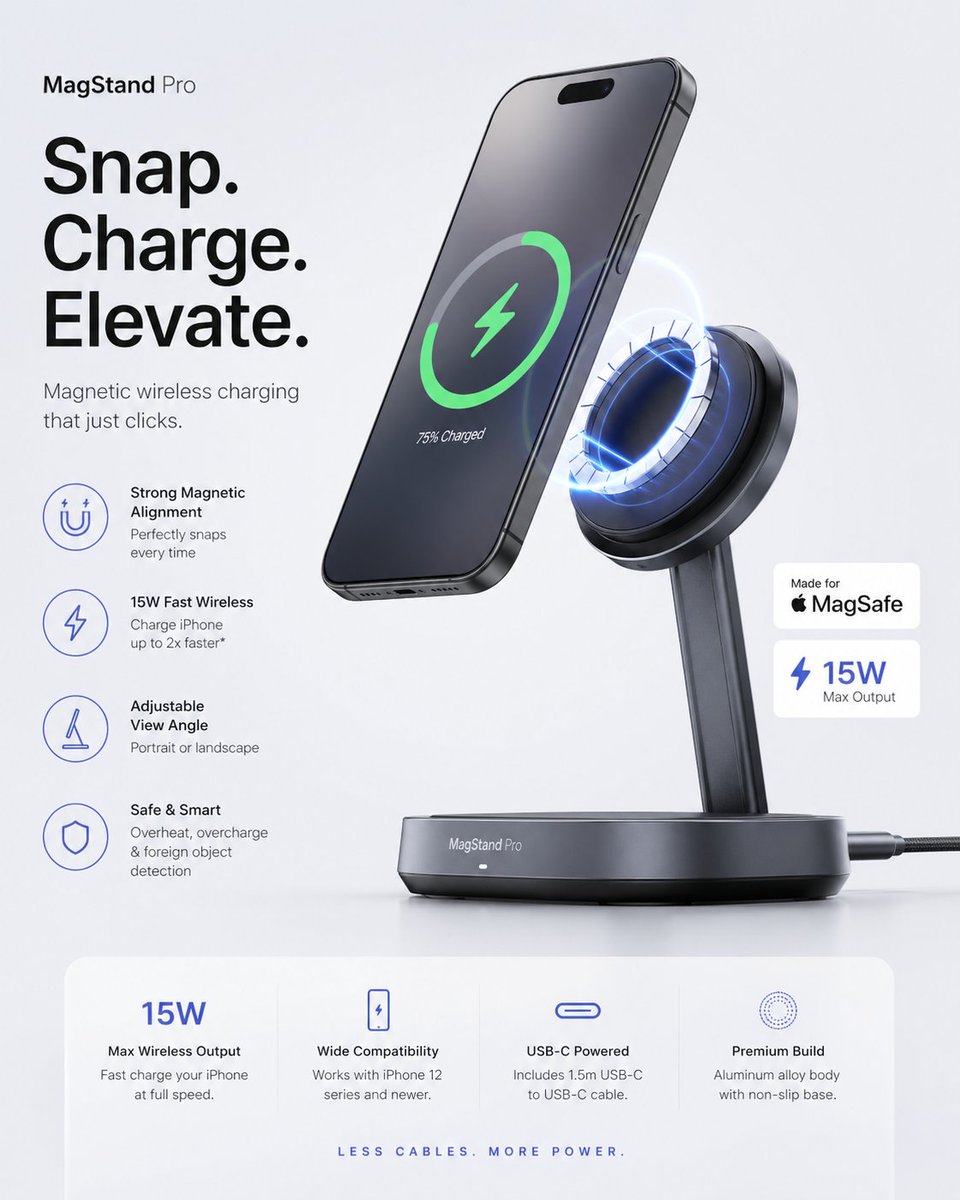
Create a professional Apple-style ad with floating product renders, magnetic alignment, and clean sans-serif typography.
1 / 4
프롬프트 · EN
为 argaccessory: [ACCESSORY] 生成一个科技配件广告,悬浮产品渲染图,磁吸对齐,平滑渐变,清晰的规格卡片,简洁的无衬线字体,Apple 级极简主义,高端数字产品发布美学。
프롬프트 소개
Create a professional Apple-style ad with floating product renders, magnetic alignment, and clean sans-serif typography. Use it as a 컨셉 아트 starting point for GPT Image 2: keep the visual structure and style constraints intact, then swap in your own subject, brand, or scene.
Start by replacing accessory, then keep the camera, composition, and material cues in the same order. This makes the output easier to compare across variations.
이 프롬프트 사용법
- Copy the prompt and replace the
[ACCESSORY]variable with your product name (e.g., 'wireless earbuds'). - Select your preferred AI video or image generator (e.g., Sora 2).
- Optionally, tweak the style keywords (e.g., 'gradient', 'spec card') to match your brand.
- Generate the asset and refine the output by adjusting the prompt for different angles or details.


