
GPT Image 2AI 프롬프트
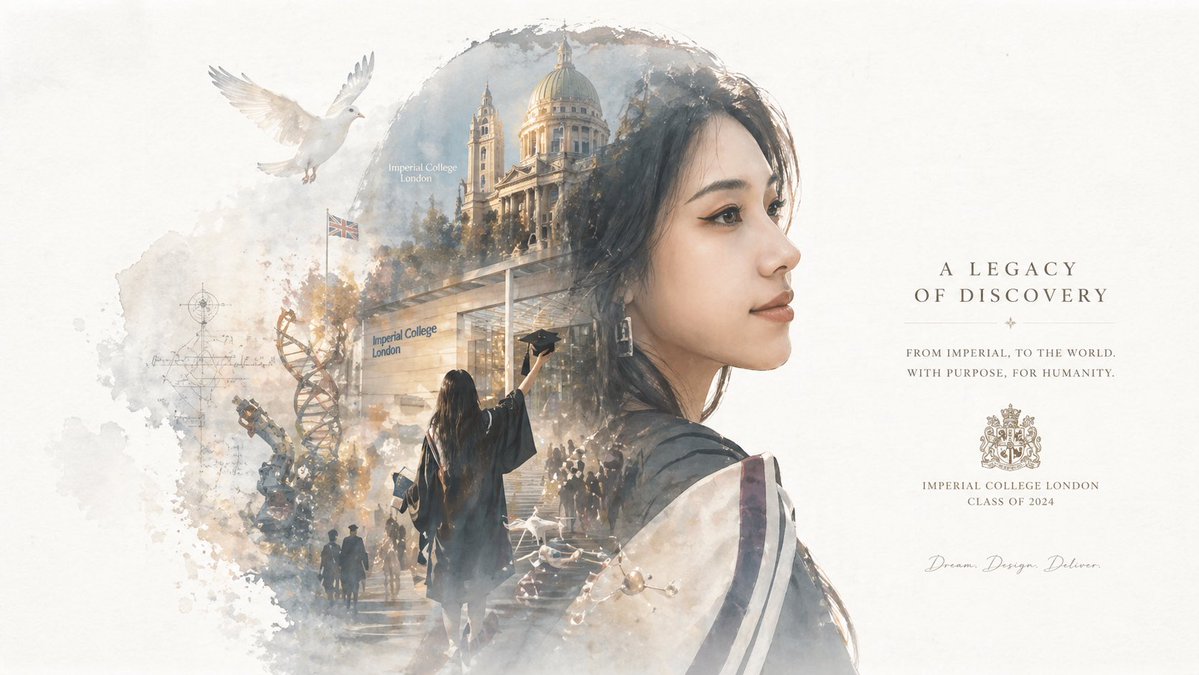
Epic Double Exposure Silhouette Poster — Sora 2 Prompt
Generate museum-quality silhouette posters blending your portrait with an epic narrative world inside the outline—ideal for graduation, storytelling, and cinematic art.
프롬프트 · EN
基于我的肖像(argtheme: 毕业照)自动生成收藏级史诗叙事海报:以我侧脸的巨大剪影作为外轮廓,在剪影内部自动生长出与主题(argscene elements: 校园 + 毕业)最相关的完整世界观、标志性场景、人物关系、象征符号、关键建筑、生物、道具及氛围。 整体而言,这并非简单的拼贴,而是一种具有双重曝光联想的高端剪影填充叙事合成,风格更偏向于 argart style: 电影海报与梦幻水彩插画的融合风格;采用柔和的俯瞰视角、轻微的雾感、纸张纹理、白边与笔触,大面积留白,布局克制且高级,营造出安静、宏大、神圣、怀旧、诗意且传奇的质感。 风格、色彩、场景和材质均根据主题自动适配。所有元素必须与主题紧密关联以实现即时识别,避免杂乱、生硬的拼贴、模板化背景或廉价的奇幻素材。如有文字排版,请使用英文。
프롬프트 소개
Generate museum-quality silhouette posters blending your portrait with an epic narrative world inside the outline—ideal for graduation, storytelling, and cinematic art. Use it as a 컨셉 아트 starting point for GPT Image 2: keep the visual structure and style constraints intact, then swap in your own subject, brand, or scene.
Start by replacing theme, scene elements, and art style, then keep the camera, composition, and material cues in the same order. This makes the output easier to compare across variations.
이 프롬프트 사용법
- Copy the prompt text.
- Replace the
{argument name="..." default="..."}placeholders with your desired theme, scene elements, and art style. - Upload your portrait photo as the base image (if the model supports image input) or describe it in the prompt.
- Paste the customized prompt into Sora 2 or a compatible text-to-image model.
- Generate the poster, and adjust arguments or regenerate for variations.


