
GPT Image 2AI 프롬프트
Kyoto Night Kimono Character Consistency — Sora 2 Prompt
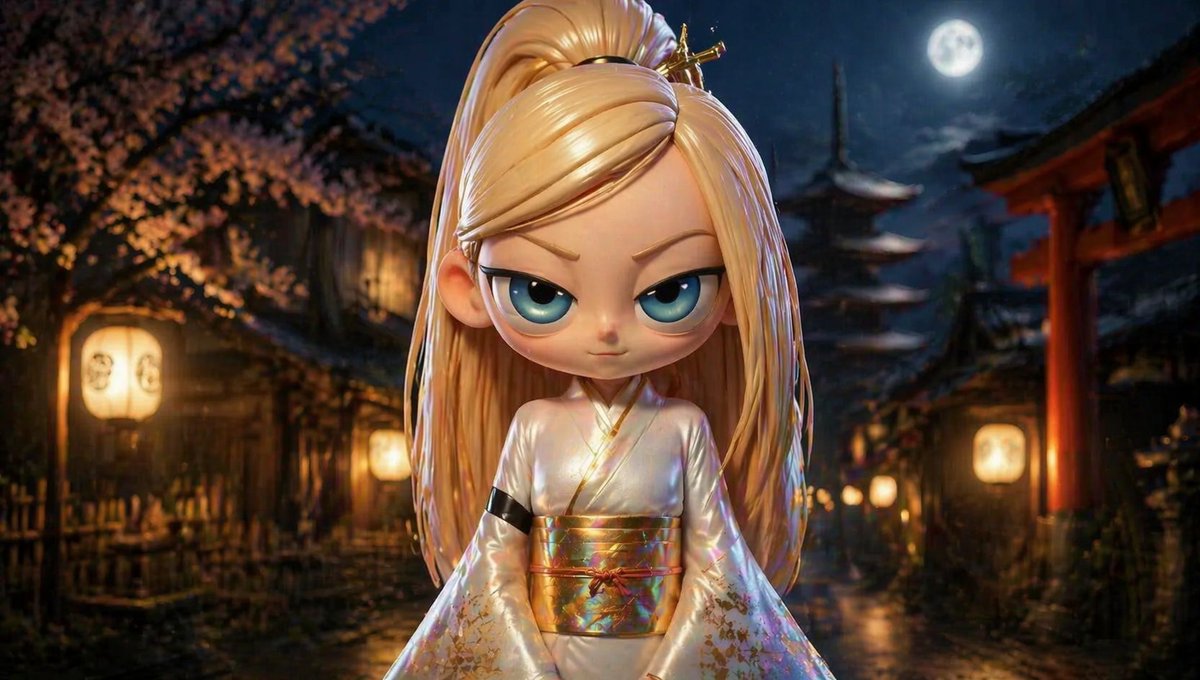
Achieve consistent multi-angle character images with this Sora 2 prompt: a blonde-haired character in a kimono, set against a Kyoto night backdrop.
1 / 2
프롬프트 · EN
argcharacter: MEI,拥有 arghair color: 金发,身处 argbackground: 京都夜景,身着 argoutfit: 和服
프롬프트 소개
Achieve consistent multi-angle character images with this Sora 2 prompt: a blonde-haired character in a kimono, set against a Kyoto night backdrop. Use it as a 컨셉 아트 starting point for GPT Image 2: keep the visual structure and style constraints intact, then swap in your own subject, brand, or scene.
Start by replacing character, hair color, background, and outfit, then keep the camera, composition, and material cues in the same order. This makes the output easier to compare across variations.
이 프롬프트 사용법
- Copy the prompt template from this page.
- Open your preferred AI image generator (Sora 2, Midjourney, DALL·E 3).
- Customize the variables like
character,hair color,background, andoutfitto match your vision. - Paste the prompt and add a specific angle or view (e.g., "from the front," "side profile") to generate.
- Run multiple generations with different angles to verify character consistency.


