
Sora2 Hub
Sora2 Hub
  • 프롬프트 라이브러리
  • 가격
  • 쇼케이스
Sora2 Hub
Sora2 Hub
Sora2 Hub

Sora2 Hub

Sora 2, Veo 3.1, Nano Banana Pro로 구동되는 전문 AI 창작 플랫폼입니다. 고급 제어, HD 화질, 워터마크 없는 놀라운 동영상과 스튜디오급 이미지를 제작하세요.

Email:support@sora2hub.org

AI 비디오 생성

  • 텍스트에서 비디오
  • 이미지에서 비디오
  • Veo 3.1
  • Sora 2
  • Kling 3.0
  • Kling 2.6
  • Kling 2.5
  • Runway
  • Wan 2.6
  • Seedance 2.0
  • Hailuo 2.3
  • Grok Imagine
  • HappyHorse-1.0

AI 이미지 생성기

  • 텍스트에서 이미지
  • 이미지에서 이미지
  • Nano Banana Pro
  • Nano Banana
  • 4o Image
  • Flux Kontext
  • Z Image
  • Seedream 4.5
  • Seedream 5.0 Lite
  • Nano Banana 2
  • GPT Image 2
  • AI 이미지 업스케일러

AI 효과

  • AI 나이 필터
  • AI 성별 변환
  • AI 키스
  • AI 허그
  • 지브리 이미지
  • AI 인어 필터
  • AI 바디쉐이크
  • 스마일 필터
  • AI 뚱뚱하게
  • 액션 피규어

제품

  • 기능
  • 쇼케이스
  • 가격

회사

  • 소개
  • 문의

© 2025 • Sora2 Hub ORG 모든 권리 보유.

  • 개인정보 처리방침
  • 서비스 약관
  • 환불 정책
  1. 홈
  2. /
  3. 프롬프트
  4. /
  5. GPT Image 2
  6. /
  7. Censored Mona Lisa Oil Painting — Sora 2 Prompt
GPT Image 2AI 프롬프트

Censored Mona Lisa Oil Painting — Sora 2 Prompt

Generate a Renaissance-style Mona Lisa parody with a solid color censorship block over the face, perfect for surreal art edits and museum-quality memes.
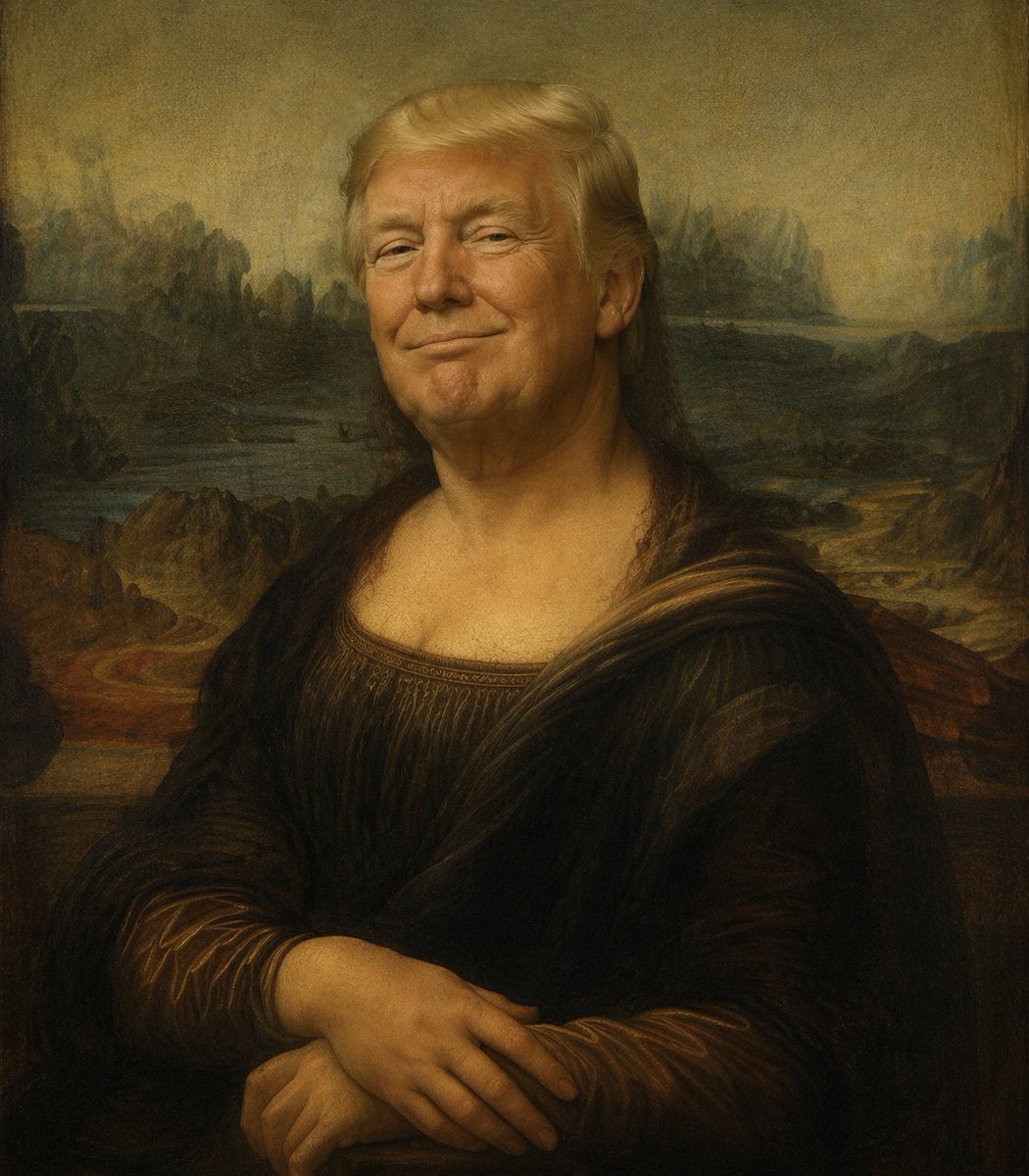
Censored Mona Lisa Oil Painting — Sora 2 Prompt
프롬프트 · EN
一幅忠实于文艺复兴盛期博物馆杰作风格的蒙娜丽莎油画恶搞作品,半身坐姿肖像,双手交叠,身着深棕色长裙,佩戴半透明面纱,采用柔和的棕金色晕涂法(sfumato)光影,背景为经典的朦胧风景,包含蜿蜒小径、水域和岩石山丘。将整个面部区域替换为一个平整的矩形审查遮挡块,颜色为 argcensor color: medium brown,位于头部中心,覆盖范围从前额至下巴,边缘清晰硬朗,与绘画质感形成鲜明对比。保留遮挡块周围可见的头发,包括顶部中分并垂在肩上的浅棕色秀发。保留陈旧的清漆感、柔和的大地色调、细微的裂纹质感以及庄重的博物馆级构图。竖构图,主体居中,比例写实,大师级笔触,光影戏剧性且柔和。

프롬프트 소개

Generate a Renaissance-style Mona Lisa parody with a solid color censorship block over the face, perfect for surreal art edits and museum-quality memes. Use it as a 컨셉 아트 starting point for GPT Image 2: keep the visual structure and style constraints intact, then swap in your own subject, brand, or scene.

Start by replacing censor color, then keep the camera, composition, and material cues in the same order. This makes the output easier to compare across variations.

이 프롬프트 사용법

  1. Copy the prompt text from the page.
  2. Paste it into your AI image generator (e.g., Sora 2, Midjourney, DALL·E).
  3. (Optional) Change the censor color argument to customize the block color (e.g., "black", "white", "red").
  4. Generate the image and adjust any other parameters as needed.
  5. Use the output for memes, digital art, or conceptual projects.

FAQ

Echora Continuum

@EchoraContinuum→

게시일
2026년 4월 25일
원본 언어
EN
모델
GPT Image 2
카테고리
컨셉 아트
GPT Image 2컨셉 아트gpt-image-2twitter
조회
302
복사
16
좋아요
19

공유

GPT Image 2의 더 많은 프롬프트

전체 보기
Anime Reaction Thumbnail Prompt — Neon Edgy VTuber

Anime Reaction Thumbnail Prompt — Neon Edgy VTuber

@abdiisan
Gothic Anime Girl Bites Playground Rail — Sora 2 Prompt

Gothic Anime Girl Bites Playground Rail — Sora 2 Prompt

@hoshi122221
Cyberpunk AI Launch Banner — Cinematic Neon Poster Prompt

Cyberpunk AI Launch Banner — Cinematic Neon Poster Prompt

@ObieriI

Sora2Hub 프롬프트로 더 빠르게 제작하세요.

검색 가능한 프롬프트 페이지에서 시작해 적합한 모델 컨텍스트로 바로 생성하세요.

프롬프트 탐색

