
GPT Image 2AI 프롬프트
Melancholic Surrealist Woman at Window — Sora 2 Prompt
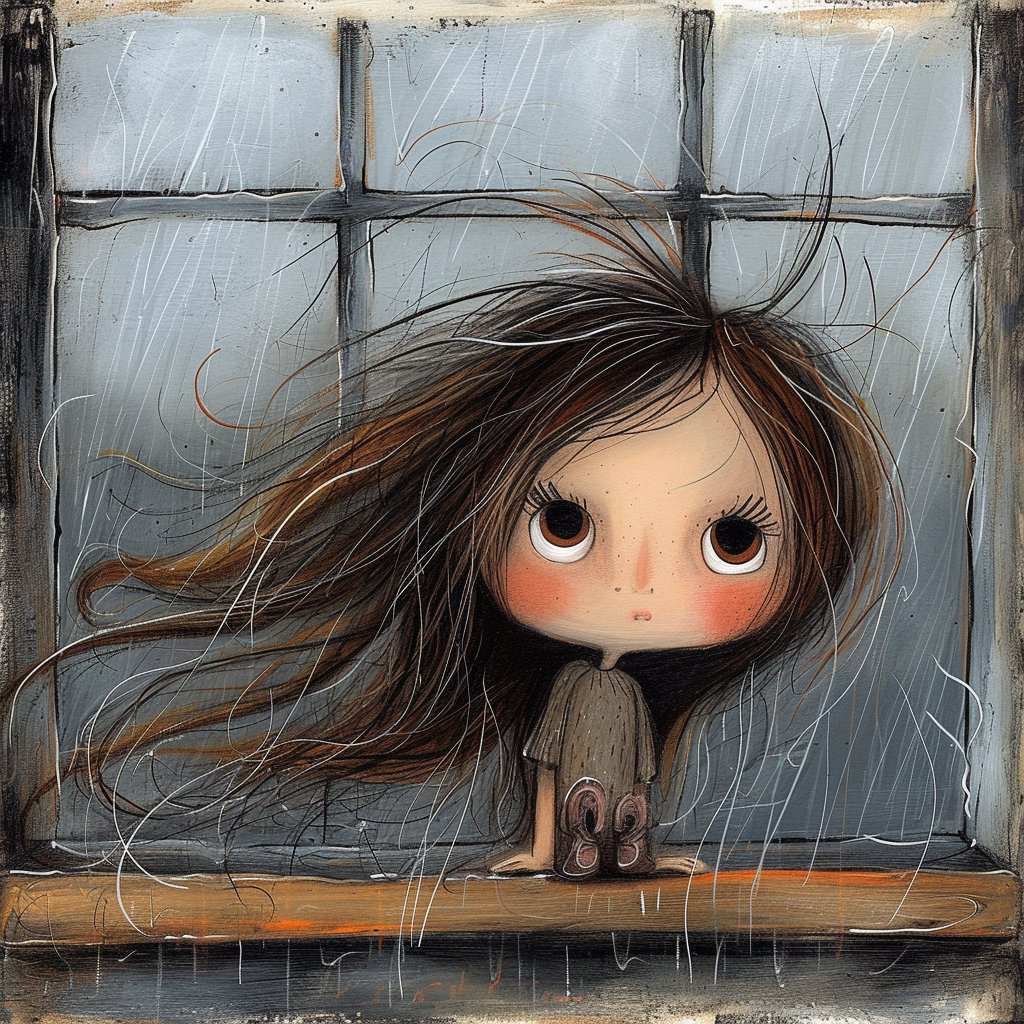
Create an evocative, gallery-style surrealist portrait of a woman with wind-blown hair in an old window, perfect for emotional editorial art.
프롬프트 · EN
一幅忧郁的超现实主义画作,描绘了一位女性从旧窗框中探出身子,画面采用背影视角并进行紧凑裁剪,构图聚焦于她被风吹得凌乱的 arghair color: 深棕色带铜色挑染 头发,发丝向左飘散,缠绕成缕。她裸露的肩膀和上背部大半被头发遮住,双手搭在底部的旧木窗台上,每侧各有 2 根手指抓着窗沿。面部完全被头发和角度遮挡。背景是一扇饱经风霜的多格窗户,采用 3x2 的网格布局,呈现出带有污垢、划痕、水渍和磨损边缘的冷灰蓝色调。采用表现主义的混合媒介风格,结合木炭、墨水、干画笔、划痕线条以及粗糙画布上的纹理油画效果,并在柔和的工业色调上叠加写意的黑白线条。整体氛围内省、狂暴且令人难忘,仿佛风或情绪正在将人物撕裂。柔和的漫射光,微妙的对比度,融合了抽象表现主义的绘画写实风格,方形构图。
프롬프트 소개
Create an evocative, gallery-style surrealist portrait of a woman with wind-blown hair in an old window, perfect for emotional editorial art. Use it as a 컨셉 아트 starting point for GPT Image 2: keep the visual structure and style constraints intact, then swap in your own subject, brand, or scene.
Start by replacing hair color, then keep the camera, composition, and material cues in the same order. This makes the output easier to compare across variations.
이 프롬프트 사용법
- Copy the full prompt text.
- Paste into Sora, Midjourney, or DALL·E.
- Replace the
hair colorvariable (default: deep brown with copper highlights) if desired. - Set aspect ratio to square (1:1) and generate.
- Re-run or tweak style keywords (e.g., ‘charcoal’, ‘oil’) for variations.


