
GPT Image 2AI 프롬프트
Crayon Doodle Art Style — Sora 2 Prompt
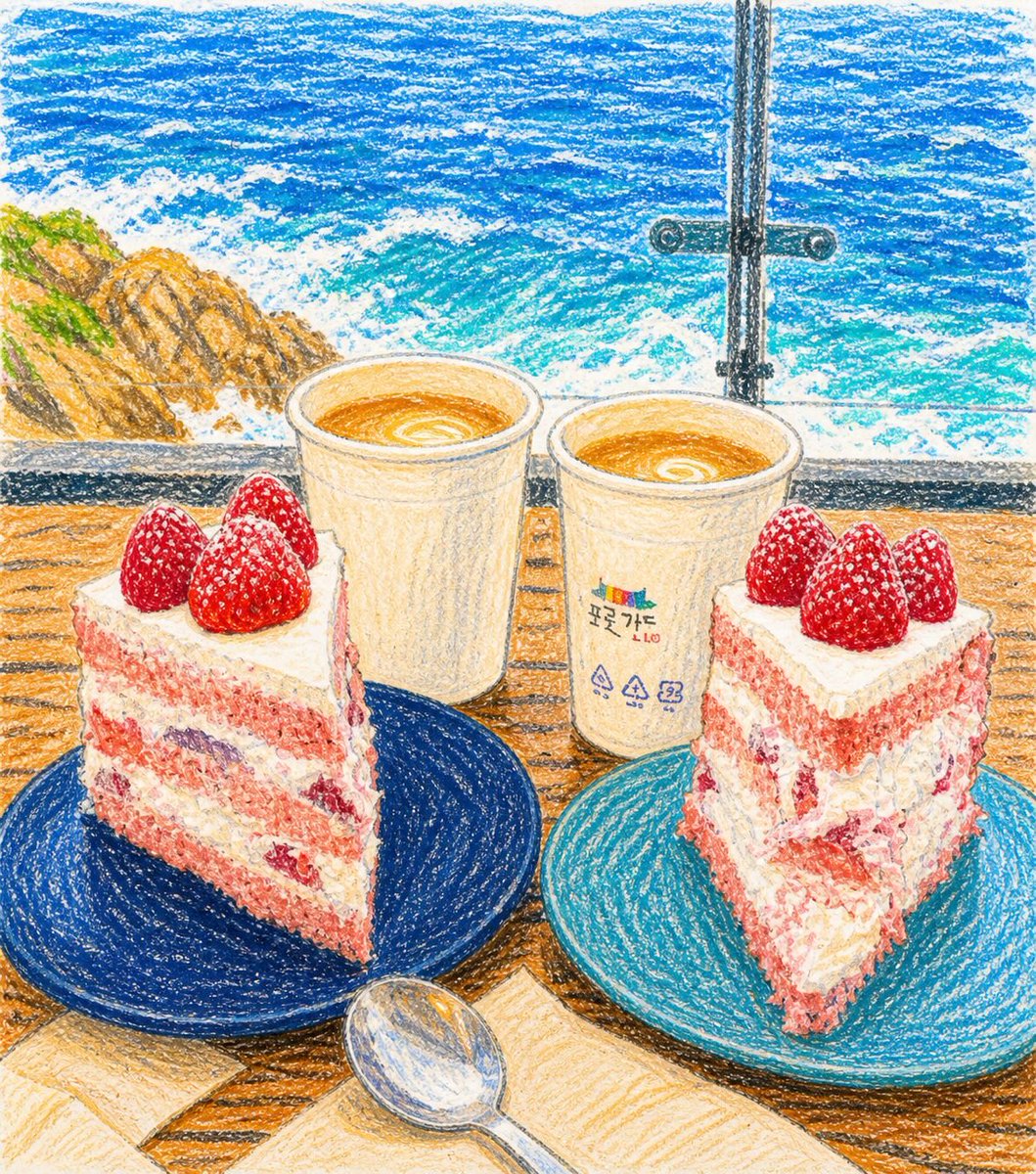
Transform any image into a charming, childlike crayon drawing with playful proportions, soft textures, and a warm, hand-drawn aesthetic.
1 / 2
프롬프트 · EN
在保持所有元素可辨识的前提下,通过微妙地夸张比例来增强天真烂漫的童趣感,并保持柔和、友好且愉悦的表情。保留原始图像的核心构图与可识别元素,但以 argart style: 简约、卡通化的蜡笔风格 对其进行重新诠释。最终效果应显得可爱、色彩丰富、俏皮、天真且充满童真个性,呈现出温暖、不完美的手绘外观,就像真实的儿童蜡笔画跃然纸上。应避免任何精致的数字绘画感,并严格保持清晰可见的蜡笔质感以及整体自然的瑕疵感。
프롬프트 소개
Transform any image into a charming, childlike crayon drawing with playful proportions, soft textures, and a warm, hand-drawn aesthetic. Use it as a 컨셉 아트 starting point for GPT Image 2: keep the visual structure and style constraints intact, then swap in your own subject, brand, or scene.
Start by replacing art style, then keep the camera, composition, and material cues in the same order. This makes the output easier to compare across variations.
이 프롬프트 사용법
- Copy the prompt text below.
- Choose a compatible AI image model like Sora 2 or similar.
- Replace the {art style} variable if you want a different texture (e.g., 'oil pastel', 'watercolor crayon').
- Upload or describe your source image for the transformation.
- Generate and refine until you achieve the perfect whimsical, imperfect look.


