
GPT Image 2AI 프롬프트
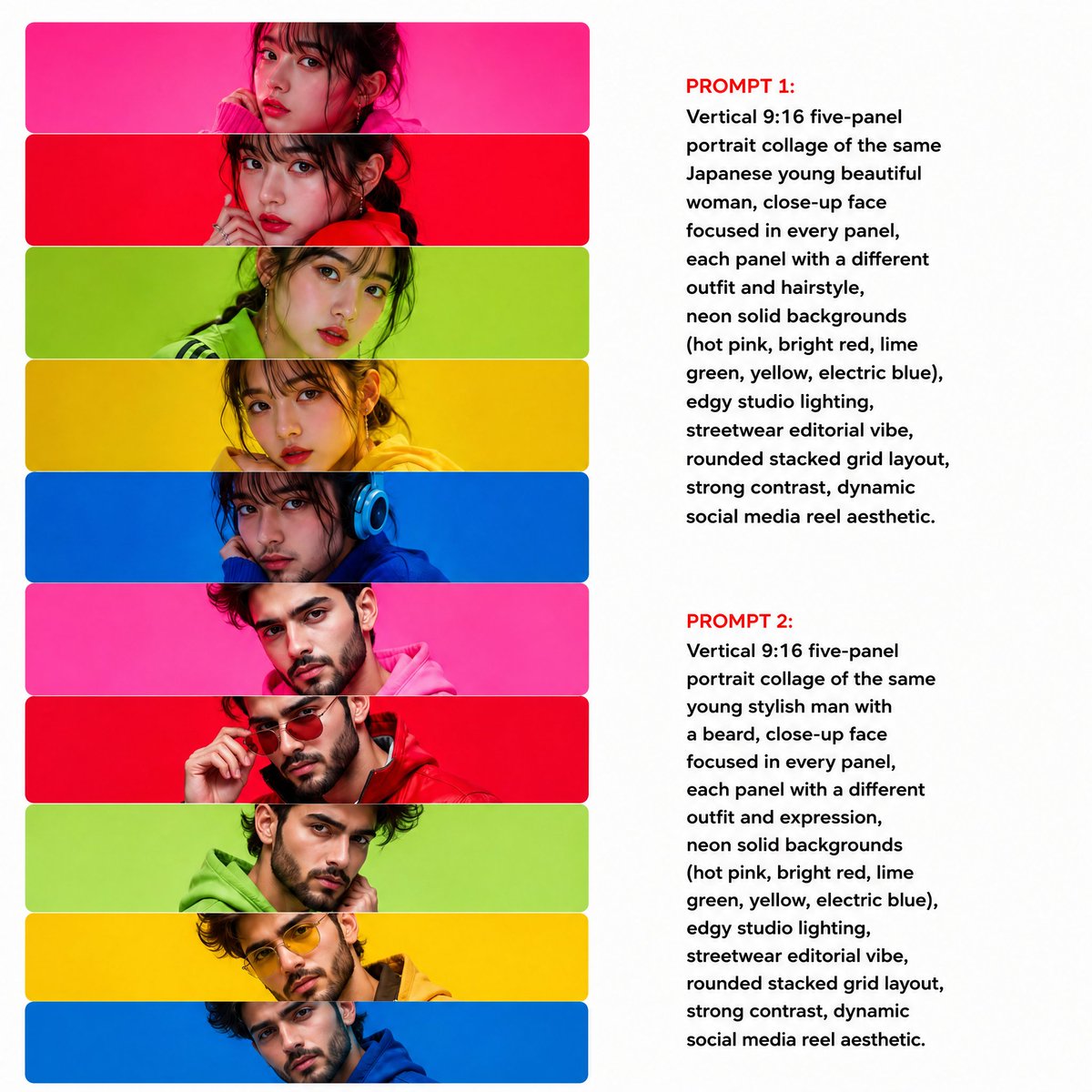
5-Panel Neon Portrait Collage — Sora 2 Prompt
Create a stunning five-panel portrait collage featuring dynamic neon backgrounds, varied outfits, and bold studio lighting for eye-catching social media content.
프롬프트 · EN
9:16 竖版五面板人像拼贴画,主体为 argsubject: 同一位年轻美丽的女性,每个面板均聚焦于面部特写,且每张面板的服装与发型各不相同,背景为 argbackground colors: 霓虹纯色背景(荧光粉、亮红、青柠绿、明黄、电光蓝),光效采用 arglighting: 前卫的摄影棚灯光,街头时尚编辑风格,圆角堆叠布局,强对比度,充满活力的社交媒体短视频美学。
프롬프트 소개
Create a stunning five-panel portrait collage featuring dynamic neon backgrounds, varied outfits, and bold studio lighting for eye-catching social media content. Use it as a 컨셉 아트 starting point for GPT Image 2: keep the visual structure and style constraints intact, then swap in your own subject, brand, or scene.
Start by replacing subject, background colors, and lighting, then keep the camera, composition, and material cues in the same order. This makes the output easier to compare across variations.
이 프롬프트 사용법
- Copy the prompt into your AI video or image generation tool.
- Select your preferred model (e.g., Sora 2 or compatible generator).
- Customize the
{subject}and{background colors}variables to match your creative vision. - Adjust the
{lighting}setting for different mood effects. - Generate and review the output, iterating on variable tweaks as needed.


