
GPT Image 2AI 프롬프트
Sunlit Portrait with Privacy Blur — Sora 2 Prompt
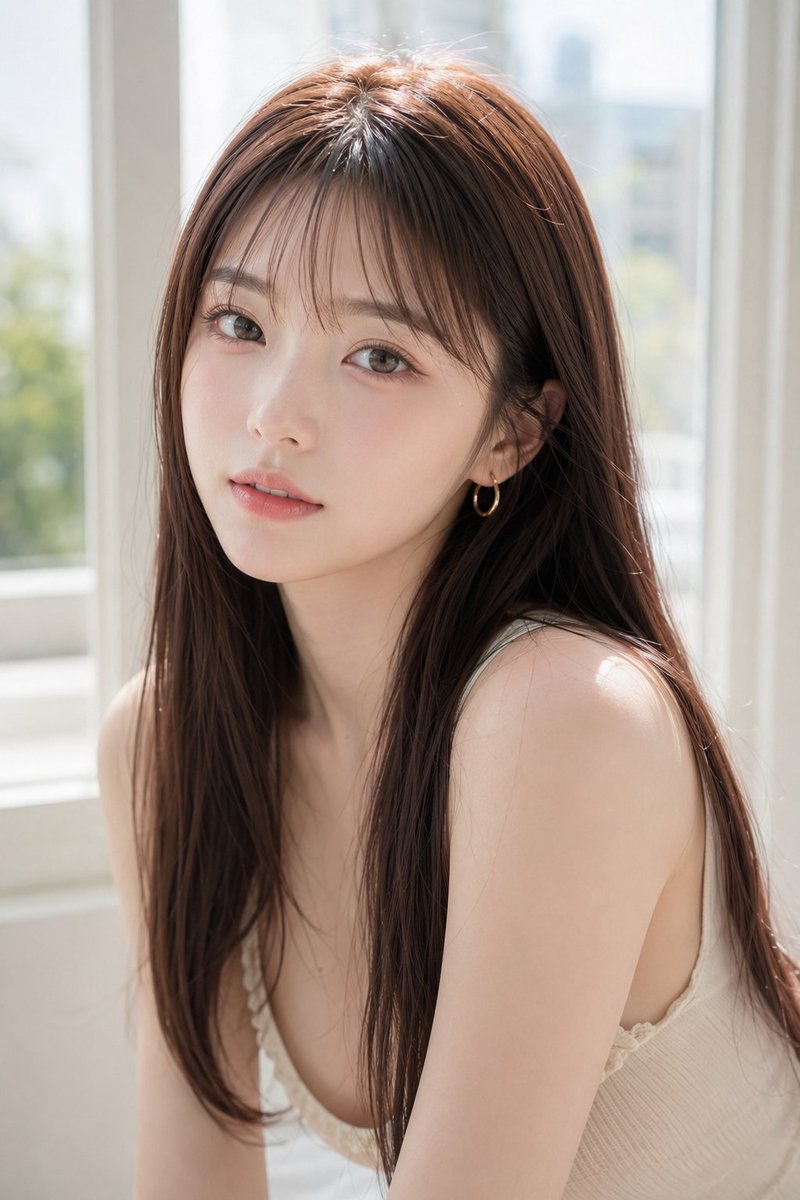
Generate a high-key, photo-realistic portrait of a woman with a blurred face block, creating an intimate and anonymous lifestyle shot in soft window light.
프롬프트 · EN
创作一张逼真的高调人像摄影作品,主角是一位年轻女性,留着 arghair color: 栗棕色长发,柔顺的直发中分,细碎的发丝在光线下闪烁。她坐在室内明亮的大窗户旁,正值阳光明媚的日子,身体微微侧向镜头,露出双肩,身穿一件精致的 argtop color: 奶油白色 罗纹吊带背心,带有细肩带和微妙的蕾丝饰边。构图为垂直半身近景,从头部到上躯干,她的面部被一个位于中心的不透明方形隐私遮挡块遮住,颜色为柔和的暖棕色/灰褐色,遮盖了所有面部特征,但保留了头发、颈部、肩膀和服装可见。采用柔和的自然日光、空气感过曝的窗光、浅景深,窗外是模糊的城市绿植和浅色建筑轮廓,肤色柔和,发质逼真,呈现干净的生活方式摄影氛围,具有 85mm 镜头感,柔和的焦外成像,背景简洁,营造出亲密宁静的氛围,照片级真实细节,竖屏构图。
프롬프트 소개
Generate a high-key, photo-realistic portrait of a woman with a blurred face block, creating an intimate and anonymous lifestyle shot in soft window light. Use it as a 컨셉 아트 starting point for GPT Image 2: keep the visual structure and style constraints intact, then swap in your own subject, brand, or scene.
Start by replacing hair color and top color, then keep the camera, composition, and material cues in the same order. This makes the output easier to compare across variations.
이 프롬프트 사용법
- Copy the prompt text.
- Select a capable text-to-image AI model (e.g., Sora 2, DALL-E 3).
- Customize the
{hair color}and{top color}variables to your preference. - Generate the image. The AI will produce a vertical, half-body portrait with the specified facial privacy block.


