
GPT Image 2AI 프롬프트
Beard Growth Serum Ad Prompt — How-To Tutorial
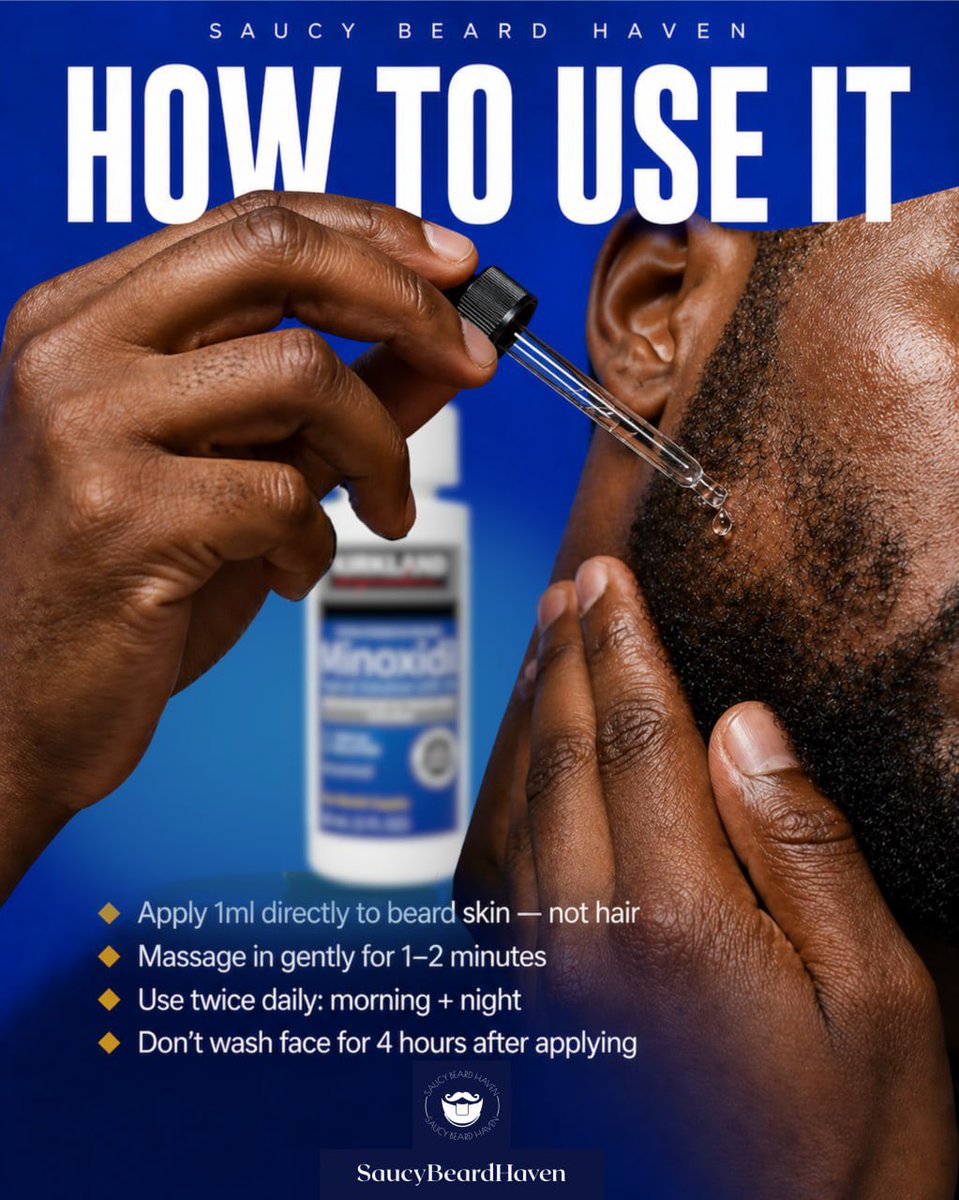
Create a high-contrast, editorial men's grooming ad for Instagram with step-by-step beard serum application tips.
프롬프트 · EN
制作一张大胆的正方形社交媒体广告,用于胡须生长产品教程。使用鲜艳的宝蓝色渐变背景,营造出高对比度的编辑级理容品牌视觉风格。画面右侧展示一名黑人男性的脸颊、下颌线、耳朵和胡须区域的极度特写,呈现细腻的皮肤纹理和短而粗硬的胡须。他的左手拿着一个玻璃滴管靠近胡须边缘,一颗透明的液滴即将滴落在鬓角下方的皮肤上;另一只手从下方轻轻按压胡须。在左中侧模糊的背景中,放置一个带有蓝色标签的白色瓶子,类似于米诺地尔的包装,保持虚化状态,使其作为产品露出但不会抢占焦点。在最上方,添加小号、字间距较大的大写品牌文字:argbrand name: SAUCY BEARD HAVEN。在其下方,放置一个巨大的、紧凑的粗体白色大写标题,几乎横跨整个宽度:argheadline text: 如何使用。在左下象限,添加 4 个教学要点,配以金色小菱形图标和简洁的白色无衬线文字:1) argtip 1: 将 1ml 产品直接涂抹在胡须皮肤上,而非胡须上,2) argtip 2: 轻轻按摩 1–2 分钟,3) argtip 3: 每日使用两次:早晚各一次,4) argtip 4: 涂抹后 4 小时内请勿洗脸。在底部中央,包含一个小型圆形胡须主题标志,下方是一个深蓝色铭牌,文字为“SaucyBeardHaven”。光效应呈现出光泽感和商业质感,对手部、滴管和胡须边缘进行清晰对焦,打造出专为 Instagram 设计的高端男士理容广告。
프롬프트 소개
Create a high-contrast, editorial men's grooming ad for Instagram with step-by-step beard serum application tips. Use it as a 컨셉 아트 starting point for GPT Image 2: keep the visual structure and style constraints intact, then swap in your own subject, brand, or scene.
Start by replacing brand name, headline text, tip 1, and tip 2, then keep the camera, composition, and material cues in the same order. This makes the output easier to compare across variations.
이 프롬프트 사용법
- Copy the full prompt text into your AI image generator.
- Select a model that excels at photorealism and commercial styling (e.g., Sora 2 or similar).
- Customize the bracketed variables like brand name, headline, and tips to match your product.
- Generate the image and review the composition, text clarity, and lighting.
- Regenerate or tweak specific details if needed for a polished final result.


