
Webinar Banner Prompt: High-Contrast Diagonal Split & Portrait
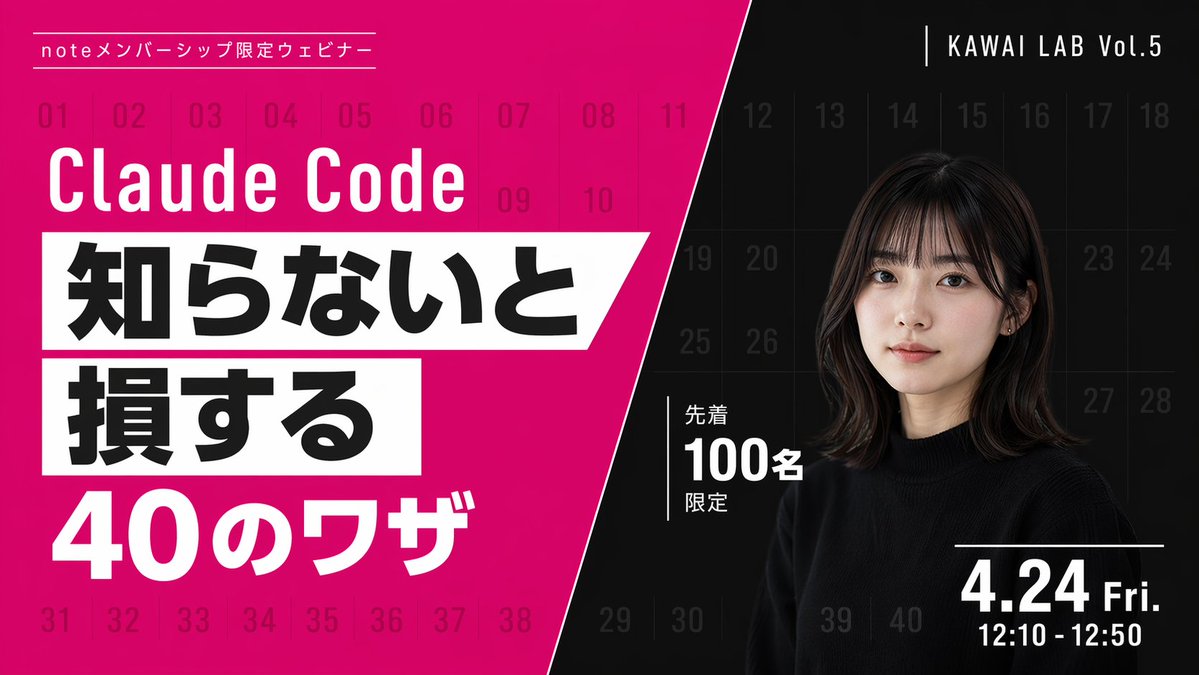
Create eye-catching webinar banners with diagonal split, bold typography, and a portrait. Perfect for promoting live events and video thumbnails.
프롬프트 소개
Create eye-catching webinar banners with diagonal split, bold typography, and a portrait. Perfect for promoting live events and video thumbnails. Use it as a 컨셉 아트 starting point for GPT Image 2: keep the visual structure and style constraints intact, then swap in your own subject, brand, or scene.
This prompt is organized as structured JSON with fields such as type, style, background, left section, and right section. Keeping that hierarchy helps the model separate the subject, layout, interface elements, and detail constraints.
Start with small changes to subject, scene, camera, and color, then generate a few variations to compare composition and detail without turning the page copy into keyword stuffing.
이 프롬프트 사용법
- Copy the prompt from the listing.
- Open your AI image generation platform (e.g., Sora 2, DALL-E 3).
- Replace the template variables (
main title,date and time, etc.) with your own content. - Generate the image and preview.
- Optionally regenerate to fine-tune text placement or colors.


