
GPT Image 2AI 프롬프트
Gothic Anime Superhero Landing — Cinematic Sora 2 Prompt
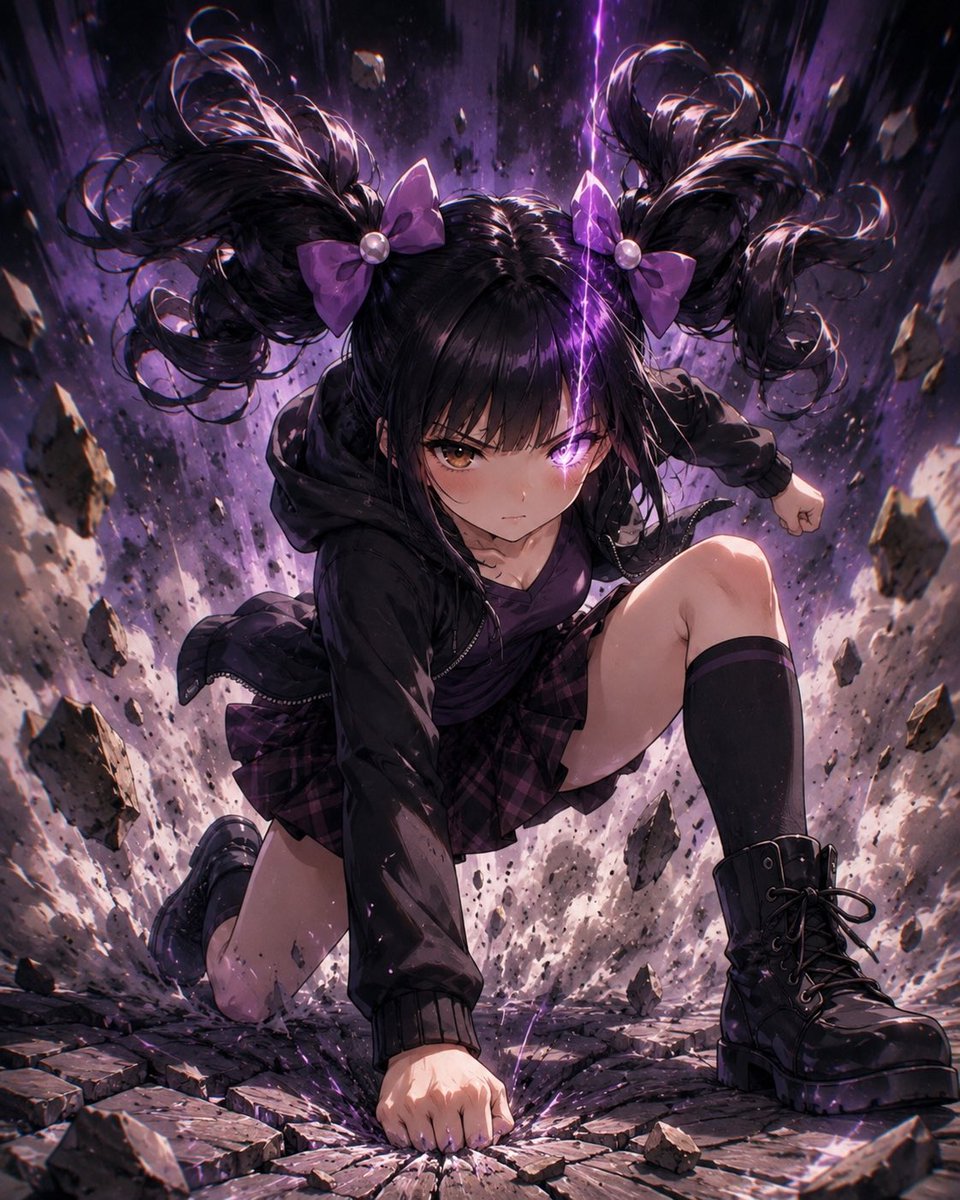
Generate a dramatic, high-contrast anime illustration of a gothic student mid-superhero landing in a crater, with purple energy and debris for powerful action art.
프롬프트 · EN
创作一张竖构图的戏剧性动漫插画,描绘 argcharacter name: 一位哥特风双马尾女学生 在破碎的城市陨石坑中完成震撼的超级英雄落地动作。她处于画面中心,以低角度动态姿势呈现:一只拳头砸向龟裂的路面,单膝跪地,另一条腿向前抬起,展现出爆发性的冲击力和自信感。她留着 arghair color: 黑色 头发,梳成两个巨大的高卷双马尾,带有光泽感,每侧发束系着一个 argbow color: 紫色 蝴蝶结和珍珠状珠饰,发丝因冲击力向上飞扬。她的面部被一个位于头部中央、边缘柔和的深色方形遮挡块覆盖,隐藏了所有五官。为她穿上深色哥特街头校园装:超大号黑色连帽夹克、深紫色上衣、紫黑格纹百褶裙、黑色过膝袜以及厚底黑色系带战斗靴。场景中喷涌出破碎的石板、飞溅的岩石、尘埃、火花和悬浮的碎片,身后伴随着垂直涌动的紫色闪电和紫色能量。采用强烈的电影级光影,高对比度,头发和服装上的轮廓光,碎片处的动态模糊,细腻的碎石纹理,深紫色与黑色调色板,戏剧性的漫画/动漫渲染,超精细数字绘画,充满活力的构图,竖屏方向,无文字。
프롬프트 소개
Generate a dramatic, high-contrast anime illustration of a gothic student mid-superhero landing in a crater, with purple energy and debris for powerful action art. Use it as a 컨셉 아트 starting point for GPT Image 2: keep the visual structure and style constraints intact, then swap in your own subject, brand, or scene.
Start by replacing character name, hair color, and bow color, then keep the camera, composition, and material cues in the same order. This makes the output easier to compare across variations.
이 프롬프트 사용법
- Copy the full prompt text from the page.
- Paste it into your chosen AI image model like Sora 2 or Midjourney.
- Adjust variables like
{character name}or{hair color}to customize the character. - Generate the image and refine the prompt if needed for better results.


