
GPT Image 2AI 프롬프트
Vintage Istanbul Bosphorus Prompt — Sora 2
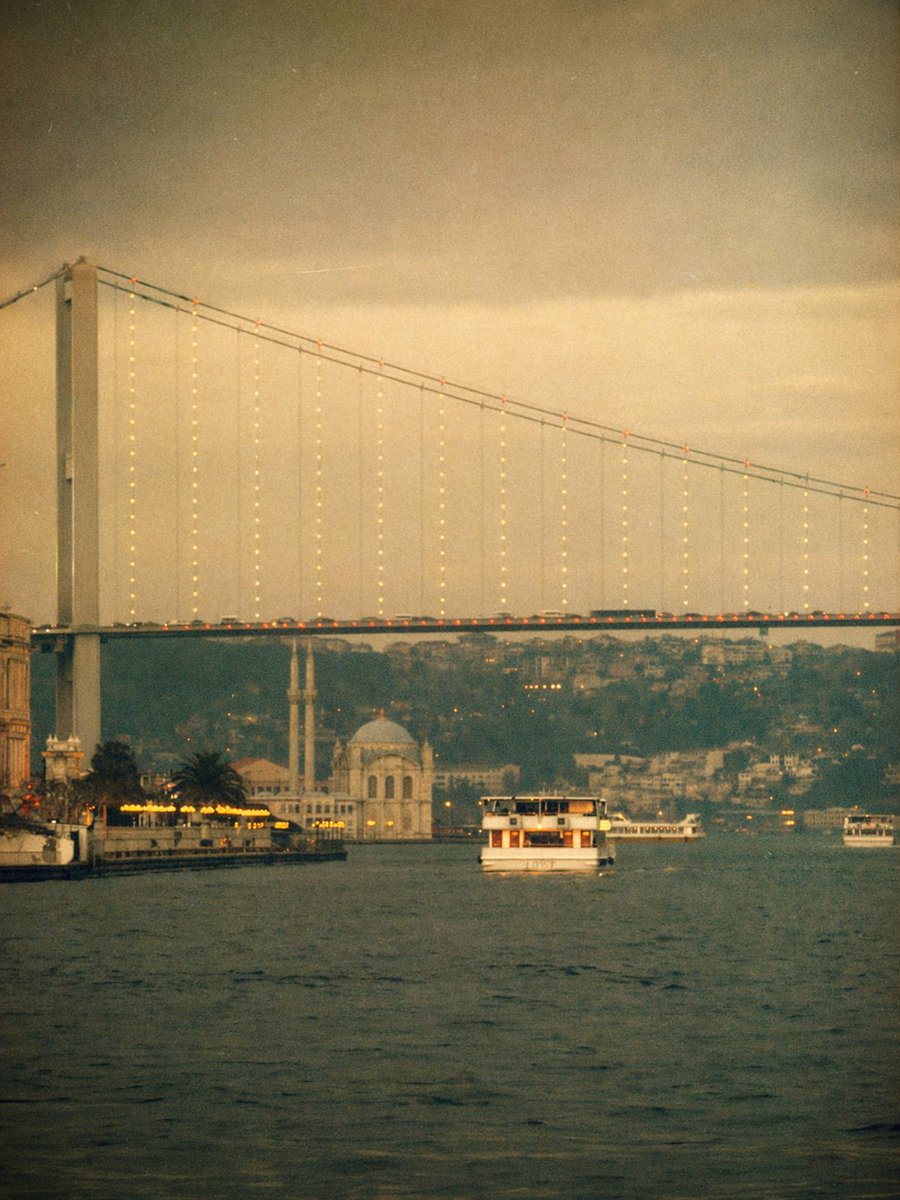
Creates a dreamy vintage Istanbul waterfront scene with Bosphorus Bridge, ferries, and a nostalgic Instagram filter, perfect for travel and moody editorial images.
프롬프트 · EN
一张梦幻般的复古风格照片,展示了黄昏时分的 argcity: 伊斯坦布尔 博斯普鲁斯海峡,采用水面视角的竖构图。巨大的悬索桥从左上角横跨至右上角,最左侧矗立着高大的桥塔,缆绳上悬挂着精致的暖色灯串,路面上有一排细小的橙色灯光。桥下是平静深邃的水面,占据了前景。画面中共有 3 艘可见的船只:中间远景处有一艘面向观众的中型白色客运渡轮,右侧桥下远方有一艘长而低矮的白色渡轮,最右侧边缘有一艘小船。左侧岸边展示了灯火通明的滨水区,点缀着暖黄色灯光、几棵棕榈树以及最左侧边缘的一座古老建筑局部。在桥下中左侧的背景中,包含一座带有 1 个圆顶和 2 座细长宣礼塔的浅色水滨清真寺。在所有景物后方,添加一片朦胧的山坡,上面密集的建筑向远处渐隐。采用流行的怀旧 Instagram 滤镜风格:浓郁的暖棕褐色和柔和的橄榄色调、褪色的对比度、柔焦效果、可见的胶片颗粒感、微妙的暗角、轻微的漏光、低清晰度以及陈旧的模拟照片质感。整体氛围应充满情绪感、浪漫气息、电影质感,并带有柔和的模糊感,宛如一段古老的旅行记忆。
프롬프트 소개
Creates a dreamy vintage Istanbul waterfront scene with Bosphorus Bridge, ferries, and a nostalgic Instagram filter, perfect for travel and moody editorial images. Use it as a 컨셉 아트 starting point for GPT Image 2: keep the visual structure and style constraints intact, then swap in your own subject, brand, or scene.
Start by replacing city, then keep the camera, composition, and material cues in the same order. This makes the output easier to compare across variations.
이 프롬프트 사용법
- Copy the prompt text from this page.
- Open your preferred AI image generator (e.g., Sora, Midjourney, Stable Diffusion).
- Paste the prompt and adjust the
cityvariable if desired (e.g., "Paris" for a Seine scene). - Set image parameters to vertical orientation and cinematic style for best results.
- Generate the image and fine-tune with variations as needed.


