
GPT Image 2AI 프롬프트
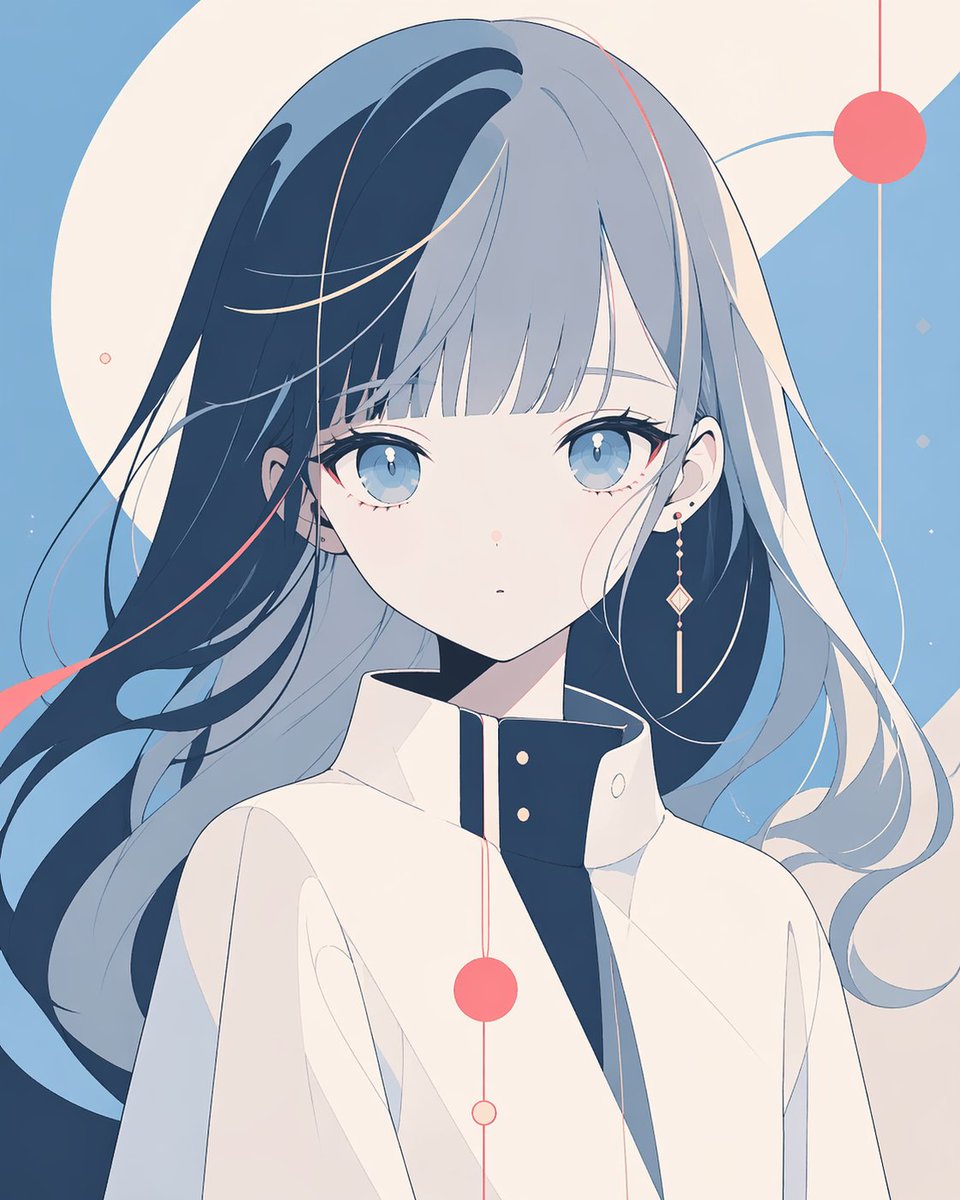
Minimalist Censored Anime Portrait — Abstract Geometric Sora Prompt
Create an elegant, modern anime portrait with a censorship block, flowing dual-tone hair, and abstract geometric backgrounds—ideal for posters, avatars, and editorial art.
프롬프트 · EN
一张简洁的极简主义动漫女性半身肖像,位于画面中央,面部被一个覆盖整个脸部的巨大垂直柔边灰色矩形完全遮挡,形成审查遮盖效果。她拥有一头极长的飘逸秀发,呈现双色调:一侧为深海军蓝,另一侧为淡银灰色,发丝向外飘散,仿佛被微风吹动。在发丝中加入几缕珊瑚粉色的细条纹作为点缀。她身穿一件高领结构的米白色外套或制服夹克,内领为深海军蓝,并配有两颗小金扣,营造出时尚的现代科幻感。可见的皮肤呈苍白色,一只耳朵上戴着一枚小巧的耳钉。采用平涂、优雅的插画风格,带有平滑的矢量感阴影,无厚重纹理,色调克制且柔和,以粉蓝色、奶油色、海军蓝和珊瑚粉为主。背景为抽象几何构图而非现实场景:在天蓝色的底色上叠加大型奶油色圆形和对角线形状,并装饰有 5 个珊瑚色圆形图形,通过细垂直线或曲线连接,围绕角色进行装饰性排列。整体构图保持通透、平衡且具有现代感,线条柔和,留白巧妙,呈现出冷静的编辑海报美学。
프롬프트 소개
Create an elegant, modern anime portrait with a censorship block, flowing dual-tone hair, and abstract geometric backgrounds—ideal for posters, avatars, and editorial art. Use it as a 컨셉 아트 starting point for GPT Image 2: keep the visual structure and style constraints intact, then swap in your own subject, brand, or scene.
Start with small changes to subject, scene, camera, and color, then generate a few variations to compare composition and detail without turning the page copy into keyword stuffing.
이 프롬프트 사용법
- Copy the prompt and paste it into your preferred AI image generator (e.g., Midjourney, DALL·E, or Stable Diffusion).
- For best results, use an anime-optimized model such as Niji mode or an anime checkpoint.
- Set your desired aspect ratio and stylization parameters; --ar 2:3 and --s 50 work well for poster-style outputs.
- Generate and iterate, tweaking details like hair colors or background elements if needed.


