Sora2 Hub
Sora2 Hub
  • 프롬프트 라이브러리
  • 가격
  • 쇼케이스
Sora2 Hub
Sora2 Hub
Sora2 Hub

Sora2 Hub

Sora 2, Veo 3.1, Nano Banana Pro로 구동되는 전문 AI 창작 플랫폼입니다. 고급 제어, HD 화질, 워터마크 없는 놀라운 동영상과 스튜디오급 이미지를 제작하세요.

Email:support@sora2hub.org

AI 비디오 생성

  • 텍스트에서 비디오
  • 이미지에서 비디오
  • Veo 3.1
  • Sora 2
  • Kling 3.0
  • Kling 2.6
  • Kling 2.5
  • Runway
  • Wan 2.6
  • Seedance 2.0
  • Hailuo 2.3
  • Grok Imagine
  • HappyHorse-1.0
  • HappyHorse 1.1
  • Kling 3.0 Turbo
  • Volcengine Video-to-Video Lip Sync
  • OmniHuman 1.5
  • Grok Imagine Video 1.5
  • Gemini Omni
  • Wan 2.7 Video
  • Seedance 2.0 Mini

AI 이미지 생성기

  • 텍스트에서 이미지
  • 이미지에서 이미지
  • Nano Banana Pro
  • Nano Banana
  • 4o Image
  • Flux Kontext
  • Z Image
  • Seedream 4.5
  • Seedream 5.0 Lite
  • Nano Banana 2
  • GPT Image 2
  • AI 이미지 업스케일러
  • Seedream 5.0 Pro
  • Nano Banana 2 Lite
  • Qwen Image 2.0

AI 효과

  • AI 나이 필터
  • AI 성별 변환
  • AI 키스
  • AI 허그
  • 지브리 이미지
  • AI 인어 필터
  • AI 바디쉐이크
  • 스마일 필터
  • AI 뚱뚱하게
  • 액션 피규어

제품

  • 기능
  • 쇼케이스
  • 가격

회사

  • 소개
  • 문의

© 2025 • Sora2 Hub ORG 모든 권리 보유.

  • 개인정보 처리방침
  • 서비스 약관
  • 환불 정책
  1. 홈
  2. /
  3. 프롬프트
  4. /
  5. GPT Image 2
  6. /
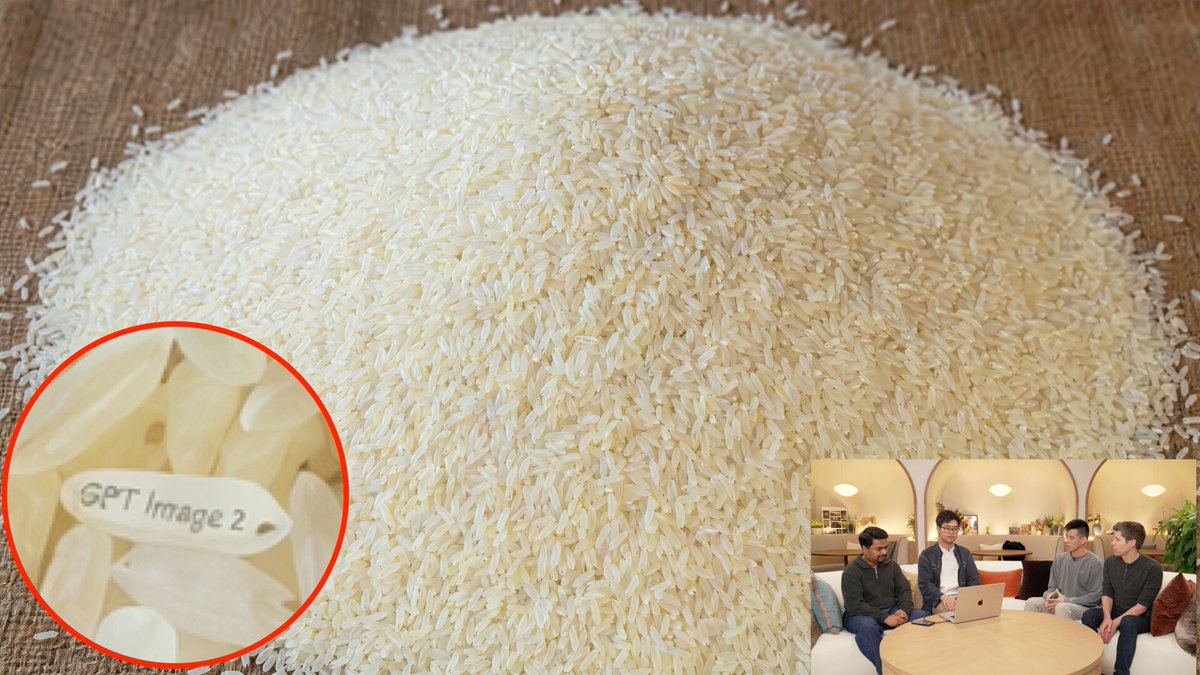
  7. Macro Rice Pile with Hidden Engraved Grain — Sora 2 Prompt
GPT Image 2AI 프롬프트

Macro Rice Pile with Hidden Engraved Grain — Sora 2 Prompt

Generate a photorealistic macro shot of rice with a hidden engraved message and magnifying detail, perfect for Easter egg art.
Macro Rice Pile with Hidden Engraved Grain — Sora 2 Prompt
프롬프트 · EN
一张照片级逼真的桌面特写场景,展示了一大堆倒在温暖棕色木质表面上的生白长粒米,几乎填满了整个画面。相机位置略高并朝向米堆倾斜,使米堆在画面中心形成一个宽阔的圆顶,数千粒米清晰可见,并被温暖的室内光线柔和地照亮。在米堆中隐藏一个小彩蛋:左下角区域附近有 1 粒特殊的米粒,它水平旋转,表面整齐地刻有“argengraved text: GPT Image 2”字样,字体清晰易读。在左下角添加一个带有亮红色轮廓的圆形放大标注,聚焦于那粒刻字米粒,使其文字清晰可见。此外,在右下角添加 1 个画中画小窗口,展示一个休闲的室内直播或访谈场景,4 个人围坐在圆木桌旁,桌上放着一台打开的笔记本电脑,环境光温暖,人物面部略显模糊;该小窗口应呈现为次要的背景缩略图,尺寸远小于主图。优先考虑逼真的纹理、令人信服的微距细节、自然的阴影、米粒细微的象牙色变化,以及高亮米粒上清晰且真实可信的刻字。

프롬프트 소개

Generate a photorealistic macro shot of rice with a hidden engraved message and magnifying detail, perfect for Easter egg art. Use it as a 컨셉 아트 starting point for GPT Image 2: keep the visual structure and style constraints intact, then swap in your own subject, brand, or scene.

Start by replacing engraved text, then keep the camera, composition, and material cues in the same order. This makes the output easier to compare across variations.

이 프롬프트 사용법

  1. Copy the prompt text to your clipboard.
  2. Paste it into your preferred AI image generator (like Sora 2, Midjourney, or DALL·E).
  3. Adjust the engraved text variable (default "GPT Image 2") to any text you want on the rice grain.
  4. Generate the image and refine if needed by tweaking details like lighting or camera angle.
  5. Use the output for Easter egg visuals, demos, or creative projects.
FAQ

Boyuan Chen

@BoyuanChen0→

게시일
2026년 4월 25일
원본 언어
EN
모델
GPT Image 2
카테고리
컨셉 아트
GPT Image 2컨셉 아트gpt-image-2twitter
조회
5.1K
복사
275
좋아요
205

공유

GPT Image 2의 더 많은 프롬프트

전체 보기
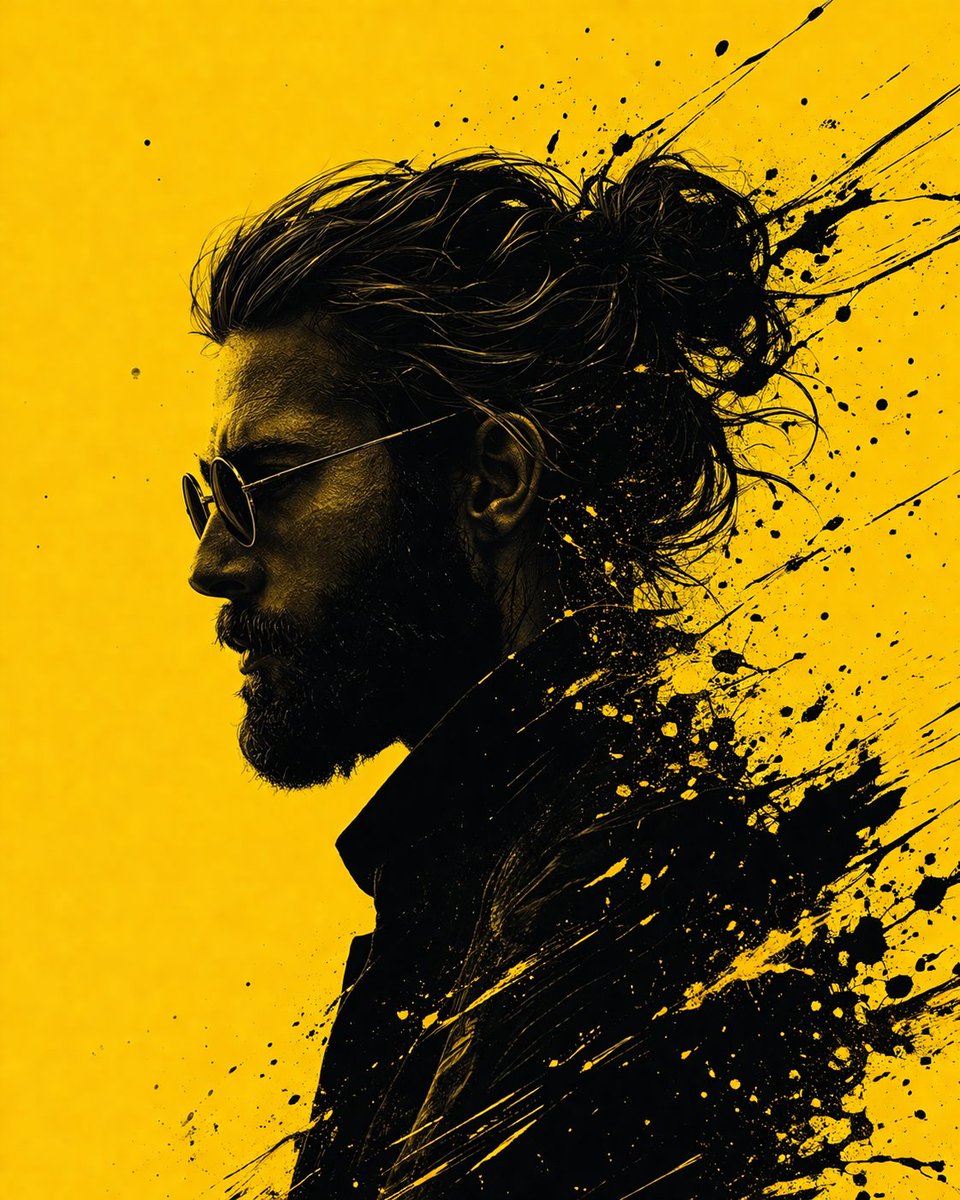
Graphic Novel Ink Splash Portrait — Sora 2 Prompt

Graphic Novel Ink Splash Portrait — Sora 2 Prompt

@iamsofiaijaz
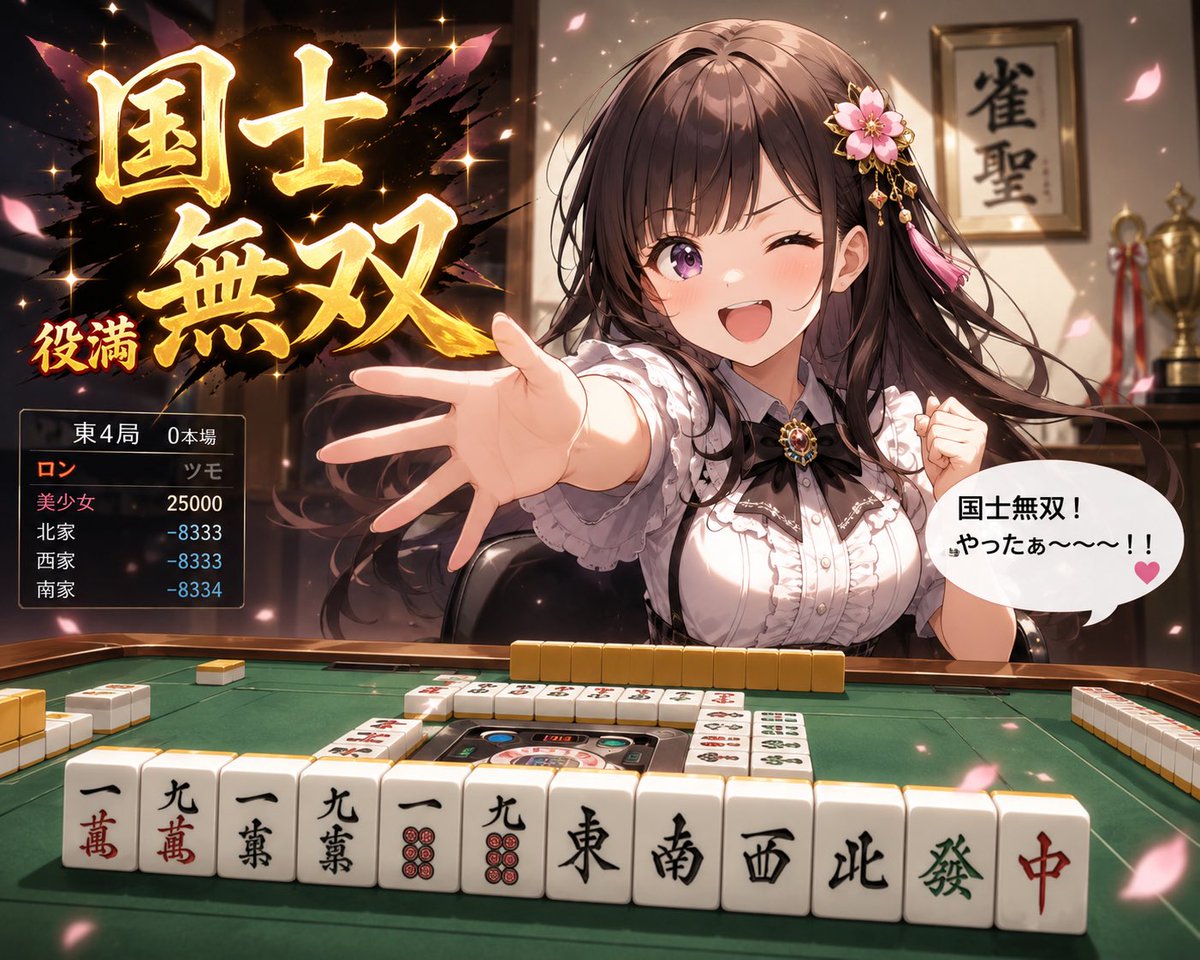
Anime Mahjong Win Scene with Yakuza Score UI — Sora 2 Prompt

Anime Mahjong Win Scene with Yakuza Score UI — Sora 2 Prompt

@AI_Ossan
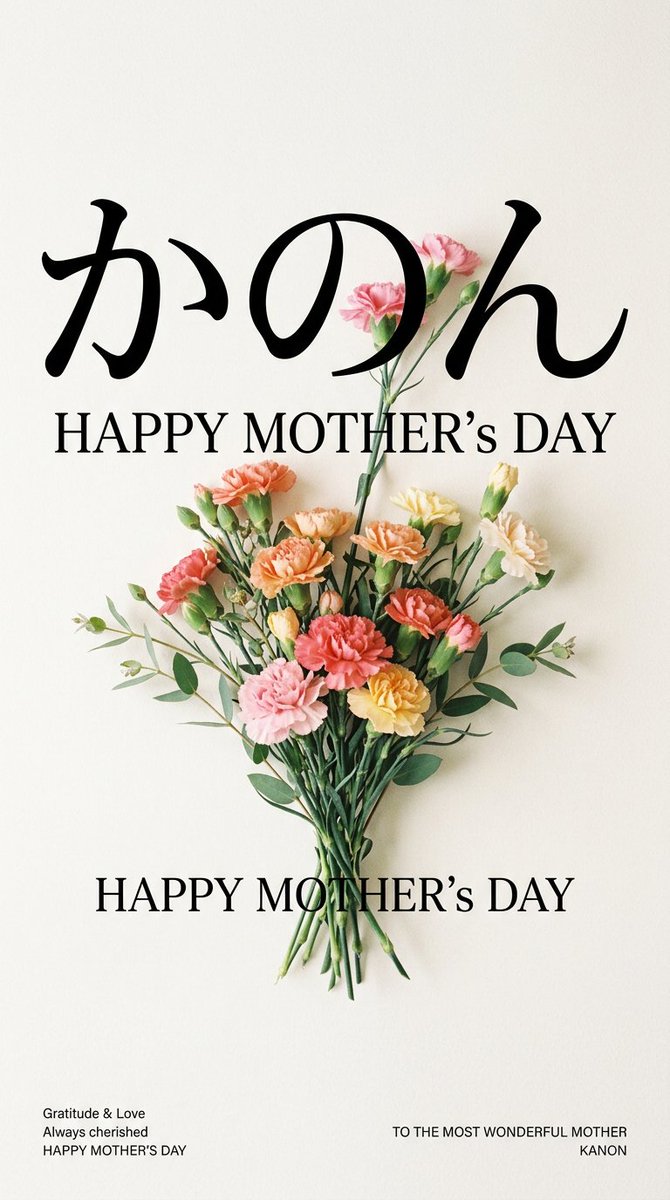
Minimalist Mother's Day Wallpaper — Sora 2 Prompt with Calligraphy & Carnations

Minimalist Mother's Day Wallpaper — Sora 2 Prompt with Calligraphy & Carnations

@EdimakorJP

Sora2Hub 프롬프트로 더 빠르게 제작하세요.

검색 가능한 프롬프트 페이지에서 시작해 적합한 모델 컨텍스트로 바로 생성하세요.

프롬프트 탐색