
GPT Image 2AI 프롬프트
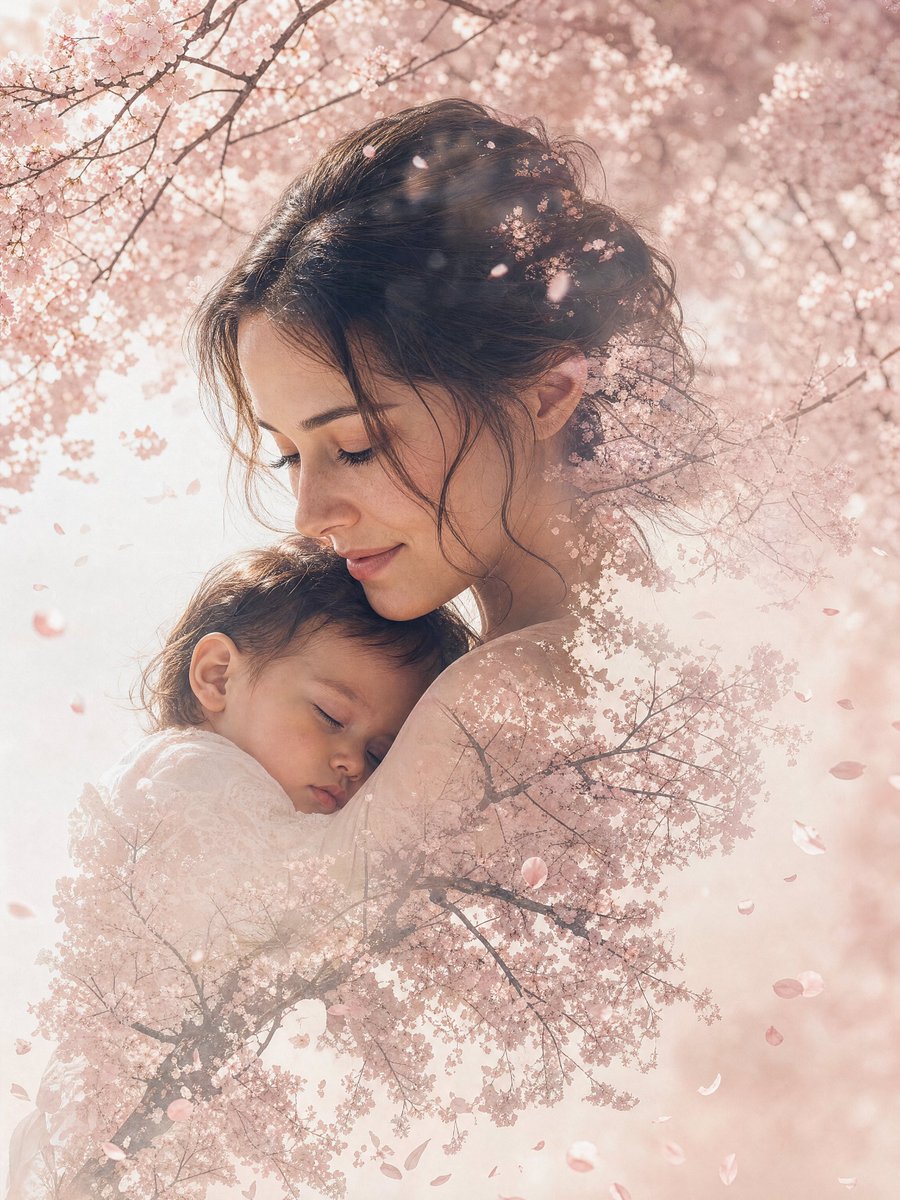
Double Exposure Portrait Prompt — Seamless Nature Blend
Create stunning double exposure portraits that seamlessly merge a person with misty pine forests or other nature scenes in deep, earthy tones.
1 / 4
프롬프트 · EN
一张 argmood: 忧郁 的双重曝光肖像,将 argsubject: 孤独的旅行者 与 argnature scene: 雾气缭绕的松林 无缝融合,主体的轮廓融入松枝之中,色调采用深绿色和大地棕色。
프롬프트 소개
Create stunning double exposure portraits that seamlessly merge a person with misty pine forests or other nature scenes in deep, earthy tones. Use it as a 컨셉 아트 starting point for GPT Image 2: keep the visual structure and style constraints intact, then swap in your own subject, brand, or scene.
Start by replacing mood, subject, and nature scene, then keep the camera, composition, and material cues in the same order. This makes the output easier to compare across variations.
이 프롬프트 사용법
- Copy the prompt template from this page.
- Choose your preferred AI image generator (like Midjourney, Stable Diffusion, or DALL-E).
- Customize the bracketed variables
[mood],[subject], and[nature scene]to match your vision. - Paste the modified prompt into your chosen model and generate.
- Experiment with different mood keywords (e.g., 'serene', 'melancholic') and nature scenes (e.g., 'autumn forest', 'misty mountains') for varied results.


