
GPT Image 2AI 프롬프트
3D Object Rotation & Zoom Prompt — Control Camera Angle in Sora 2
Generate rotated and zoomed 3D views of any subject from a reference image with precise horizontal, vertical, and camera distance controls.
프롬프트 · EN
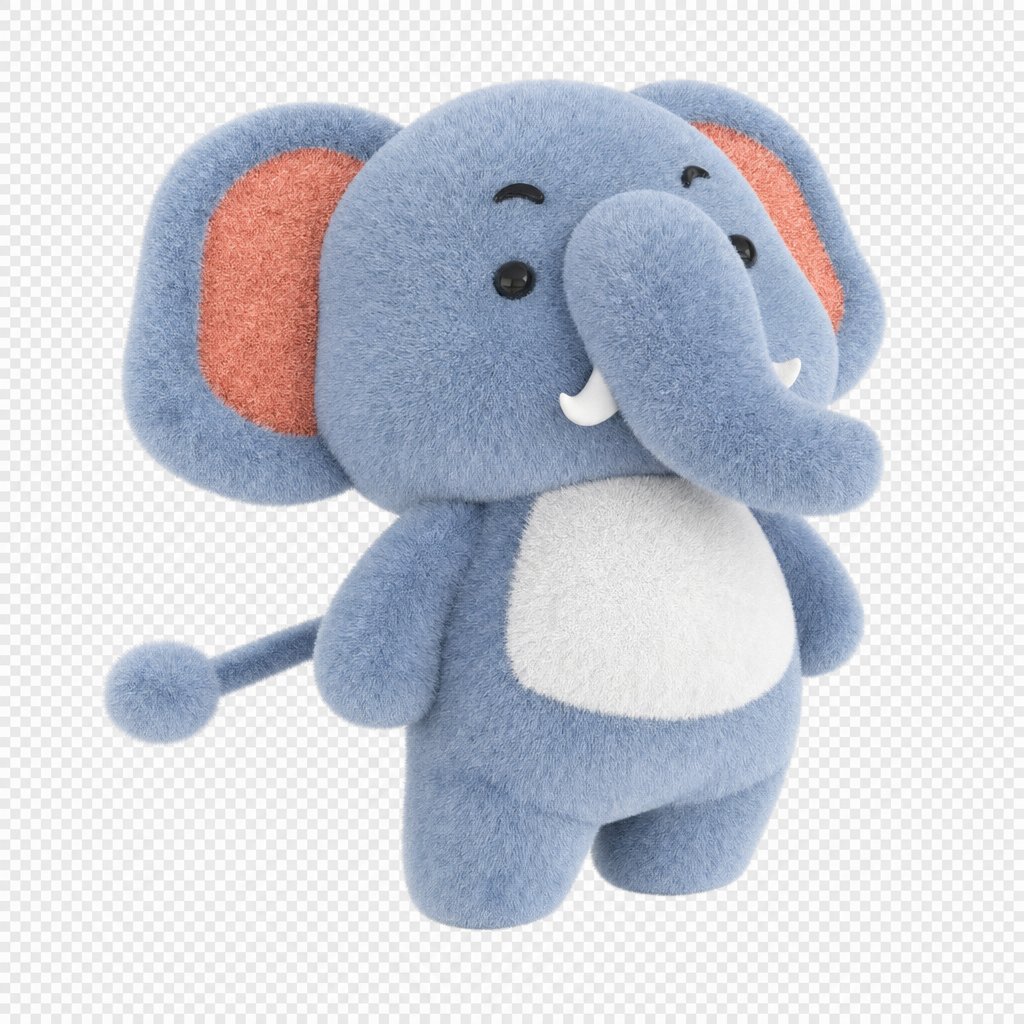
将参考图像中的 argsubject: baby elephant 水平旋转 30 度,垂直旋转 45 度,并将相机缩放至原始距离的 1/2。
프롬프트 소개
Generate rotated and zoomed 3D views of any subject from a reference image with precise horizontal, vertical, and camera distance controls. Use it as a 컨셉 아트 starting point for GPT Image 2: keep the visual structure and style constraints intact, then swap in your own subject, brand, or scene.
Start by replacing subject, then keep the camera, composition, and material cues in the same order. This makes the output easier to compare across variations.
이 프롬프트 사용법
- Copy the prompt template into your preferred AI video or image generation tool that supports Sora 2.
- Select the Sora 2 model or equivalent 3D-aware generator.
- Replace the
{subject}variable with your desired object, e.g., "baby elephant," "red sports car," or "vintage clock." - Adjust the rotation angles (horizontal/vertical) and zoom fraction to experiment with different camera perspectives.
- Upload your reference image and generate to see the subject re-rendered from the new viewpoint.


