Sora2 Hub
Sora2 Hub
  • 프롬프트 라이브러리
  • 가격
  • 쇼케이스
Sora2 Hub
Sora2 Hub
Sora2 Hub

Sora2 Hub

Sora 2, Veo 3.1, Nano Banana Pro로 구동되는 전문 AI 창작 플랫폼입니다. 고급 제어, HD 화질, 워터마크 없는 놀라운 동영상과 스튜디오급 이미지를 제작하세요.

Email:support@sora2hub.org

AI 비디오 생성

  • 텍스트에서 비디오
  • 이미지에서 비디오
  • Veo 3.1
  • Sora 2
  • Kling 3.0
  • Kling 2.6
  • Kling 2.5
  • Runway
  • Wan 2.6
  • Seedance 2.0
  • Hailuo 2.3
  • Grok Imagine
  • HappyHorse-1.0
  • HappyHorse 1.1
  • Kling 3.0 Turbo
  • Volcengine Video-to-Video Lip Sync
  • OmniHuman 1.5
  • Grok Imagine Video 1.5
  • Gemini Omni
  • Wan 2.7 Video
  • Seedance 2.0 Mini

AI 이미지 생성기

  • 텍스트에서 이미지
  • 이미지에서 이미지
  • Nano Banana Pro
  • Nano Banana
  • 4o Image
  • Flux Kontext
  • Z Image
  • Seedream 4.5
  • Seedream 5.0 Lite
  • Nano Banana 2
  • GPT Image 2
  • AI 이미지 업스케일러
  • Seedream 5.0 Pro
  • Nano Banana 2 Lite
  • Qwen Image 2.0

AI 효과

  • AI 나이 필터
  • AI 성별 변환
  • AI 키스
  • AI 허그
  • 지브리 이미지
  • AI 인어 필터
  • AI 바디쉐이크
  • 스마일 필터
  • AI 뚱뚱하게
  • 액션 피규어

제품

  • 기능
  • 쇼케이스
  • 가격

회사

  • 소개
  • 문의

© 2025 • Sora2 Hub ORG 모든 권리 보유.

  • 개인정보 처리방침
  • 서비스 약관
  • 환불 정책
  1. 홈
  2. /
  3. 프롬프트
  4. /
  5. GPT Image 2
  6. /
  7. Hand-Drawn Photo Annotation Prompt — Sora 2
GPT Image 2AI 프롬프트

Hand-Drawn Photo Annotation Prompt — Sora 2

Transform photos with cute, hand-drawn style outlines and diary-like notes for a personalized, whimsical look.
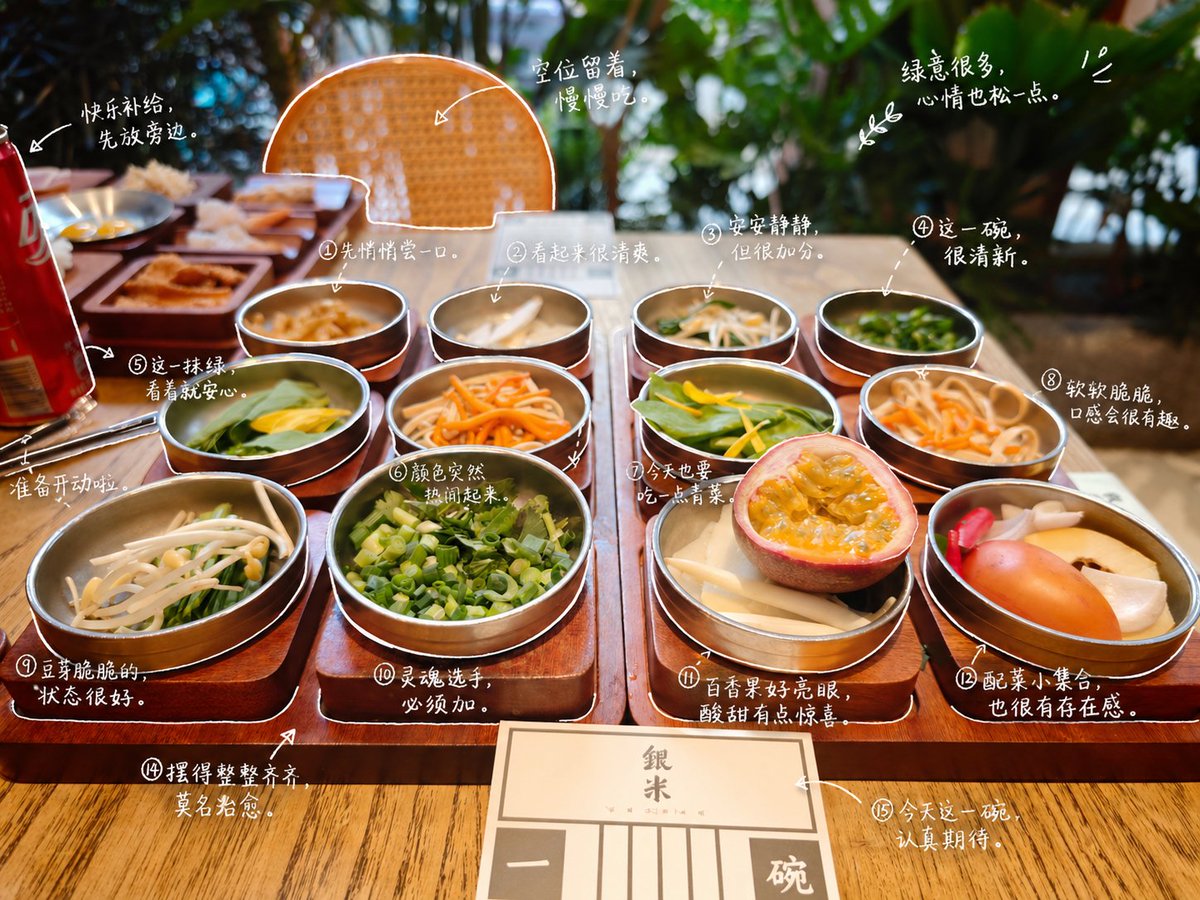
Hand-Drawn Photo Annotation Prompt — Sora 2
프롬프트 · EN
请观察照片中的元素,并为每个项目添加有意义的 argstyle: 手绘 标注。请识别照片中的项目。描述规则:• 使用类似白色笔触的精细手绘线条 • 一笔画风格,随意,略显不规则 • 沿物体边缘添加描边轮廓 • 使用箭头或虚线进行视觉引导。文字规则:• 手写风格字体 (argfont feel: 日系可爱风) • 短句,如同自言自语的呢喃 • 语气像日记一样,带有一丝情感。标注生成规则:不要过度装饰,保持留白。

프롬프트 소개

Transform photos with cute, hand-drawn style outlines and diary-like notes for a personalized, whimsical look. Use it as a 컨셉 아트 starting point for GPT Image 2: keep the visual structure and style constraints intact, then swap in your own subject, brand, or scene.

Start by replacing style and font feel, then keep the camera, composition, and material cues in the same order. This makes the output easier to compare across variations.

이 프롬프트 사용법

  1. Copy the entire prompt from the page.
  2. Select an AI image model that supports image editing (e.g., GPT Image 2).
  3. Upload your target photo when prompted.
  4. Adjust variables like style and font feel to match your preference (e.g., change "手绘" to "sketch" or "日系可爱风" to "cute minimalist").
  5. Generate the image and review the annotated output. Refine if needed.
FAQ

歸藏(guizang.ai)

@op7418→

게시일
2026년 5월 15일
원본 언어
EN
모델
GPT Image 2
카테고리
컨셉 아트
GPT Image 2컨셉 아트gpt-image-2twitter
조회
105
복사
15
좋아요
8

공유

GPT Image 2의 더 많은 프롬프트

전체 보기
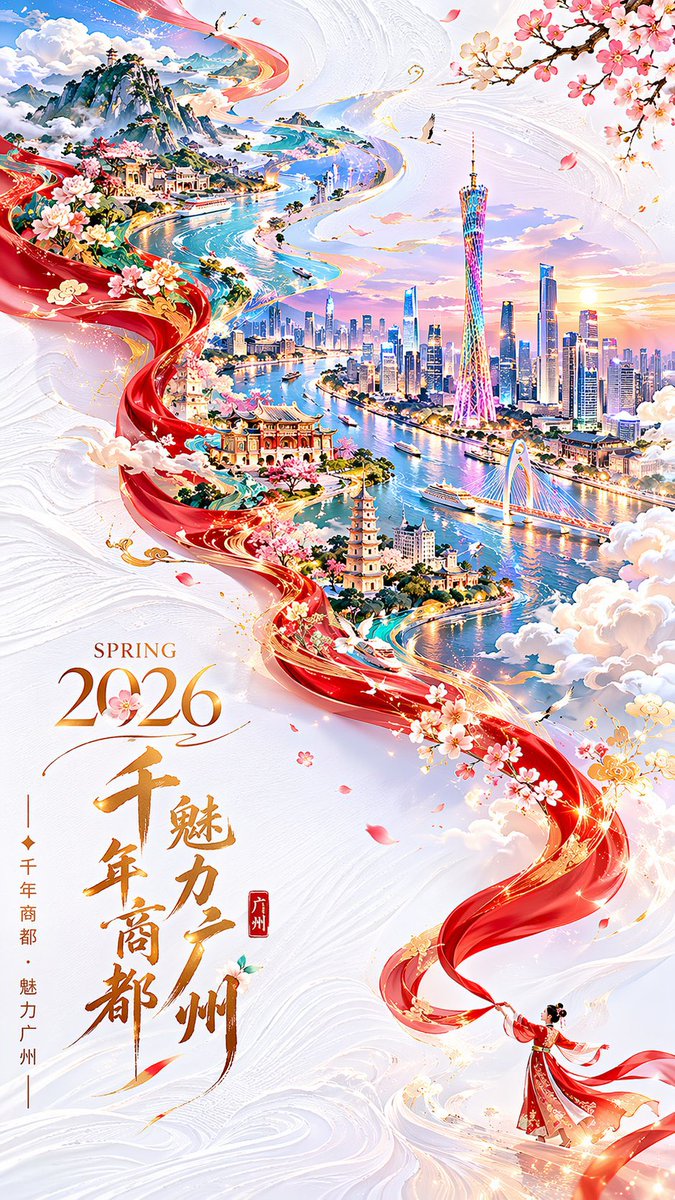
Guangzhou 2026 Poster: Silk Ribbon Cityscape — Sora 2 Prompt

Guangzhou 2026 Poster: Silk Ribbon Cityscape — Sora 2 Prompt

@alanlovelq
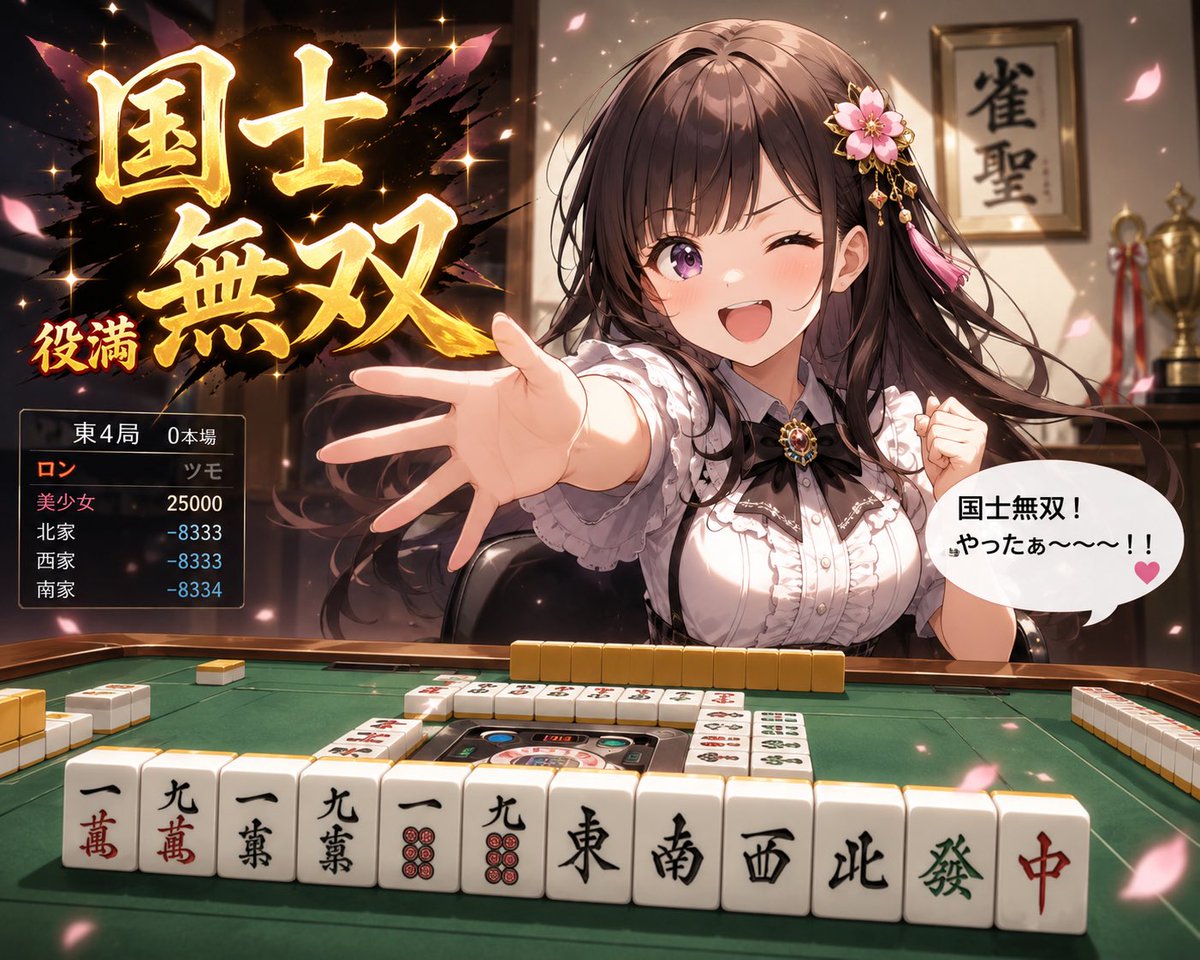
Anime Mahjong Win Scene with Yakuza Score UI — Sora 2 Prompt

Anime Mahjong Win Scene with Yakuza Score UI — Sora 2 Prompt

@AI_Ossan
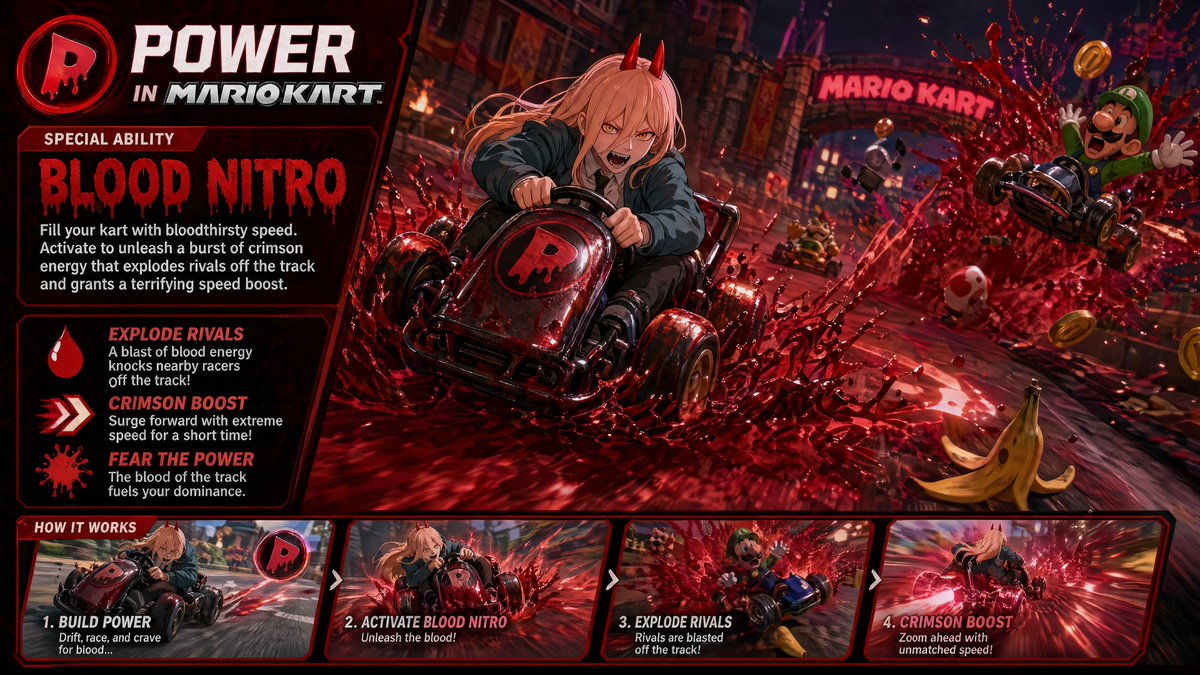
Dark Anime Devil Girl Mario Kart Poster — Sora 2 Prompt

Dark Anime Devil Girl Mario Kart Poster — Sora 2 Prompt

@opener_ai

Sora2Hub 프롬프트로 더 빠르게 제작하세요.

검색 가능한 프롬프트 페이지에서 시작해 적합한 모델 컨텍스트로 바로 생성하세요.

프롬프트 탐색